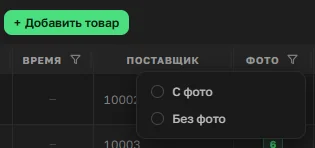
The "Photo" filter in the matrix — finding products with no picture
Buyers choose a product with their eyes, and a photo is a basic requirement for sales to work at all. Photo management was already set up at the catalog card level, but the matrix filters were missing this parameter entirely. Feedback from one of the admins made it clear: there needed to be a simple way to quickly find products without a photo.
The fix is a filter on the matrix's "Photo" column, which already shows how many photos are attached to each product. Setting the filter to "No photo" instantly shows every product missing an image, and the organizer can open each card right there in the matrix, without switching to the catalog separately.
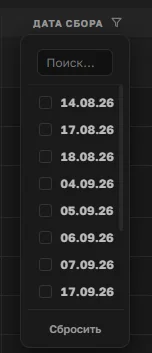
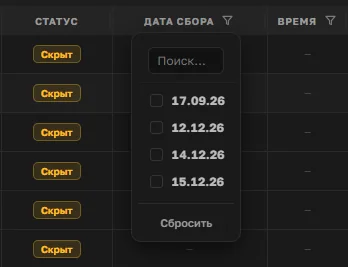
"Collection date" and "Time" filters, plus hidden-item highlighting
Collections in OrderGrow sometimes open with a large number of products, and it's easy to miss something — for example, setting a date and time for orders to close while forgetting to publish the product itself.
Auto-publishing products by collection date was deliberately not built: end dates and times are often set well in advance, before the assortment is ready to publish. Instead, the matrix got two new filters — "Collection date" and "Time". Combining the "Hidden" status filter with a collection date instantly shows products that are part of a collection but not actually orderable by clients.
The same situation is visible from the other side too — opening a specific collection by date in the Collections section highlights, with a red stripe on the left, any items that belong to it but are hidden from buyers.
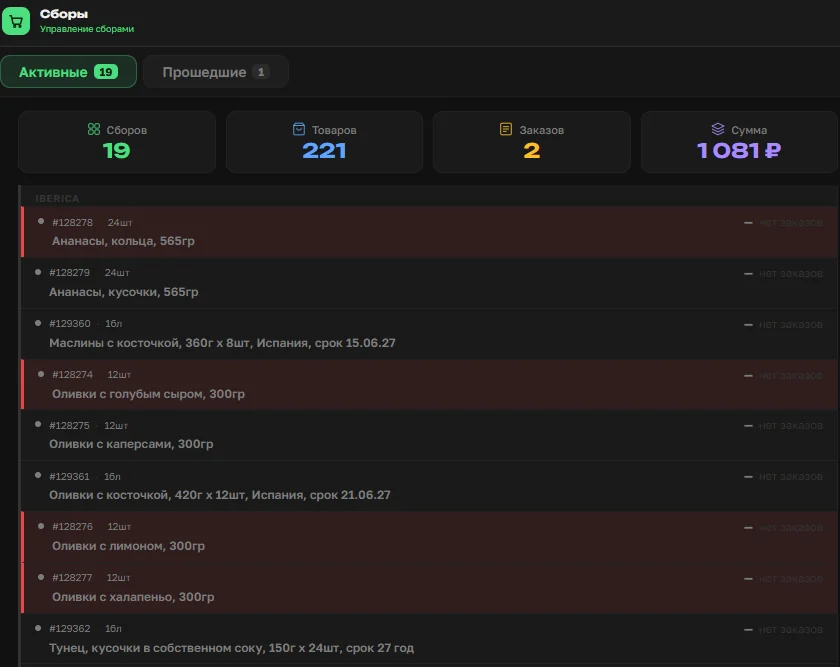
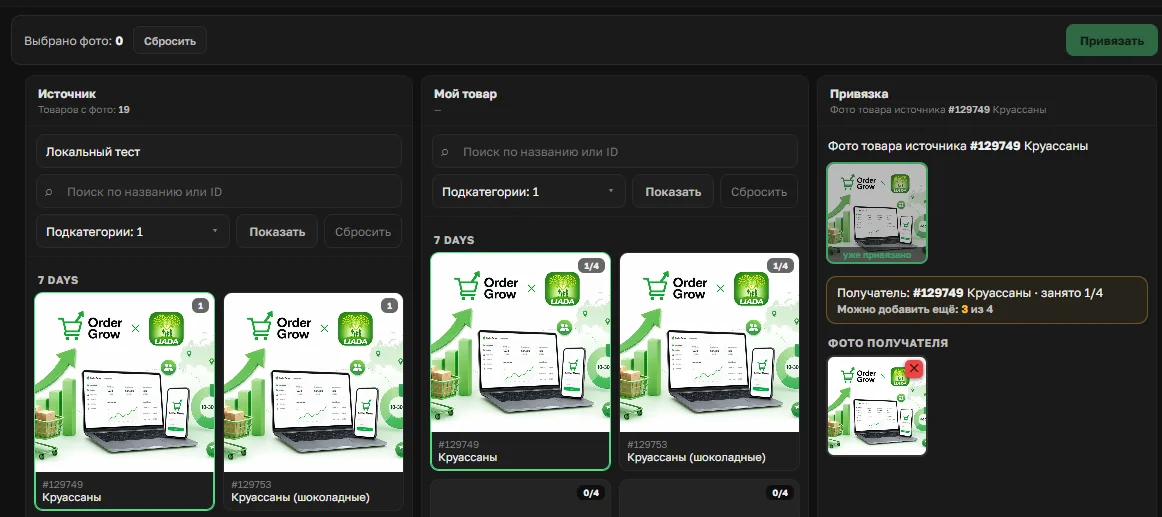
Supplier photos — swapping in a photo from LIADA's storage
LIADA.pro partners get access to a shared photo storage — every new item in the supplier's range is immediately available to the organizer, who can add it to their own matrix without spending time on photography, changing nothing but the sale price. A full walkthrough of the Suppliers section is coming separately; this is about one specific improvement.
If a product already has its own photo but it's not good enough for some reason, the "Partner photo" section now lets you delete your own image and attach a photo from the supplier's storage instead — no reshoot, no need to contact the supplier directly.
From the activity feed straight to a product's card
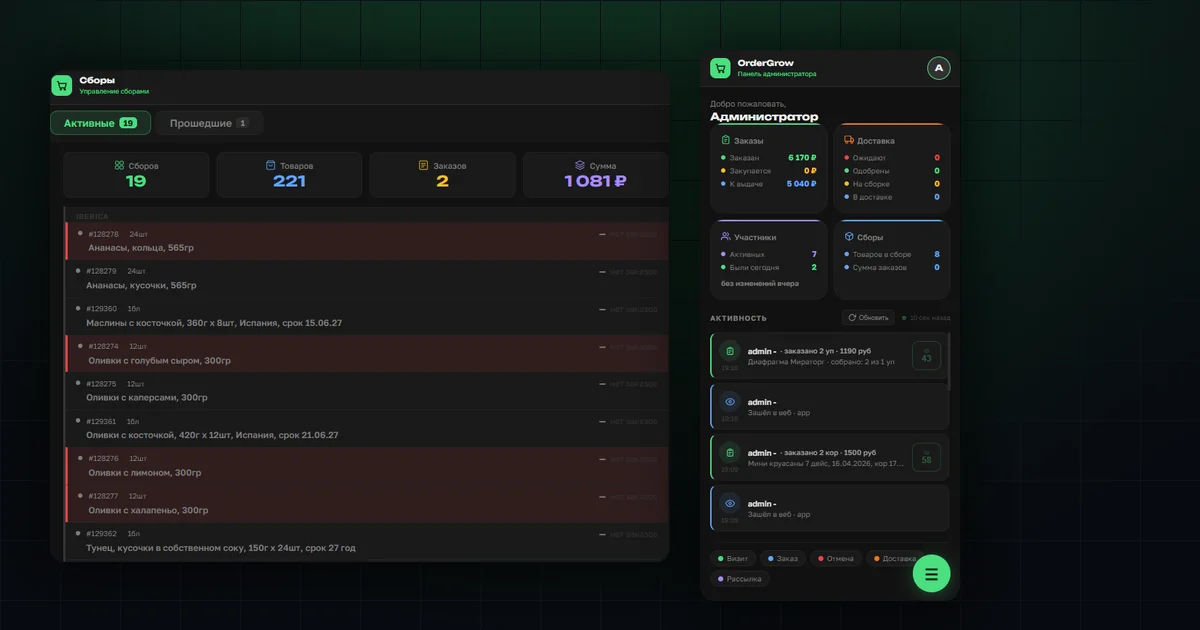
The admin's home page has an activity feed — who's ordering, how much, who cancelled, who logged in. Now, tapping a product's article number in that feed opens the product's card, which includes a block showing order volume across three statuses: Ordered, Being purchased, Ready.
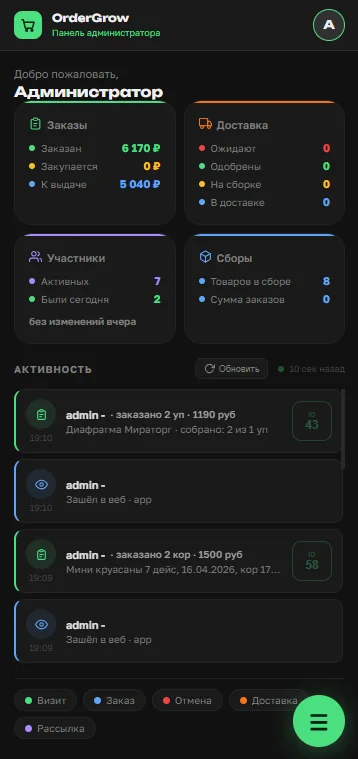
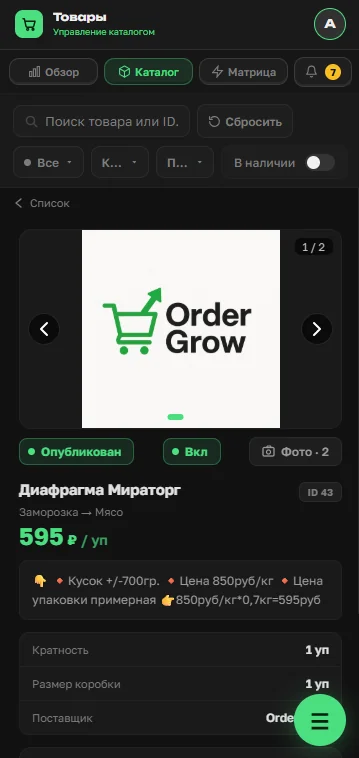
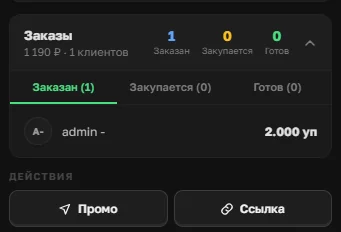
Previously, seeing these numbers for a specific product meant searching for it separately in the catalog. Now it's one tap on the article number right from the home-page feed.
The "Stock" filter — fixed logic around zero stock
The matrix's "Stock" filter — Below zero, Zero, Not tracked, Above zero — used to have fuzzy logic right at the zero boundary: products with zero stock didn't always land in the right category. That logic has been fixed, and the filter now tells these cases apart precisely.
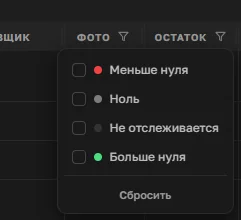
The practical upshot is that the filter can be trusted again where it used to need manual double-checking. For example, to clean up zero and negative stock in bulk: set the filter to "Below zero" or "Zero", export those items with the targeted export (covered in "Exporting the Catalog to Excel"), and update or zero out stock with a single file.
What's next
All the improvements above are already available with no extra setup. For how to open a collection without missing a deadline, see "How to Open a Collection"; for the targeted Excel export, see "Exporting the Catalog to Excel". You can try the full group-buying app in OrderGrow Lab — seven days free.