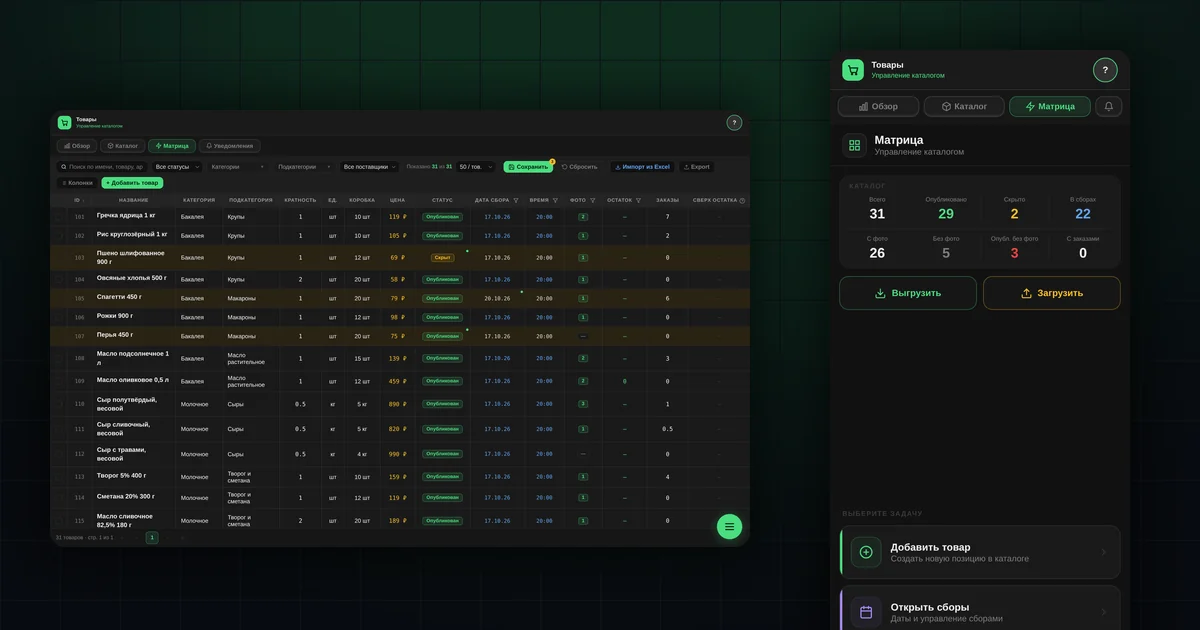
Product matrix: filters, columns and bulk catalog editing
How to run a catalog in group buying software: filters by stock, photo and collection date, column setup, editing in the table and bulk product changes.
Read more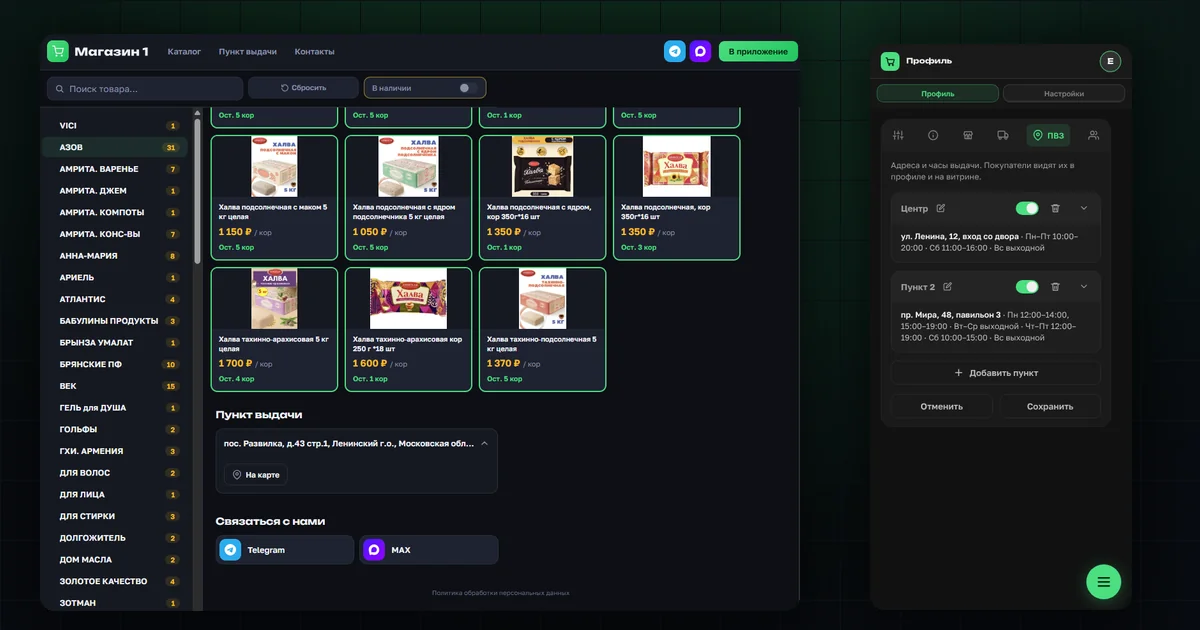
OrderGrow shop page: pickup points and contacts for buyers
The public shop page in OrderGrow online sales software now shows pickup points with opening hours and links to the shop's groups and messengers, before sign-up.
Read more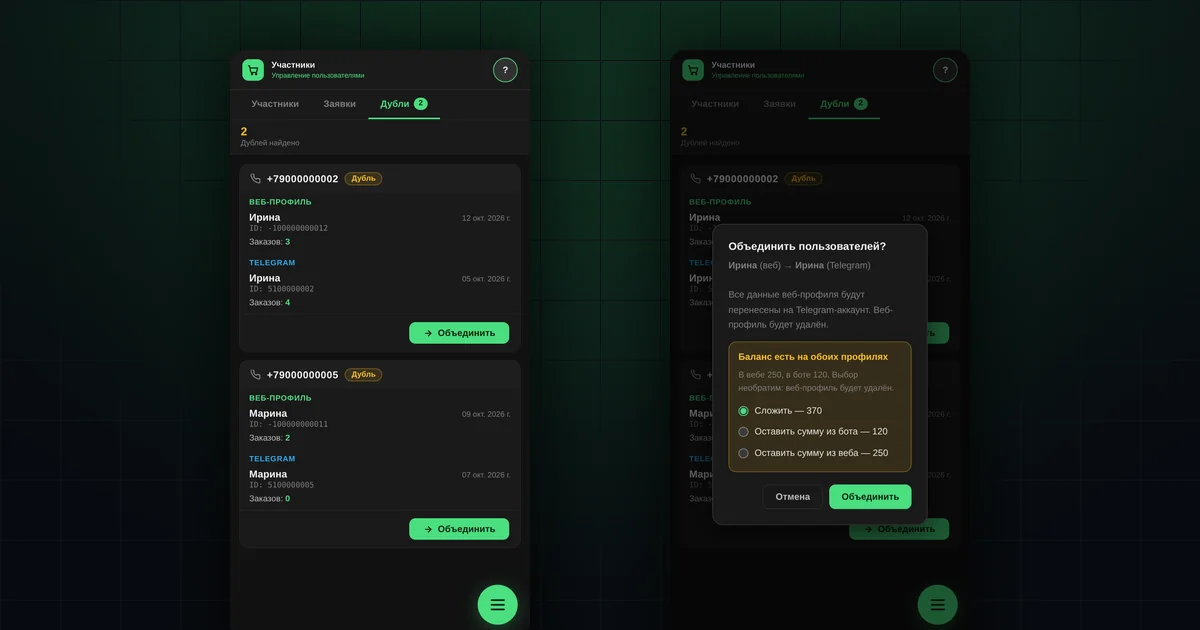
Duplicate buyers: how to merge two profiles in OrderGrow
Why group buying software can end up with two profiles for one buyer, how to find and merge them, and what happens to orders, balance and access.
Read more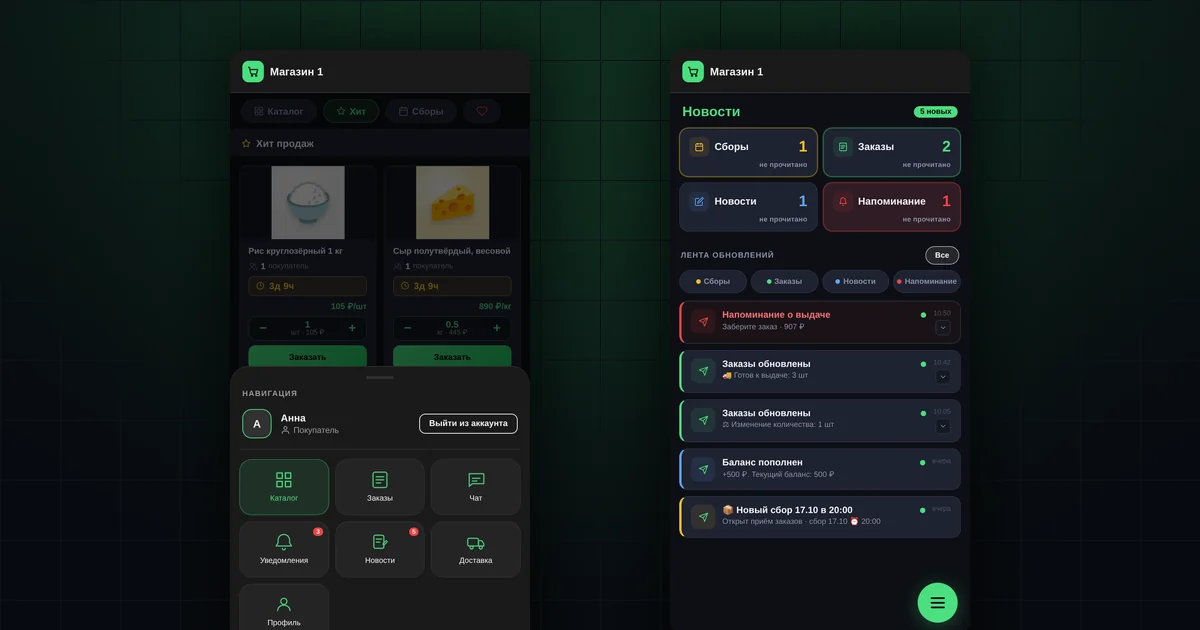
App notifications: which events and where buyers see them
Which notifications buyers get in a group buying app: order statuses, pickup, wallet, new collections. Where to find them and how a shop turns on push.
Read more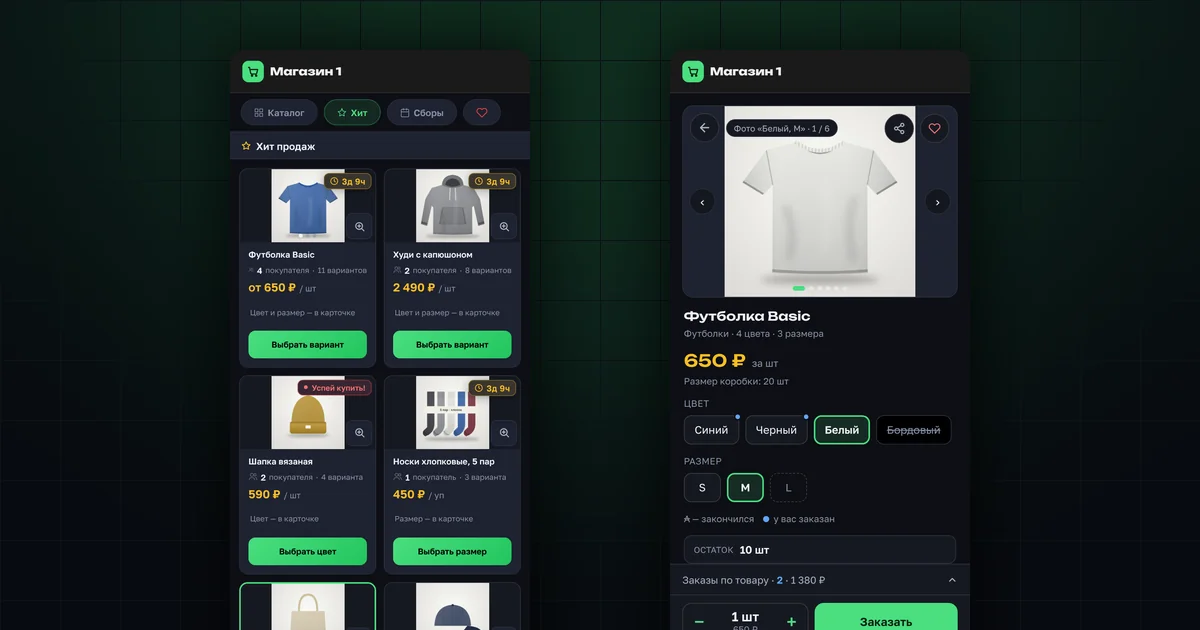
Clothing and shoes: color and size in one card — OrderGrow
New in OrderGrow: group buying for clothing, shoes and other products with color and size. One model is one tile, and the buyer picks the variant they need.
Read more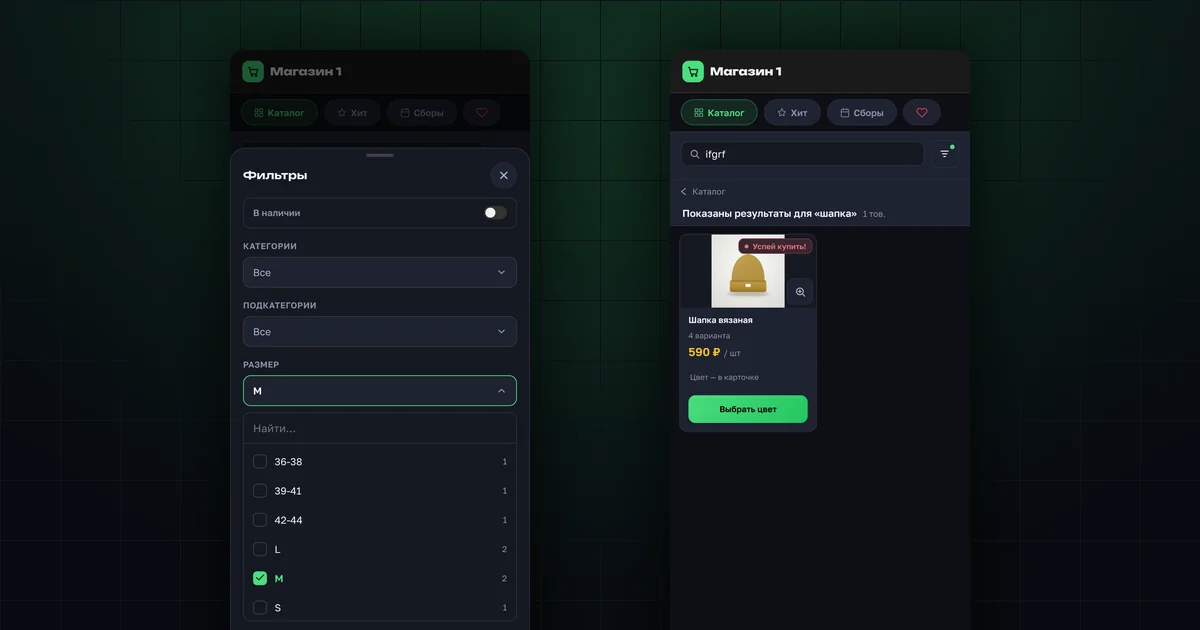
Size and color filters, search by article number — OrderGrow
A catalog built for clothing and shoes: size and color filters across the whole shop, search in any word order and by article number, and a bottom bar on phones.
Read more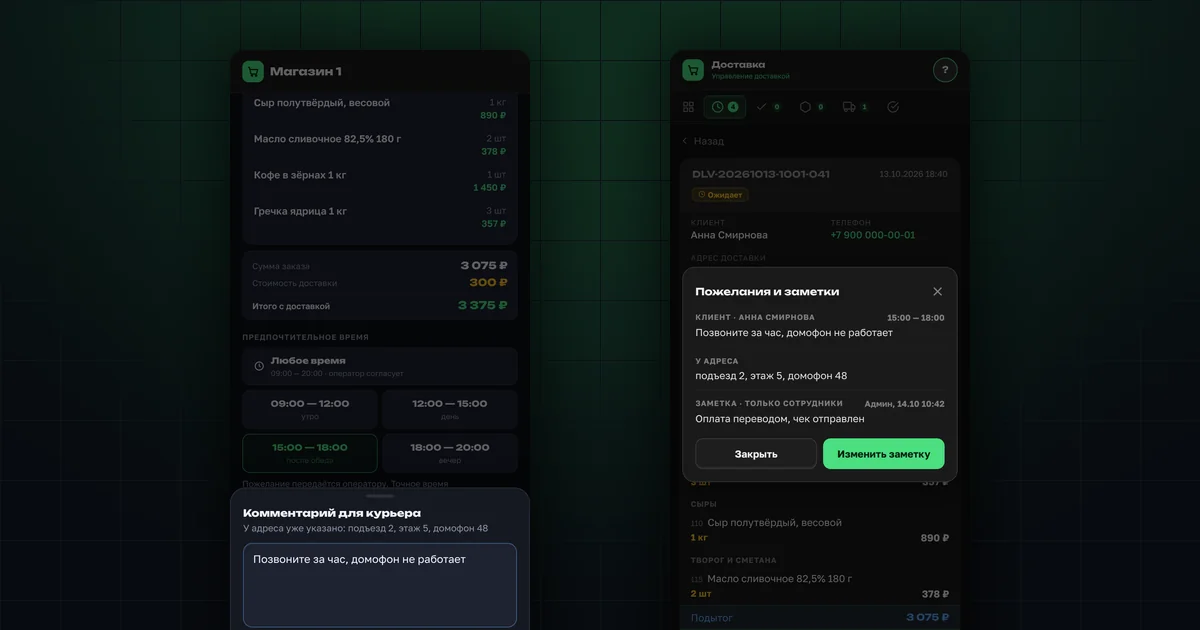
Courier comments and one-click price edits — OrderGrow
Buyers can leave a note for the courier, and the organizer sees it with the chosen delivery time. Plus A→Z order sorting and one-click price edits in the matrix.
Read more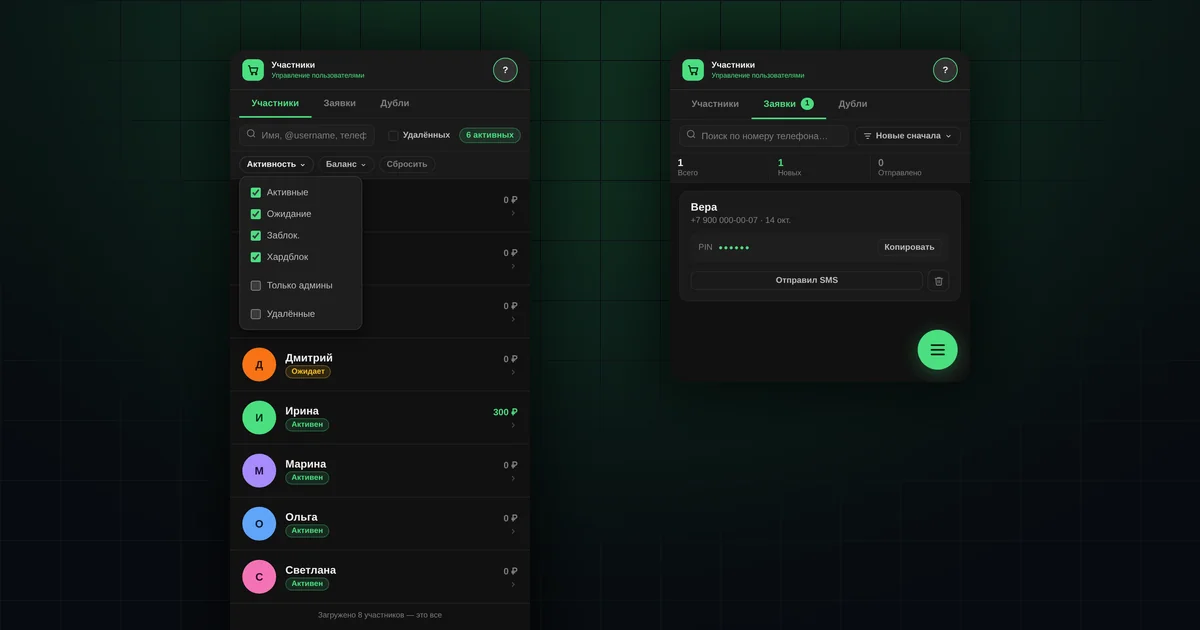
Shop members: sign-in requests, PINs and blocking — OrderGrow
How to manage buyers in group buying software: sign-in requests, issuing PIN codes, manual approval of new members, member statuses and blocking access.
Read more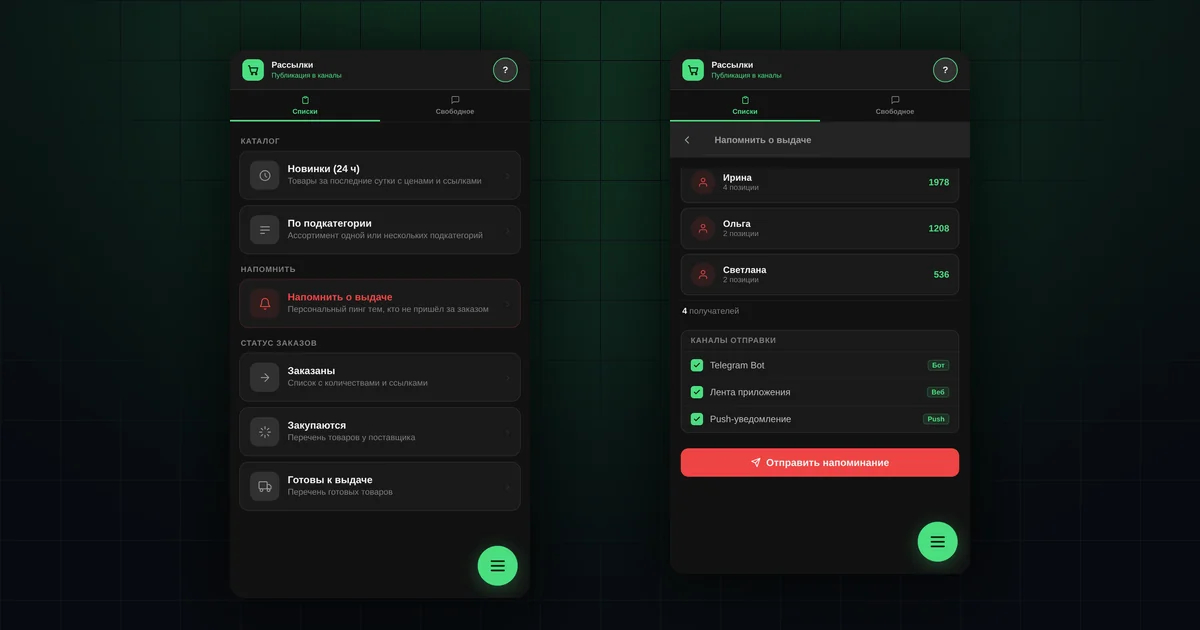
In-app broadcasts: product lists and pickup reminders
Ready-made product lists to post in your group (new items, subcategories, order statuses) and a pickup reminder for buyers who haven't collected their order.
Read more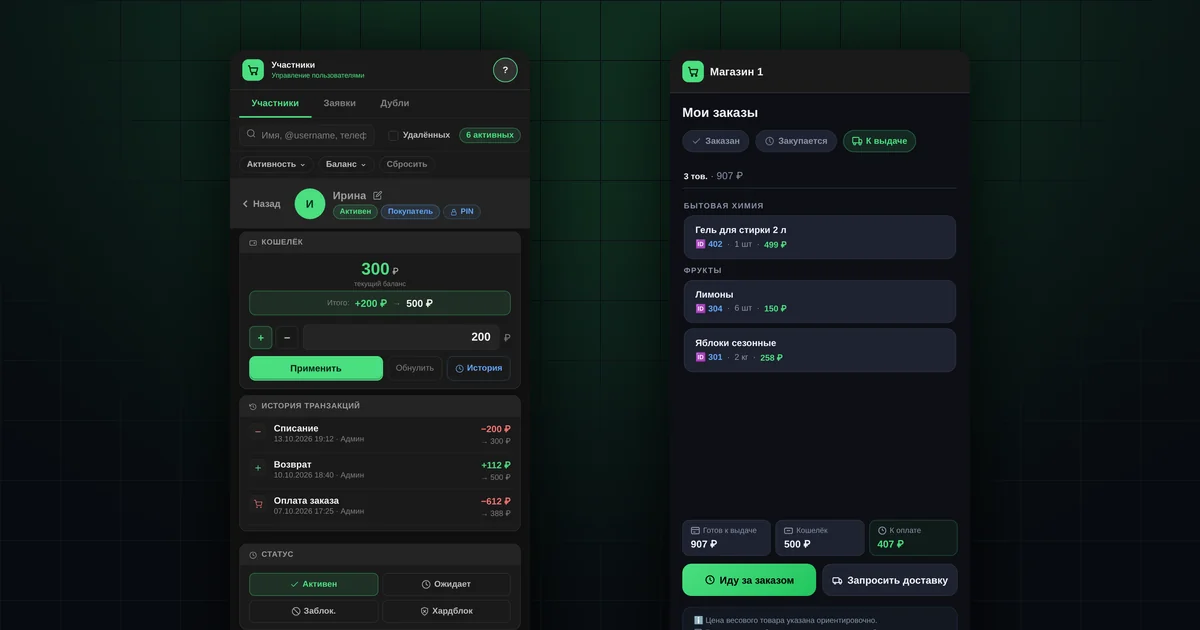
Buyer balance in group buying: prepayment and debt
How to keep a buyer's balance in group buying: top-ups and deductions, debt, transaction history, and deducting payment from the wallet at order pickup.
Read more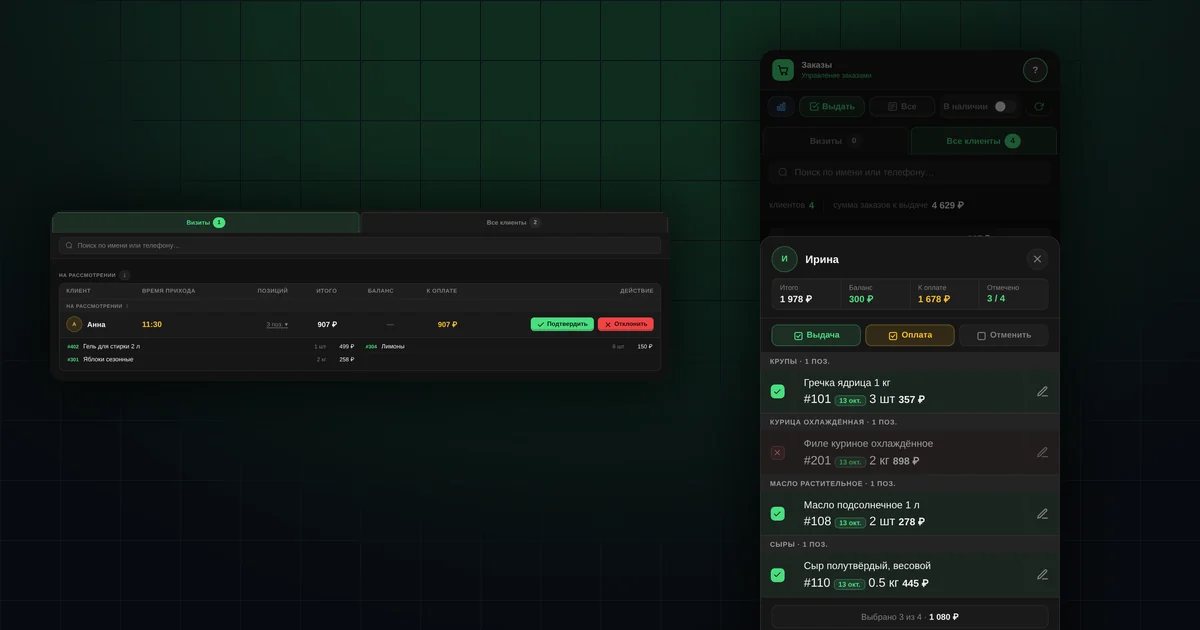
Group buying order pickup: visits, payment, partial pickup
How to hand out group buying orders: "Pick up order" visits, partial pickup, adjusting the weight, deducting payment from the buyer's balance, and the waybill.
Read more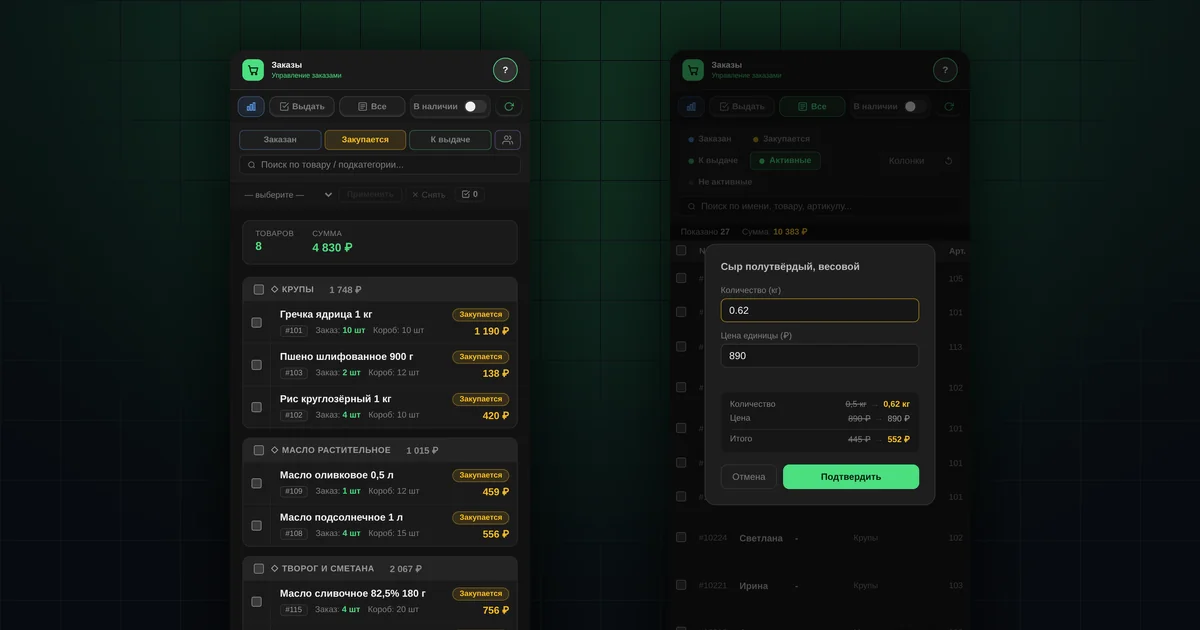
Order management in group buying: statuses and edits
How to manage group buying orders: statuses from "Ordered" to "Issued", bulk status changes once goods arrive, quantity and price edits with buyer notifications.
Read more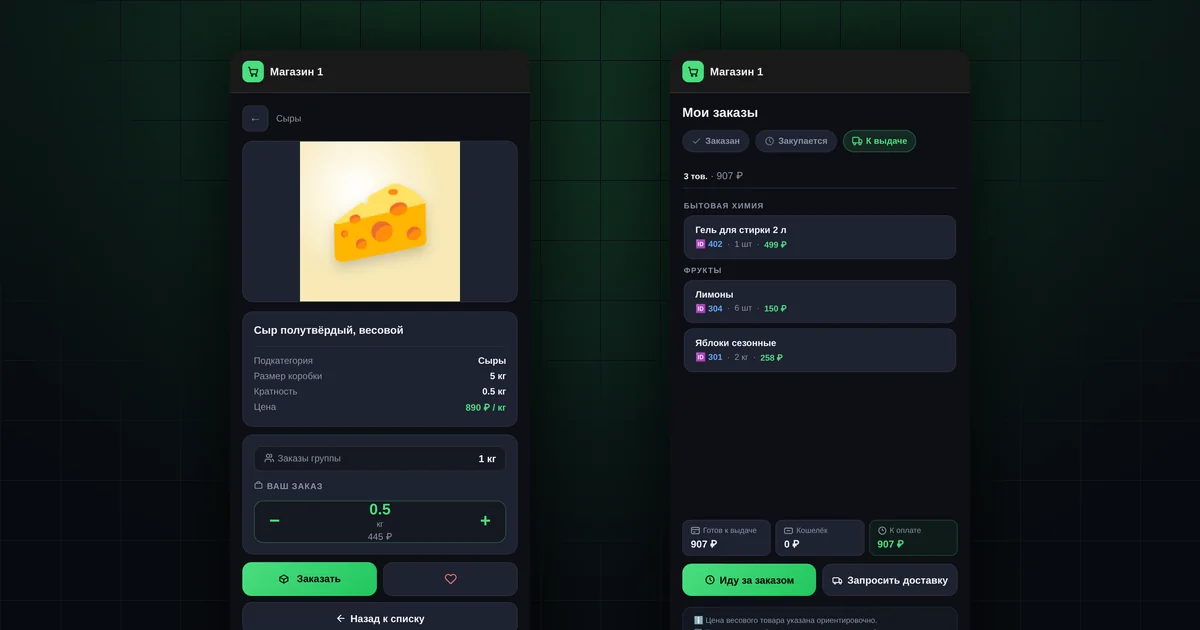
Group buying organizer starter kit: launch and buyer guides
A starter kit for group buying organizers: what to prepare for launch, the first 7 days, and buyer guides with ready-made posts for your group and links to each guide.
Read more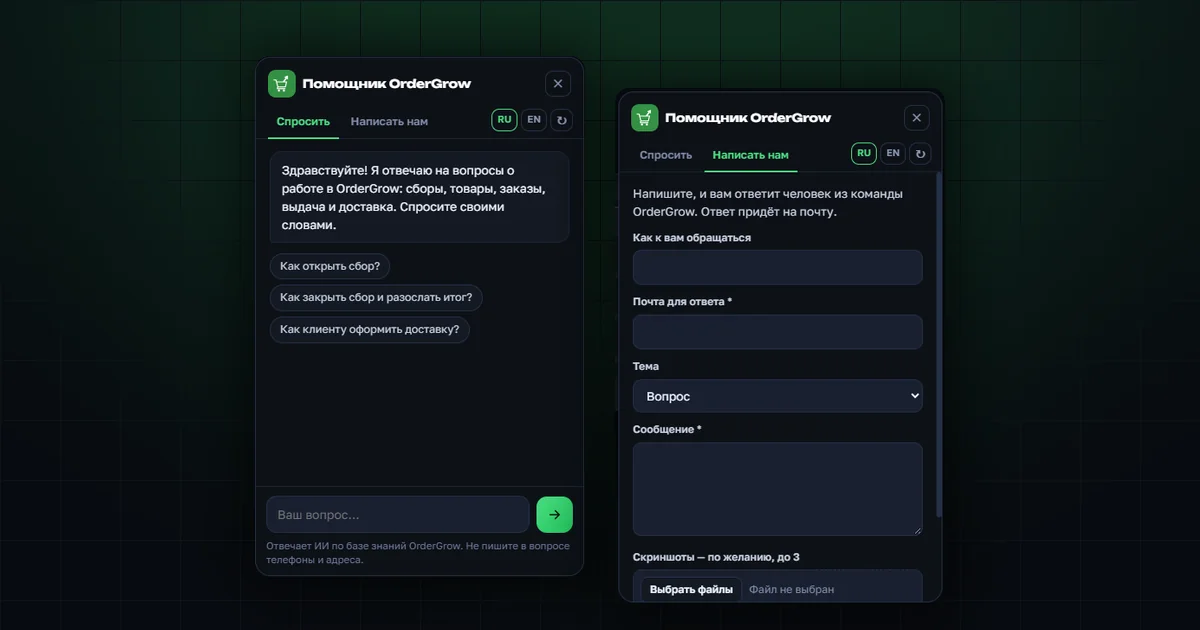
OrderGrow AI assistant: answers to questions about the app
The OrderGrow AI assistant answers questions about working in the app, from sign-up and catalog to delivery, notifications and settings. No answer? A person replies.
Read more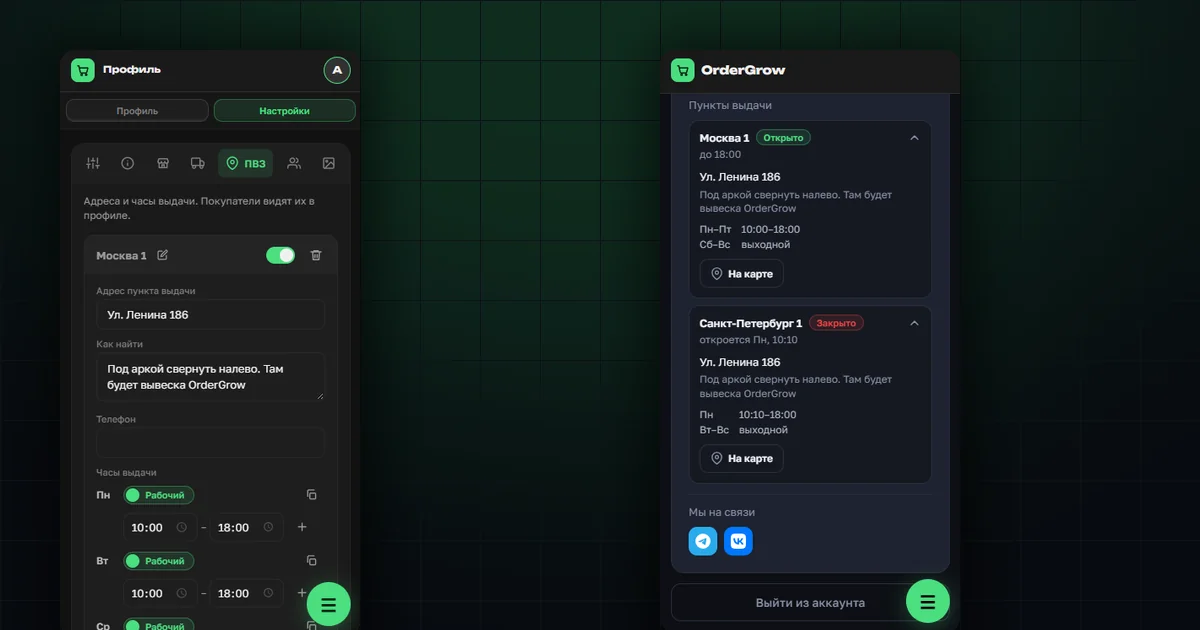
Order Pickup Points in OrderGrow — a New Feature
A new "Pickup Points" section in OrderGrow — multiple locations with an address, hours and description. Buyers see which are open now and get directions in one tap.
Read more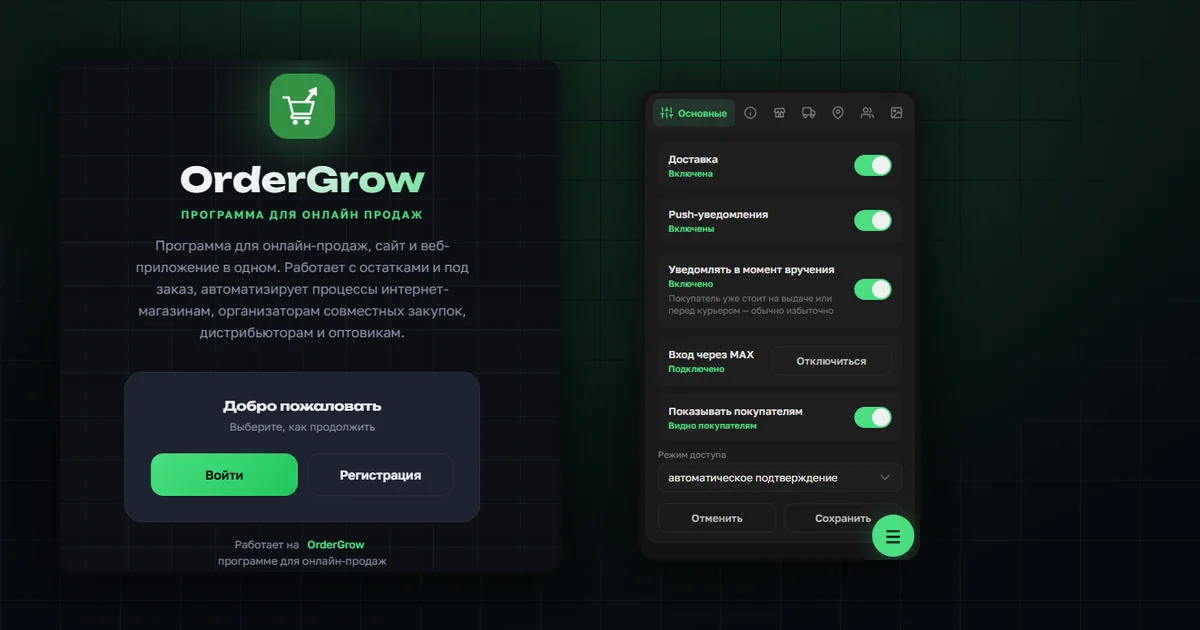
Profile and Settings in OrderGrow: New Compact Layout
OrderGrow's admin profile is now split into "Profile" and "Settings" with a compact menu. We cover every section — from MAX login to your own welcome-page text.
Read more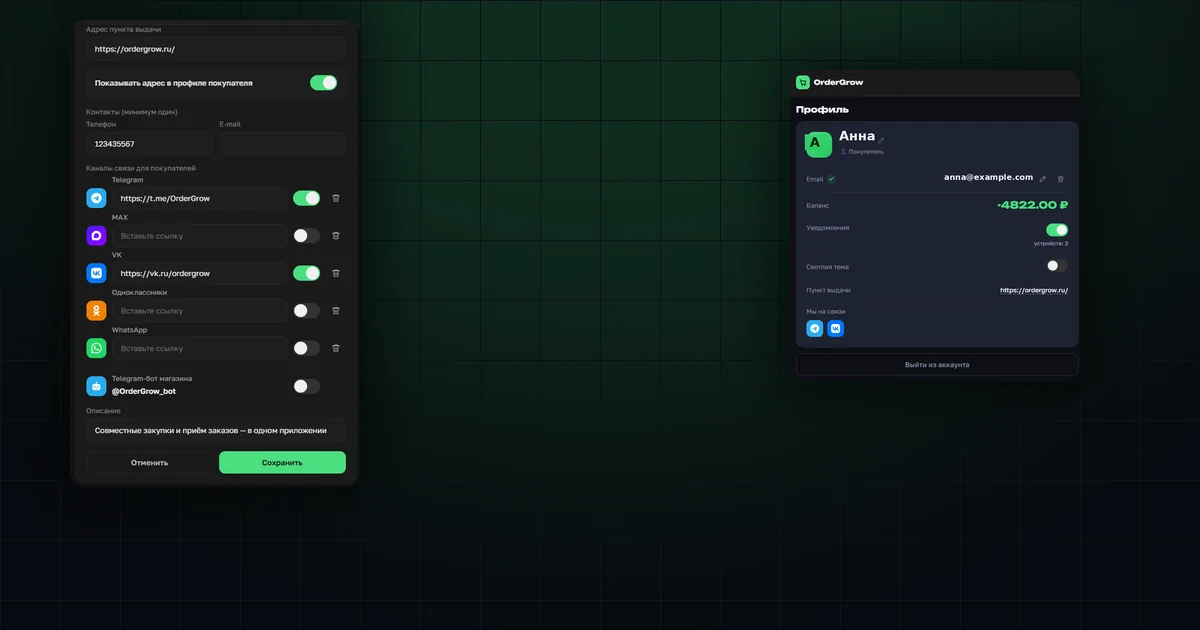
Contact Channels and Pickup Address in OrderGrow
OrderGrow now lets you set a pickup address and links to Telegram, MAX, VK, Odnoklassniki and WhatsApp — and choose which of them buyers actually see.
Read more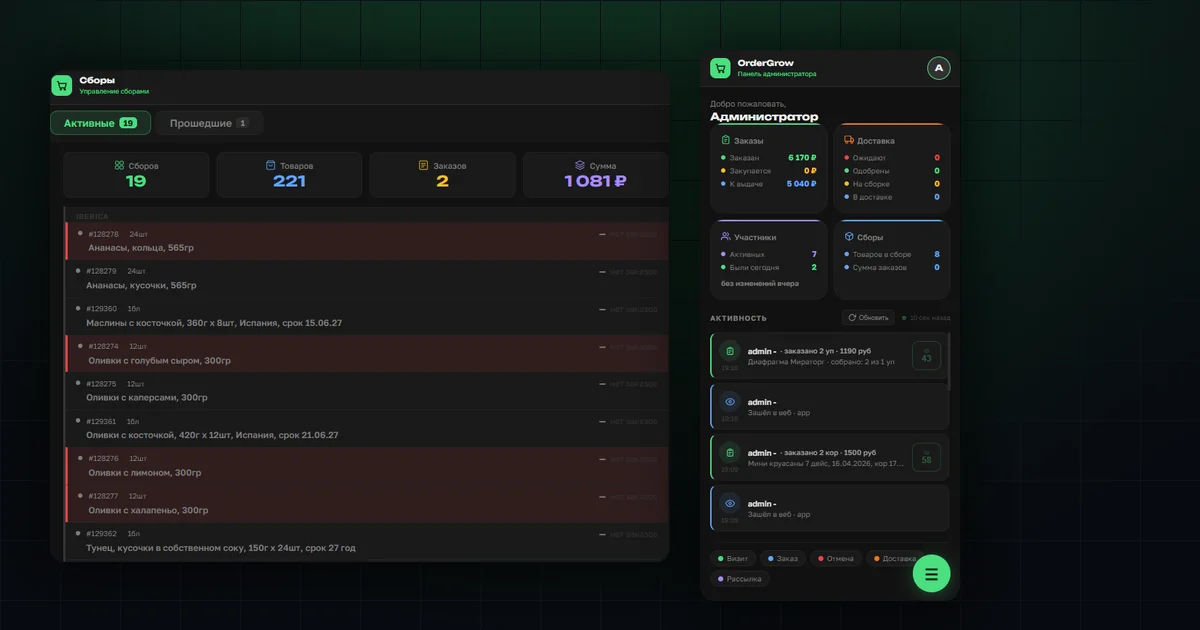
What's New in OrderGrow: Matrix, Collections, Stock, Photos
Five improvements in OrderGrow: "Photo", "Collection date" and "Stock" filters in the matrix, hidden-item highlighting, supplier photo storage, and orders view from the product card.
Read more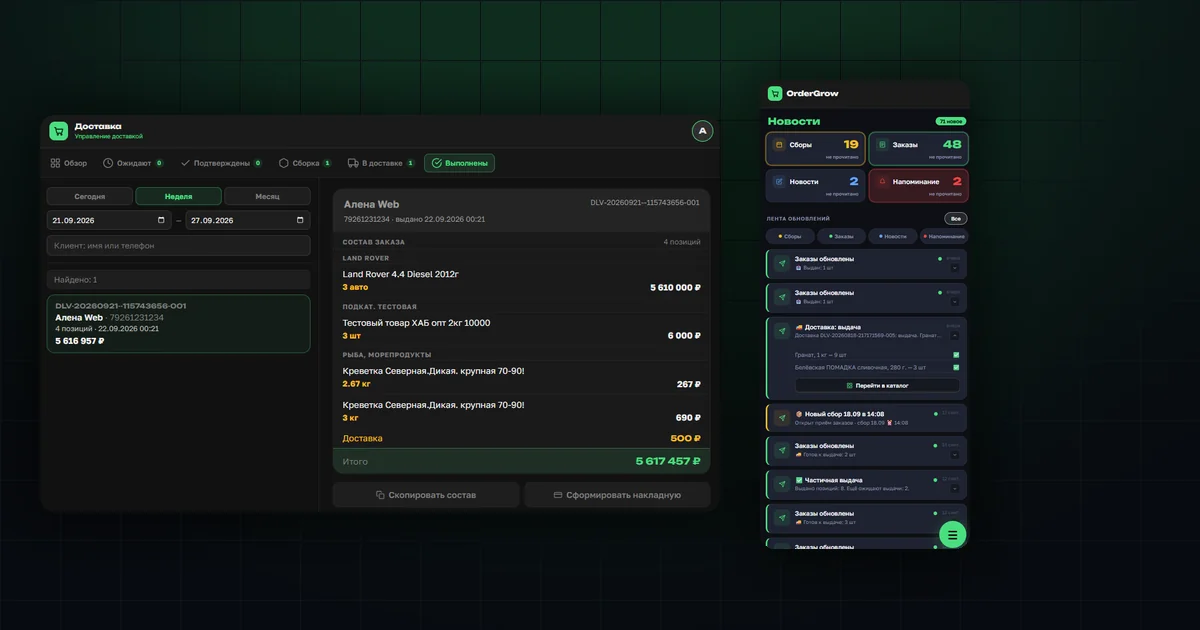
Delivery in OrderGrow: "Completed" Tab and Full Notifications
OrderGrow's Delivery section now has a "Completed" tab with history and a retroactive waybill, plus a buyer notification with the full handout list.
Read more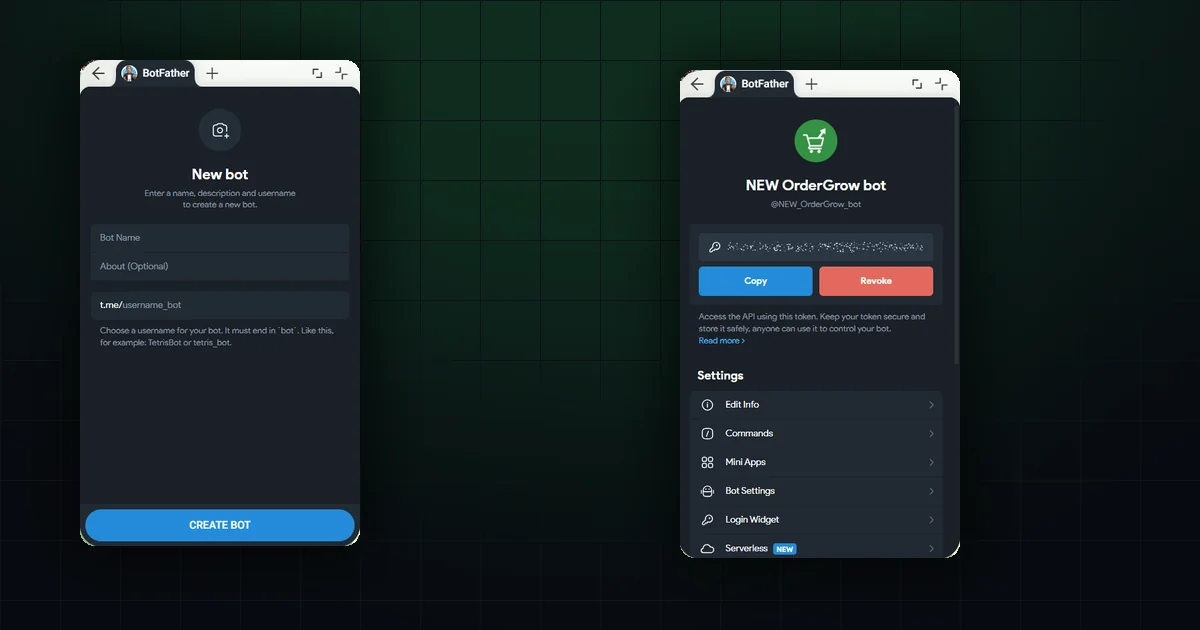
How to Create a Telegram Bot via BotFather
A step-by-step guide: from finding the official bot to getting the token. Includes a real naming error and how to keep your token safe afterwards.
Read more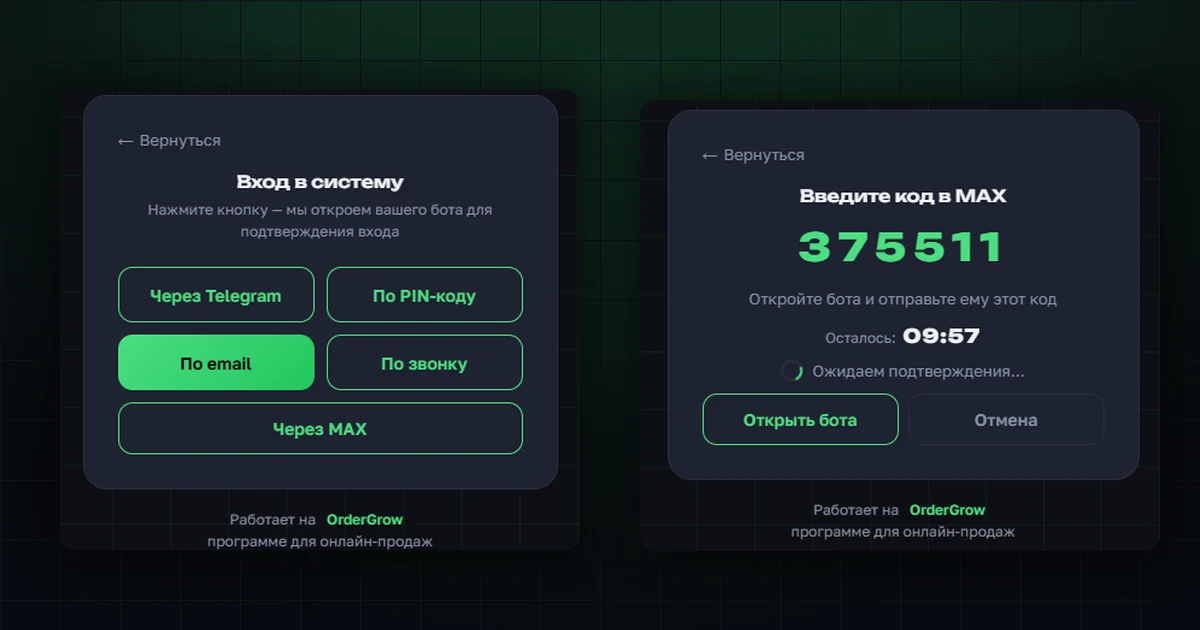
Sign in with MAX — a new login method
Another way for customers to register and sign in — alongside Telegram, email, a PIN code, and a phone call. Enabled by the shop owner.
Read more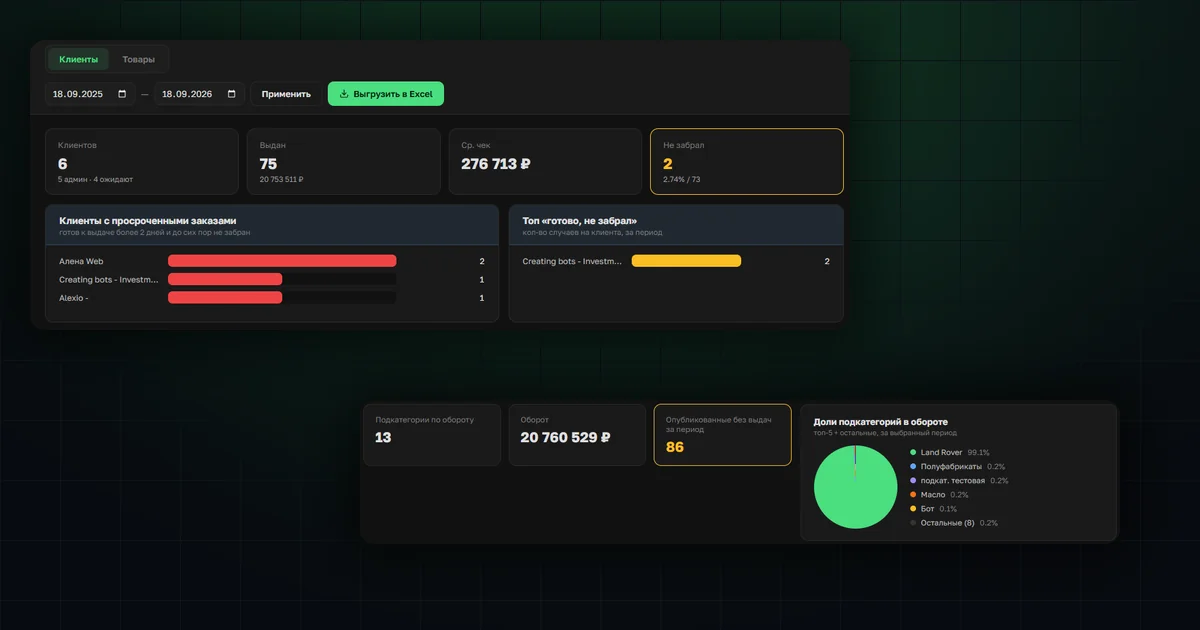
Statistics: analytics on customers and products
A first version of reporting: customer segments, overdue orders, and turnover by subcategory to decide what's next, faster.
Read more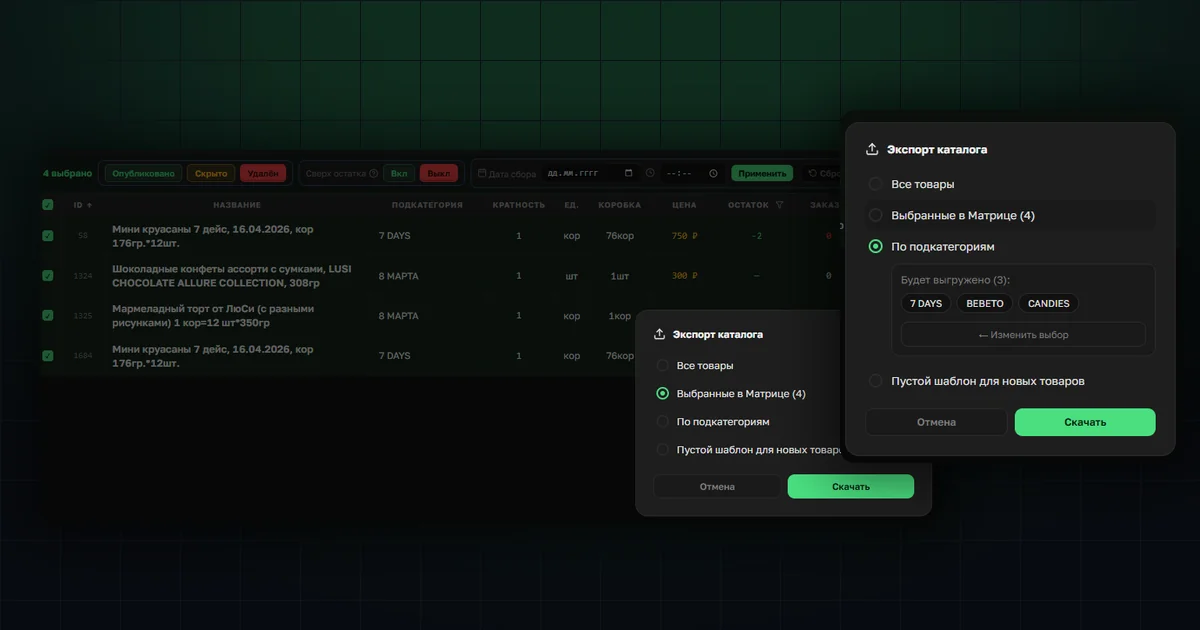
Excel catalog export: three ways
Instead of exporting the whole product matrix: selected items, items by subcategory, or a blank template for new ones.
Read more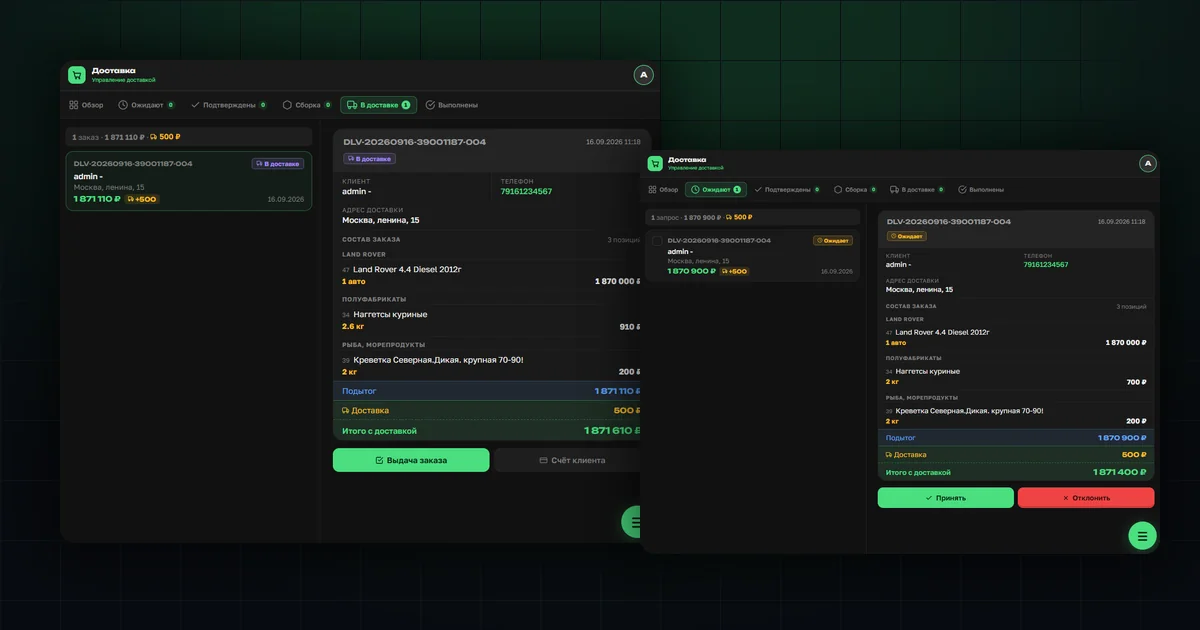
Deliveries in OrderGrow: a full walkthrough
From a customer's request to a courier's handout: how delivery requests get confirmed, picked, and handed over — including partial handouts.
Read more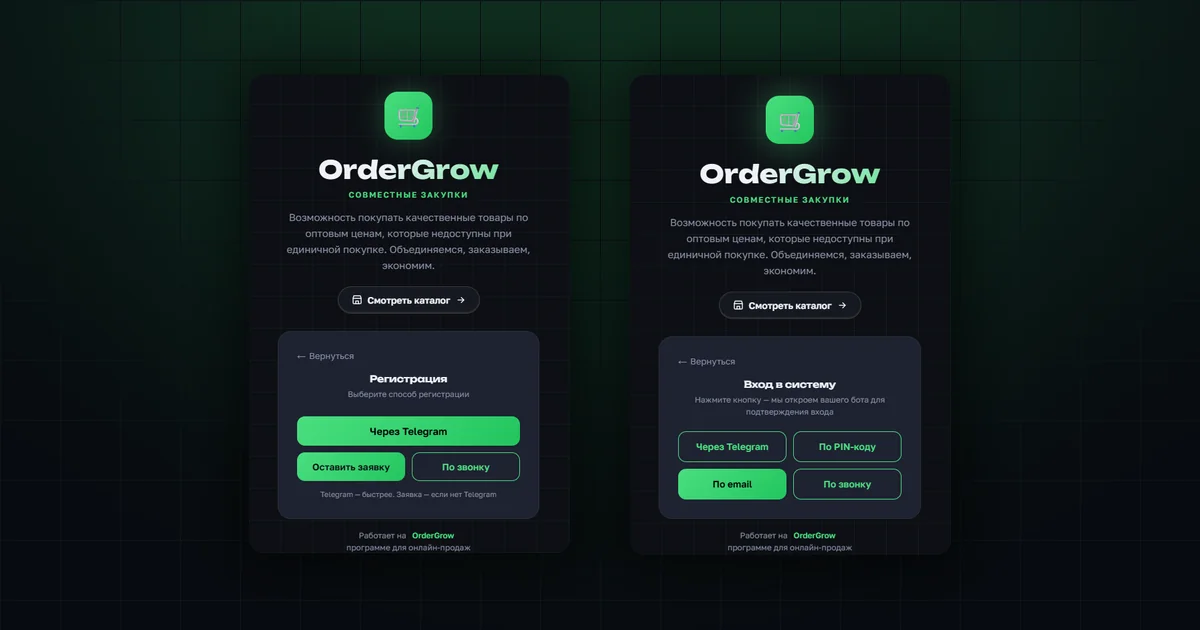
Sign-up and log-in: all methods
Three ways to sign up and four ways to log in: via Telegram, by request with a PIN code, by phone call and by email. How each works and why a phone number is required.
Read more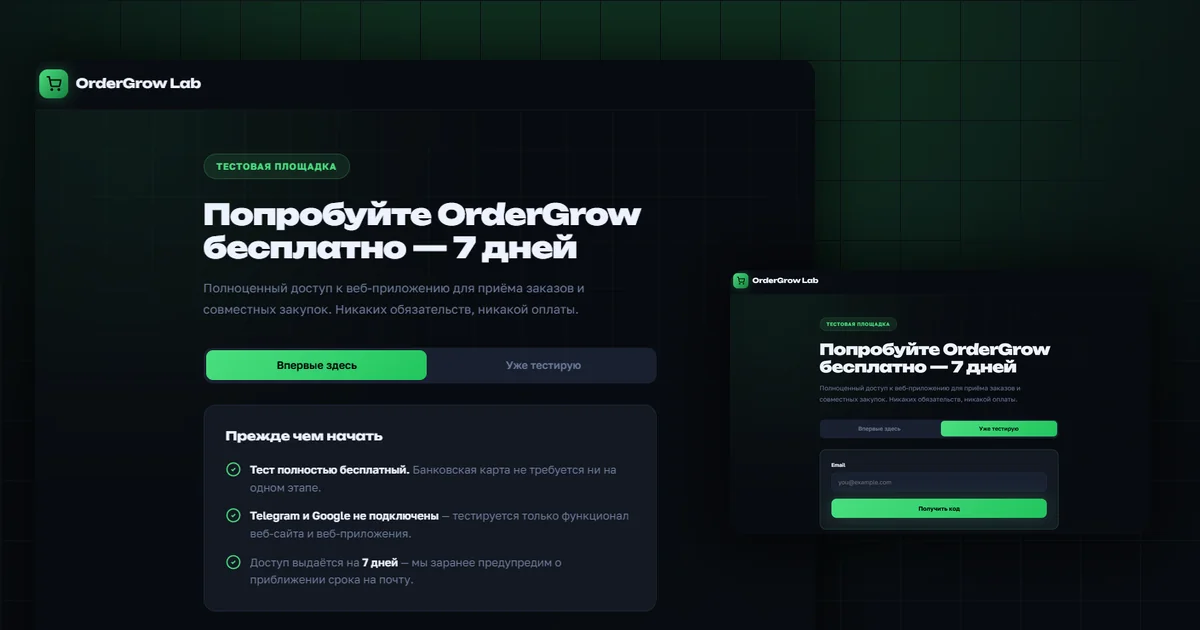
OrderGrow Lab — try it free for 7 days
We opened a testing ground for tools. First up is the software itself, for online sales and group buying: free for 7 days, no bank card.
Read more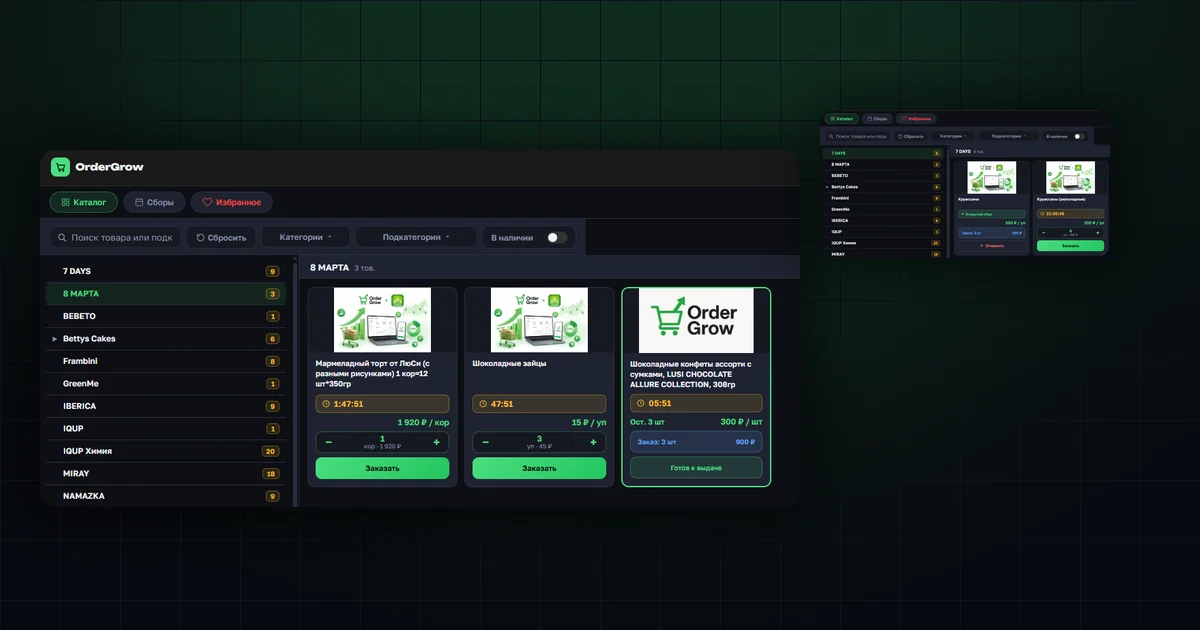
One-click order from the catalog
You can now order a product straight from the list — in the catalog and in the Hits section, no need to open the product card. Filters on mobile no longer take up the screen either.
Read more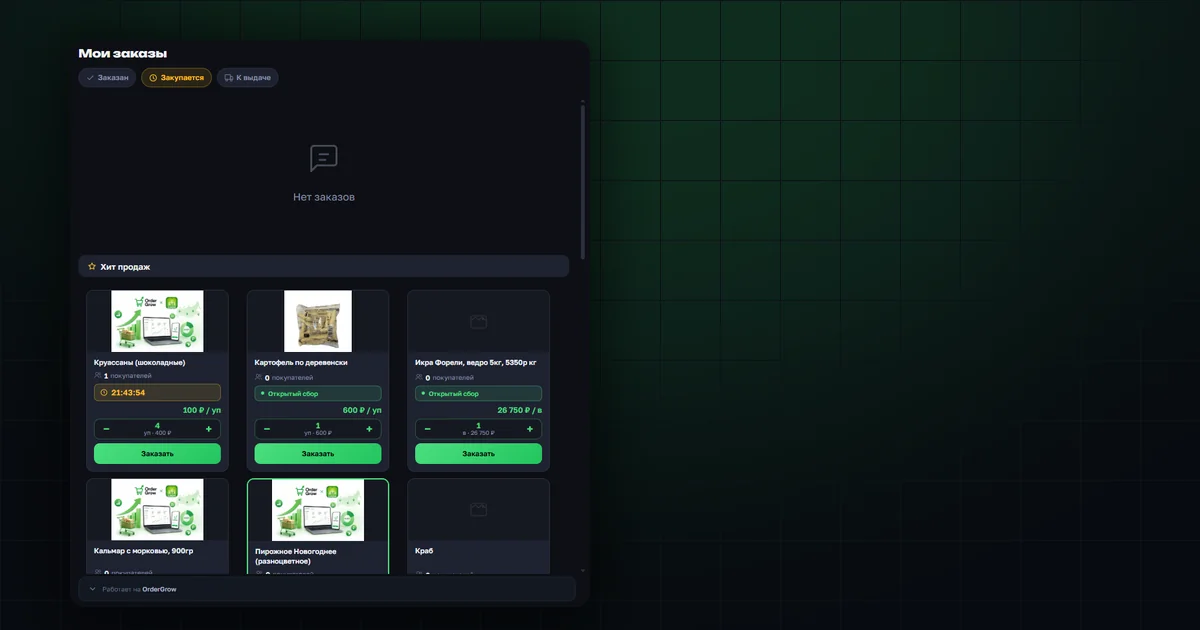
Orders now suggest what to add
A "Hits" block now appears under the order list — products you haven't ordered yet. Order them right away, without going back to the catalog.
Read more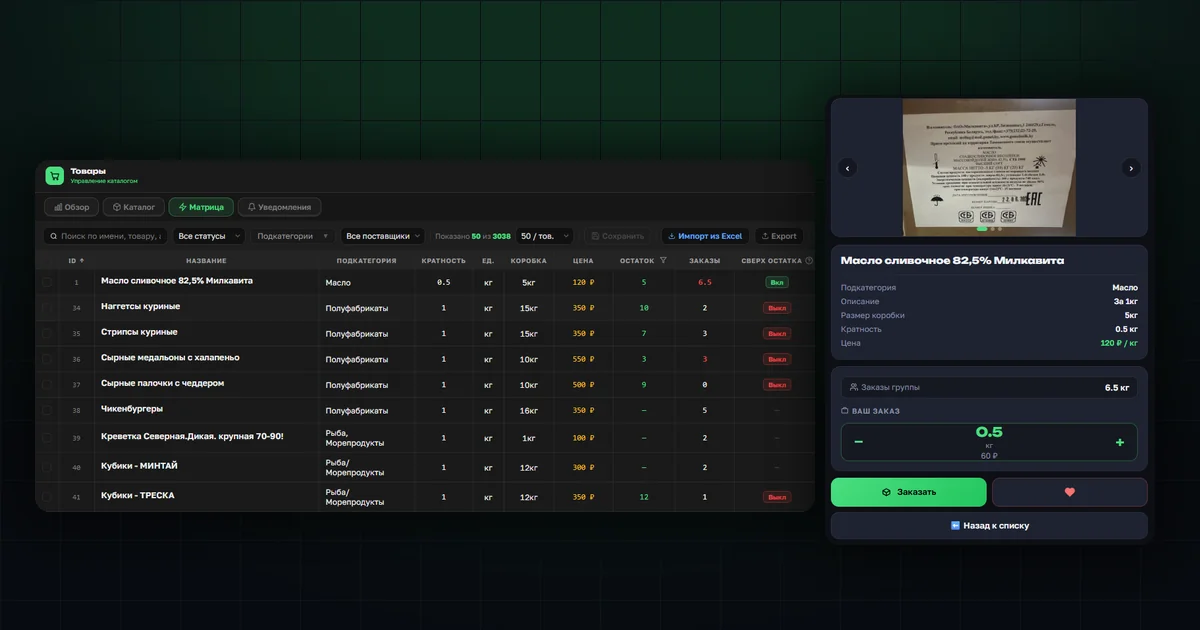
Order beyond stock — a new OrderGrow feature
The organizer or seller can selectively allow orders beyond current stock for a specific product — in the matrix, the product card and Excel. Partner LIADA's case and how it works.
Read more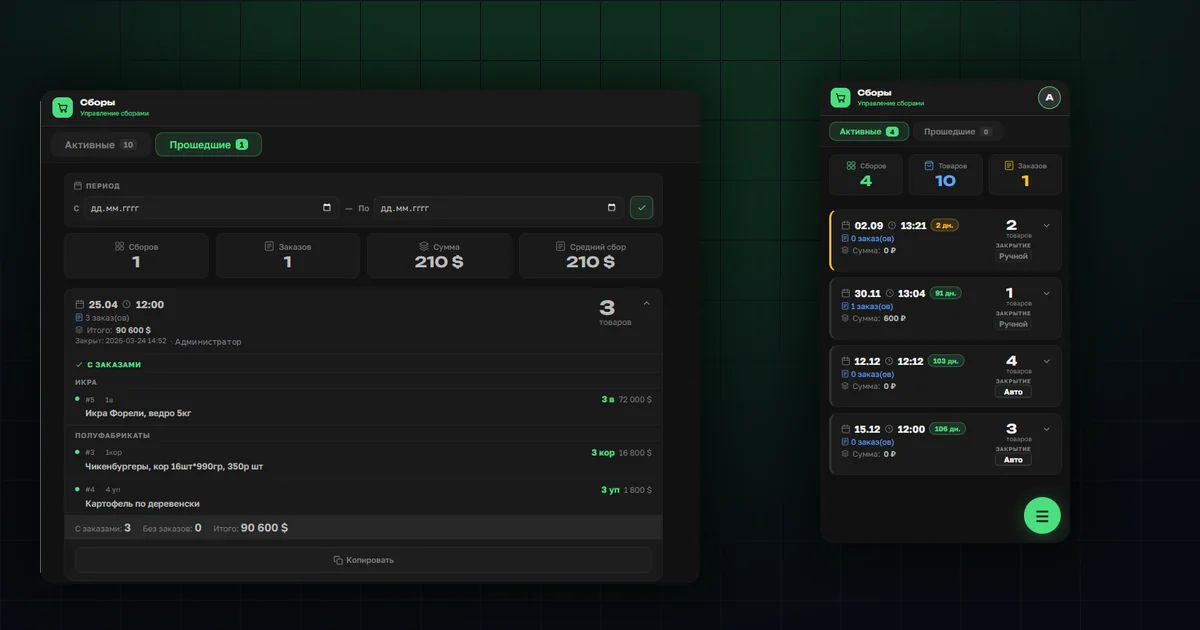
Closing a collection: order tally and report
The whole Collections section: manual and automatic closing, notifying customers, per-item totals and deciding what to buy from the supplier.
Read more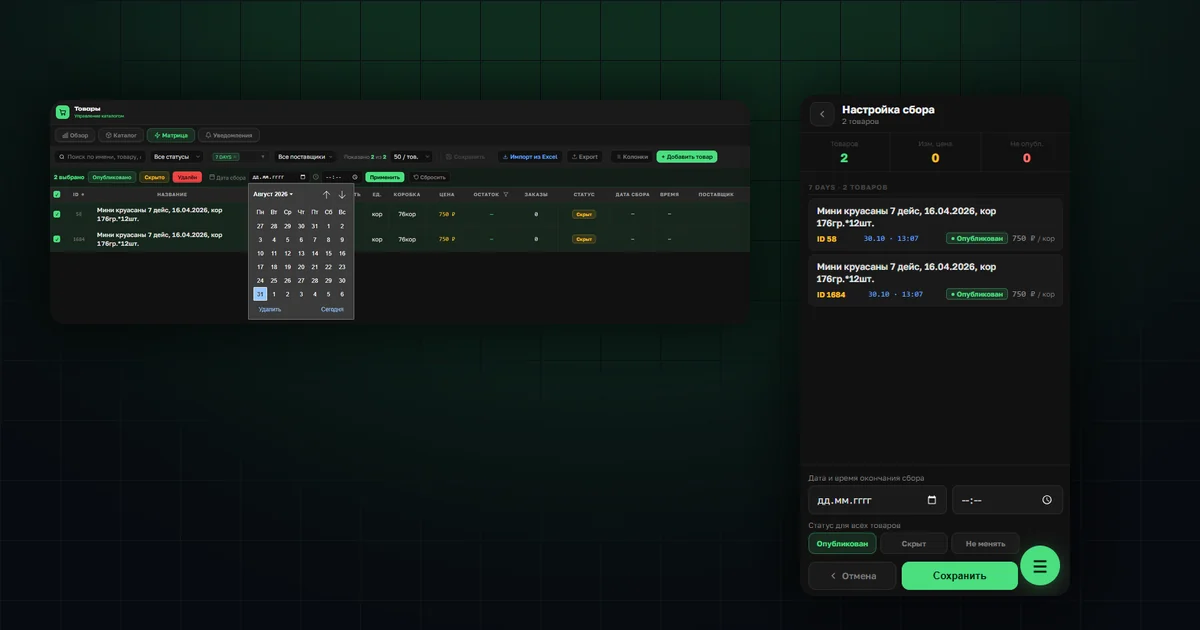
Opening a collection: dates, times and statuses
Collection deadlines are set on the products — one at a time or on a whole group at once. Bulk action in the matrix, extending a deadline and a separate flow for the phone.
Read more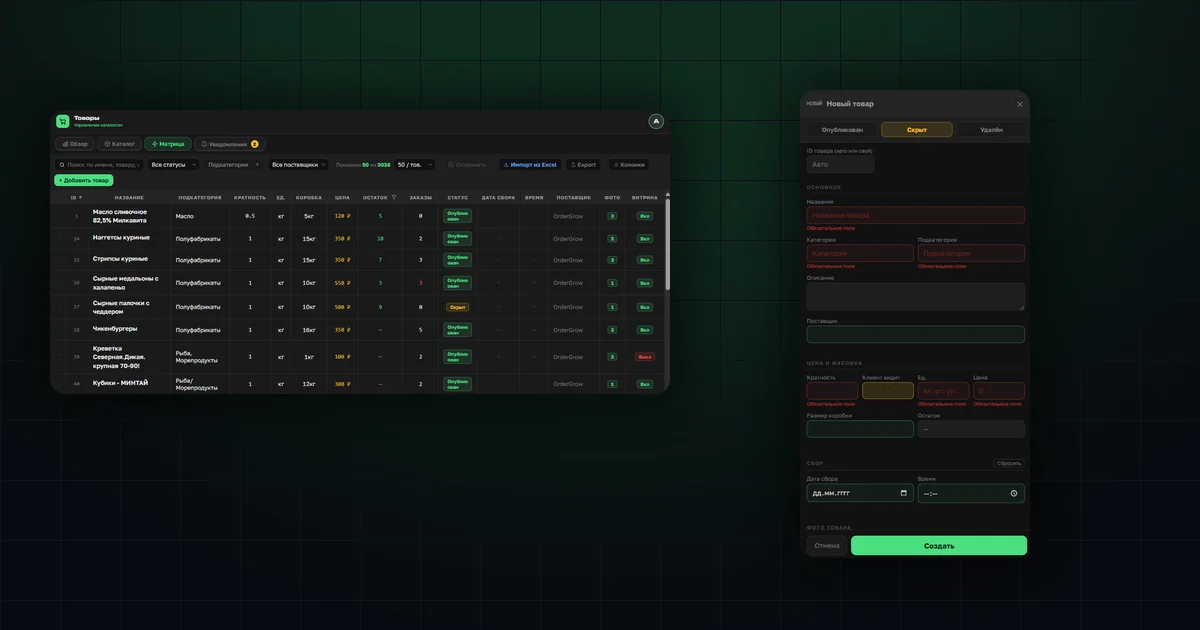
Adding products: a spreadsheet or the app
An online spreadsheet through the bot for volume, a form in the app for single items. What you fill in, how the file check works and where photos are stored.
Read more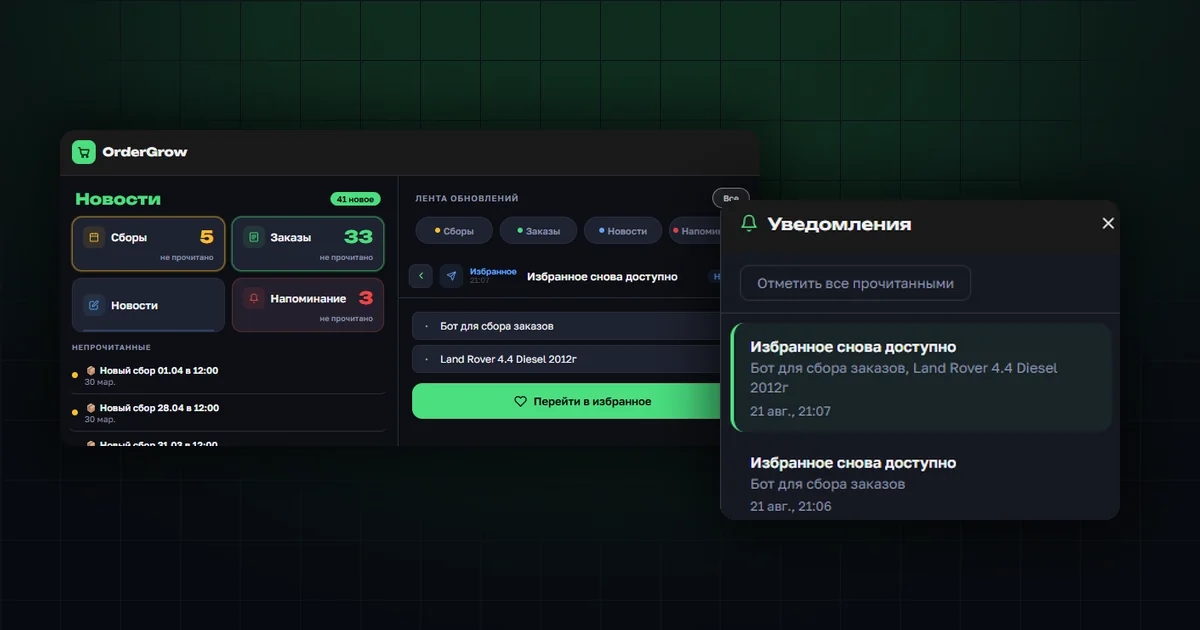
A favorited product is available again
Customers hear about a saved product going live right away — push, bell, news feed and Telegram. Short rounds no longer slip past them.
Read more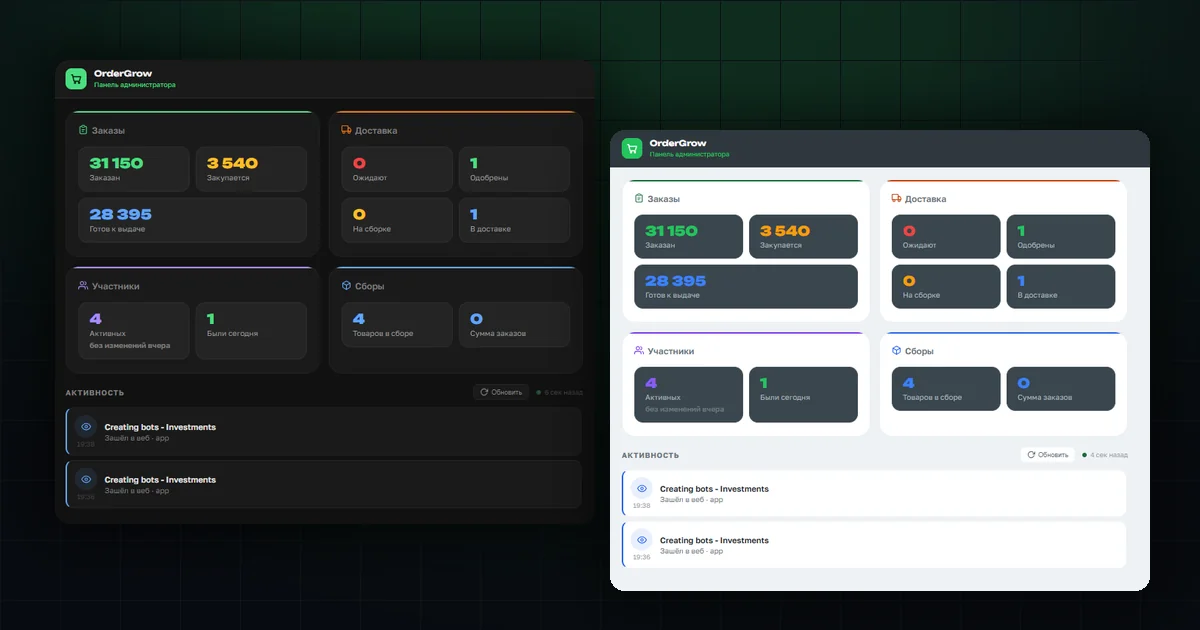
Light and dark interface themes
One toggle in your profile switches the whole interface — the customer app and the admin panel. Some prefer light, some prefer dark.
Read more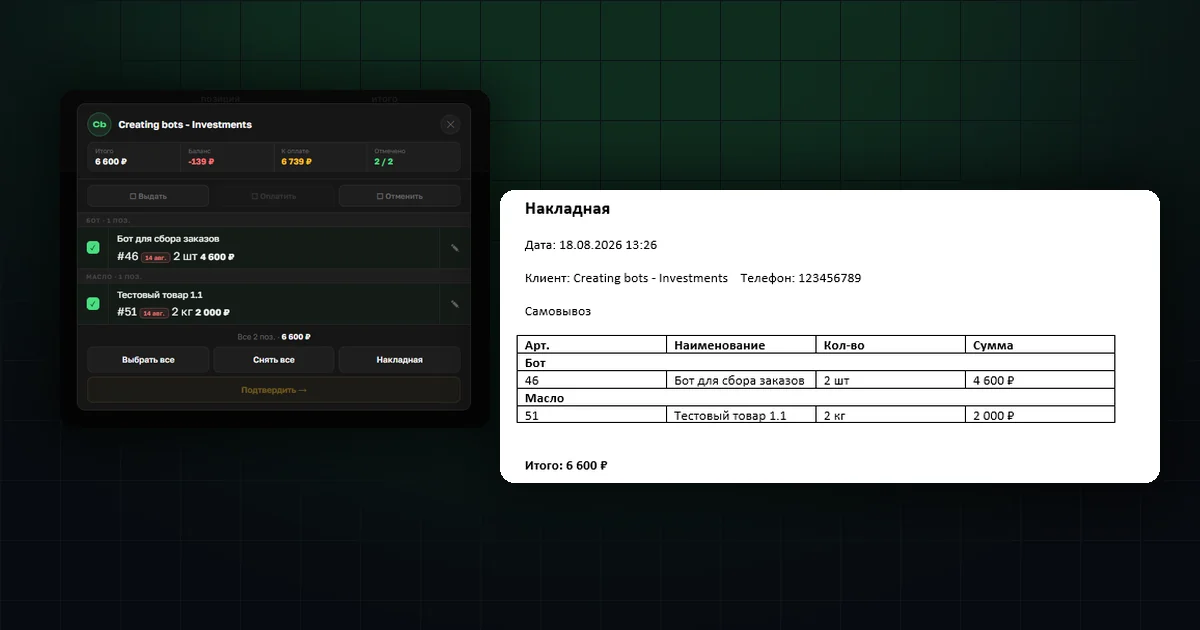
Waybills at order handover
Tick customers or specific items and get a ready Word file. Each waybill on its own page, with contents and total for every order.
Read more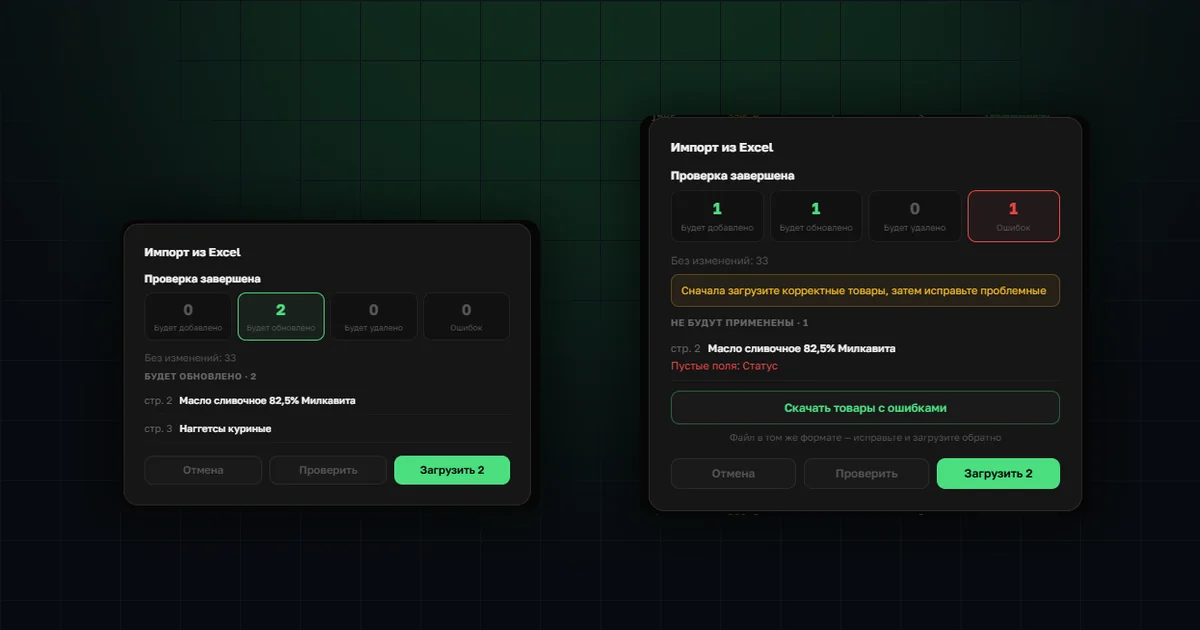
Managing your catalog in Excel
Export your range to a spreadsheet, make bulk edits in a familiar editor and upload it back. Before anything is applied you see what will be added, updated and rejected.
Read more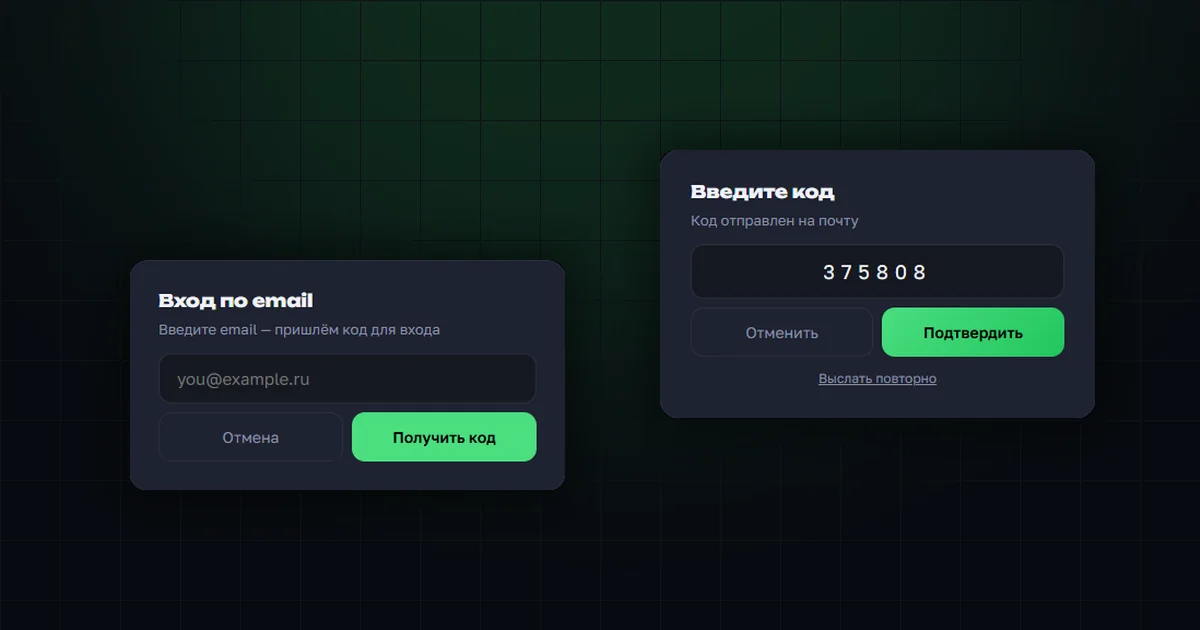
Email sign-in — a fourth way to log in
A one-time code in your inbox instead of a password. Set it up in your profile; it works alongside Telegram, PIN codes and phone calls, with protection against address guessing.
Read more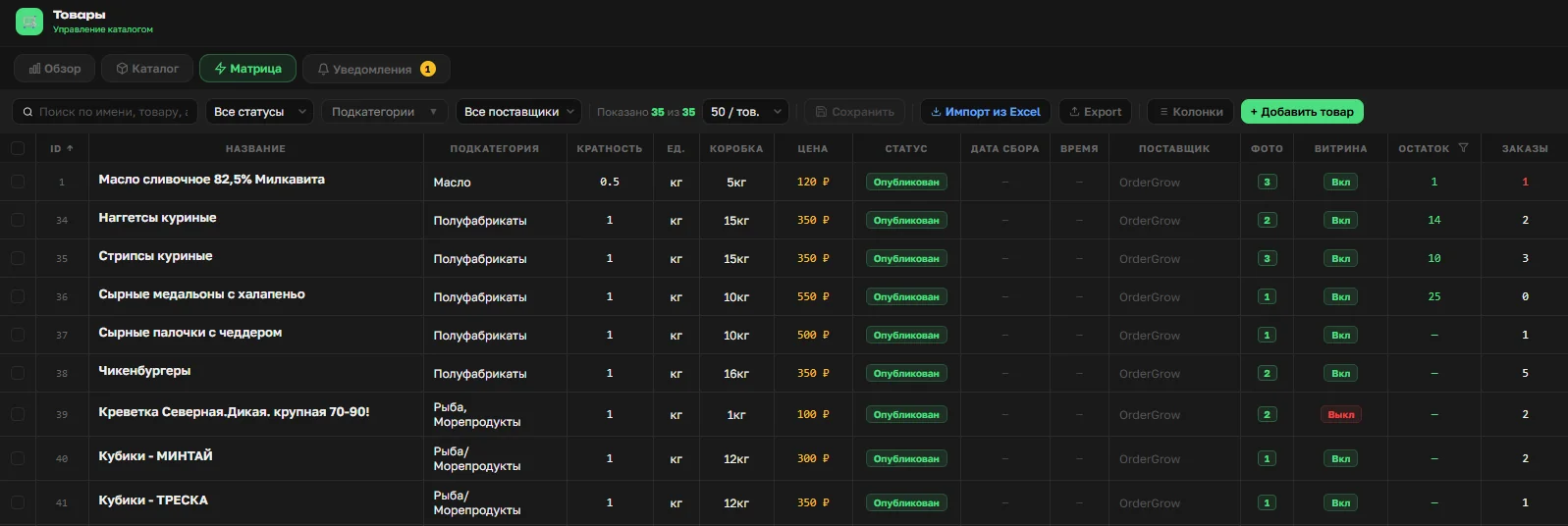
OrderGrow — preorder or from stock?
Product stock tracking, an "In stock" toggle, notifications about problem items — the software now combines preorder and trading from stock in one catalog.
Read more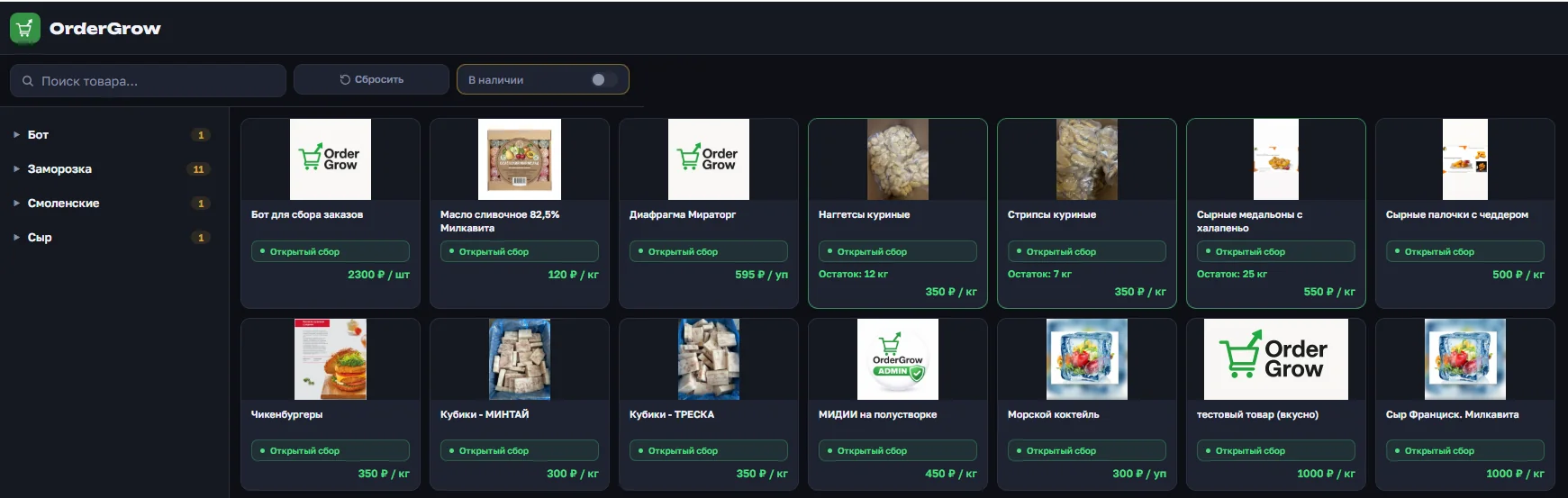
Public shop page — a catalog for new buyers
The shop now has a dedicated link to an open catalog: visitors see the assortment and prices without registering, and app login is only needed to place an order. Setup is a single toggle.
Read more