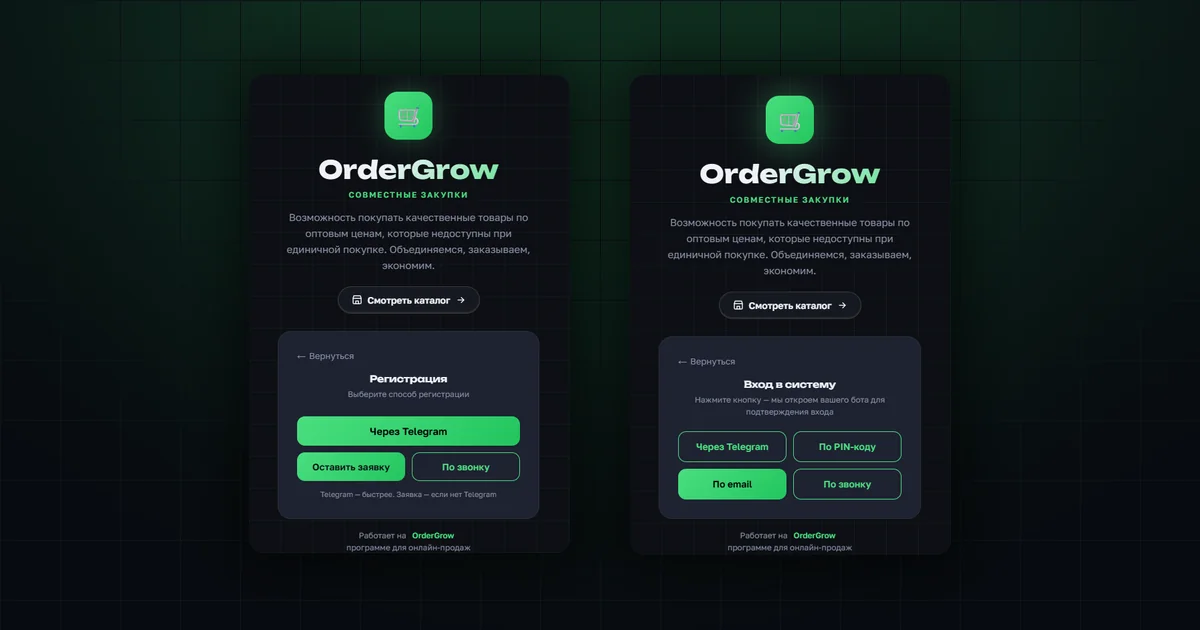
Three ways to sign up, four ways to log in
On the start screen the buyer chooses what they need — to sign up or to log in. Below is how each method works in the OrderGrow group buying software.
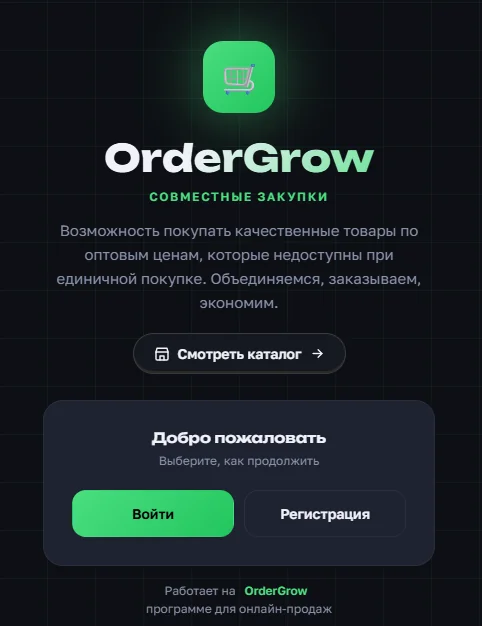
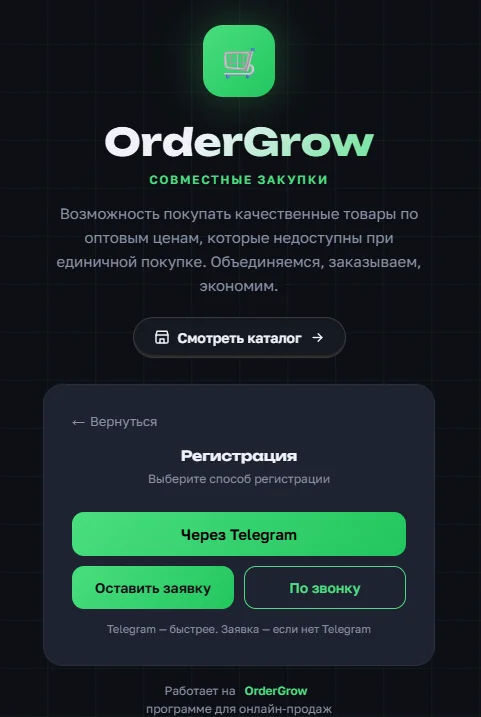
Signing up is currently possible in three ways:
- via Telegram
- by request
- by phone call
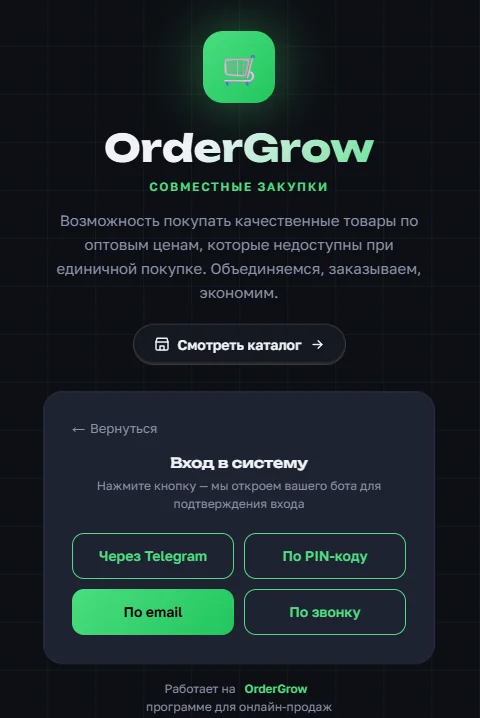
Logging in for an already registered buyer works in four ways:
- via Telegram
- by PIN code
- by email
- by phone call
Telegram and the web app complement each other
The software was originally built as a Telegram bot for group buying, and all of its functionality lived in Telegram. Later we built a web app on top of it, and today the web app is well ahead of the bot in capability. But Telegram has not gone anywhere: the site and the bot complement each other, and sign-up is where this is most visible.
The buyer taps «Via Telegram» and is taken to the bot automatically, where they need to share their contact details to get access. The client sees in advance which data the bot will receive after confirmation. If they decide to share their contacts, registration happens automatically and the page for working with the catalogue and orders opens. This works the same way for administrators and for buyers.
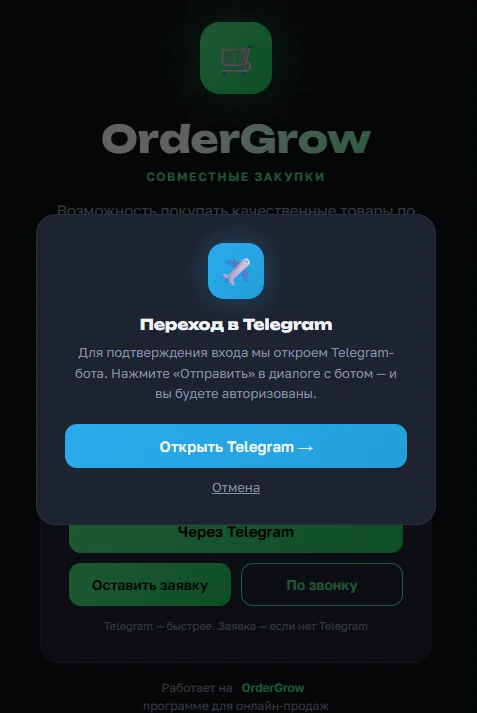
Logging in via Telegram for an already registered buyer works exactly the same way — the bot opens for confirmation, so this method needs no separate walkthrough.
Why a phone number is required
This is where OrderGrow differs from other online marketplaces. On a marketplace an email address is enough to get access to ordering, whereas in OrderGrow a contact phone number is mandatory.
The reason lies in the mechanics. Group buying means collecting orders from different people and building up the volume for a purchase from a supplier or manufacturer, which makes it possible to get a better price and save up to 40% compared with retail prices in shops. The administrator very often buys from the supplier with their own money. To protect them, there has to be confidence that the user is real rather than fictitious, and that the order was placed deliberately — not to reserve a large volume and then never collect it. Having to share a phone number keeps buyers disciplined and gives the administrator a way to reach any of them.
Signing up by request
The buyer submits a request with their phone number and name, and sends it to the administrator.
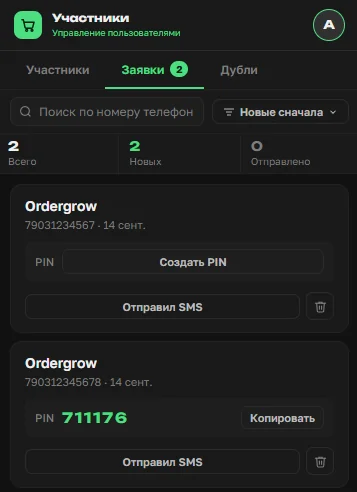
The administrator has a request management section in the app: it shows the phone number, the name given in the request and the PIN code to be passed to the buyer. The administrator copies the PIN and sends it to that number by whatever means is available — manually confirming that the number is real.
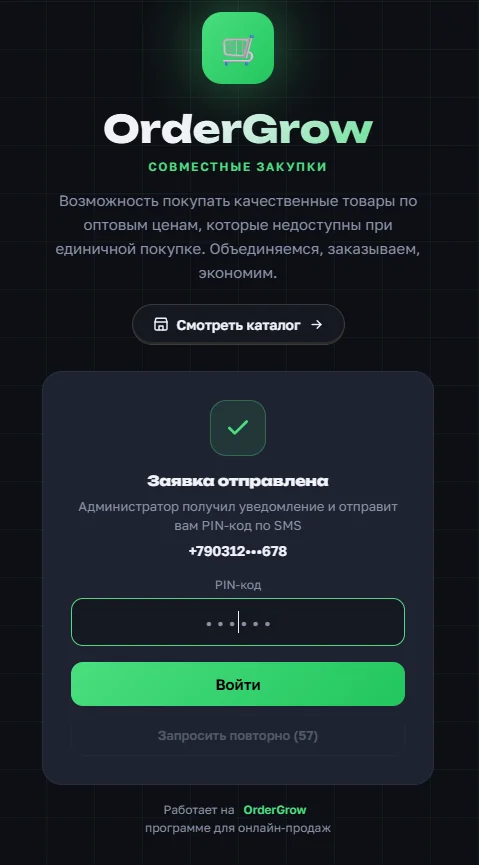
The buyer enters the PIN on screen and gets into the app. The PIN is single-use: it burns after the first successful log-in, and a new one is needed next time.
Signing up and logging in by phone call
The third, automated method is the phone call. It is implemented through SMSC. For the buyer the call is free; the administrator pays for each call.
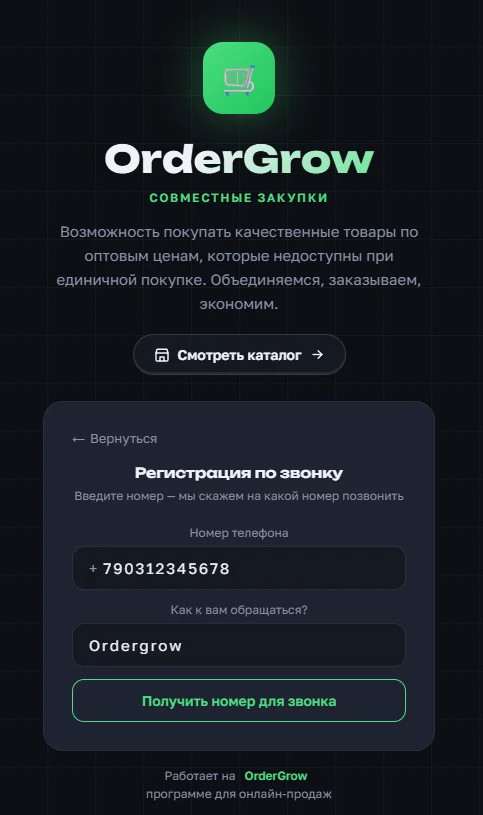
The buyer only needs to enter their phone number and name (when signing up) and get a number to call. They dial that number, and the system authorises them automatically if the number they entered matches the calling number.
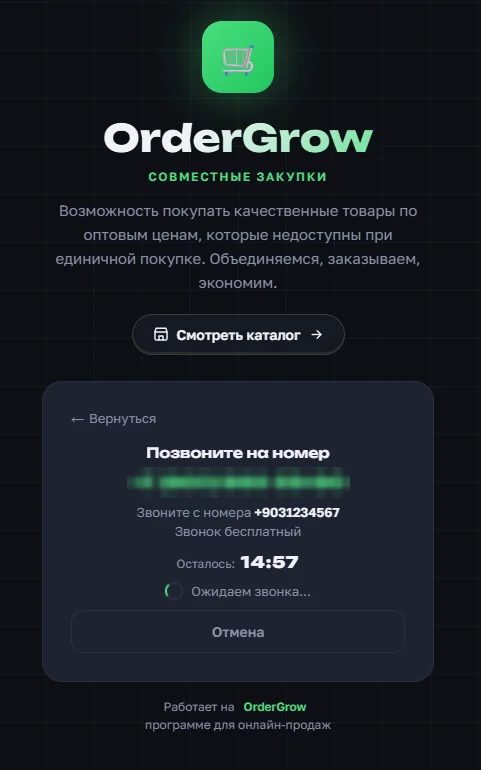
One thing to keep in mind: this method can be switched off for sign-up while still working for log-in. For example, an administrator may want to control who gets into their online shop and admit only the people they choose — OrderGrow has separate settings for that.
Logging in by email
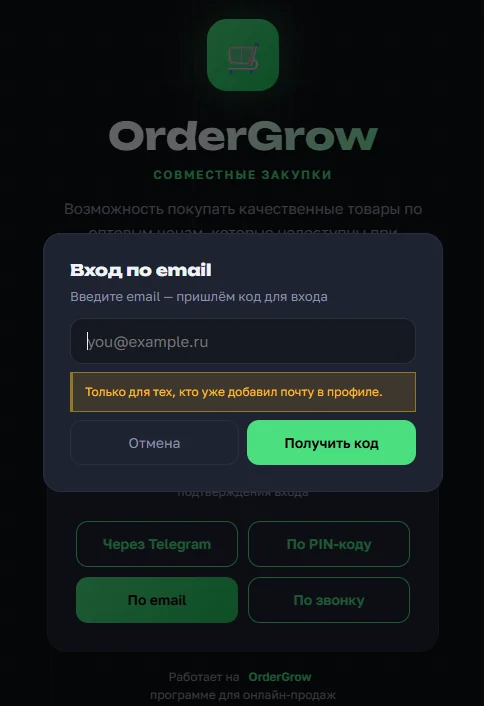
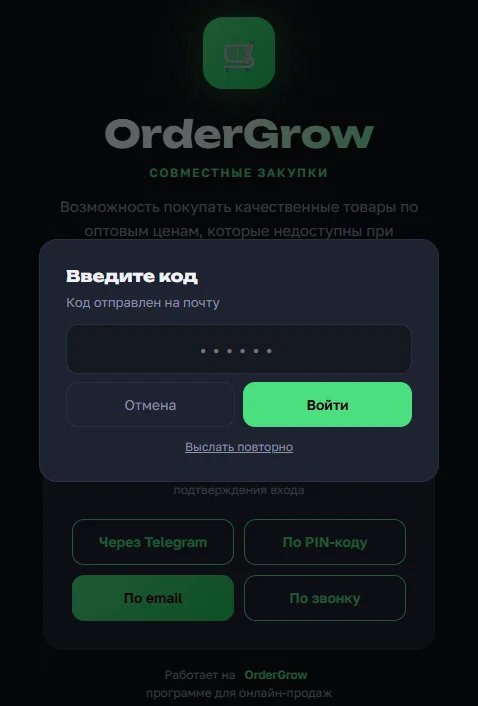
The only method that works for log-in alone is email. The reason is described above: a contact phone number is mandatory, and signing up by email does not meet that condition. Even with a phone field added to an email sign-up form, the number would still have to be validated. That is why email is used only as an additional log-in method — we covered it in detail in «Logging in by email».
What next
A shop catalogue can be viewed without signing up at all — through the public storefront. And you can try the group buying software in full, with every sign-up and log-in method, in OrderGrow Lab — seven days free, no bank card.