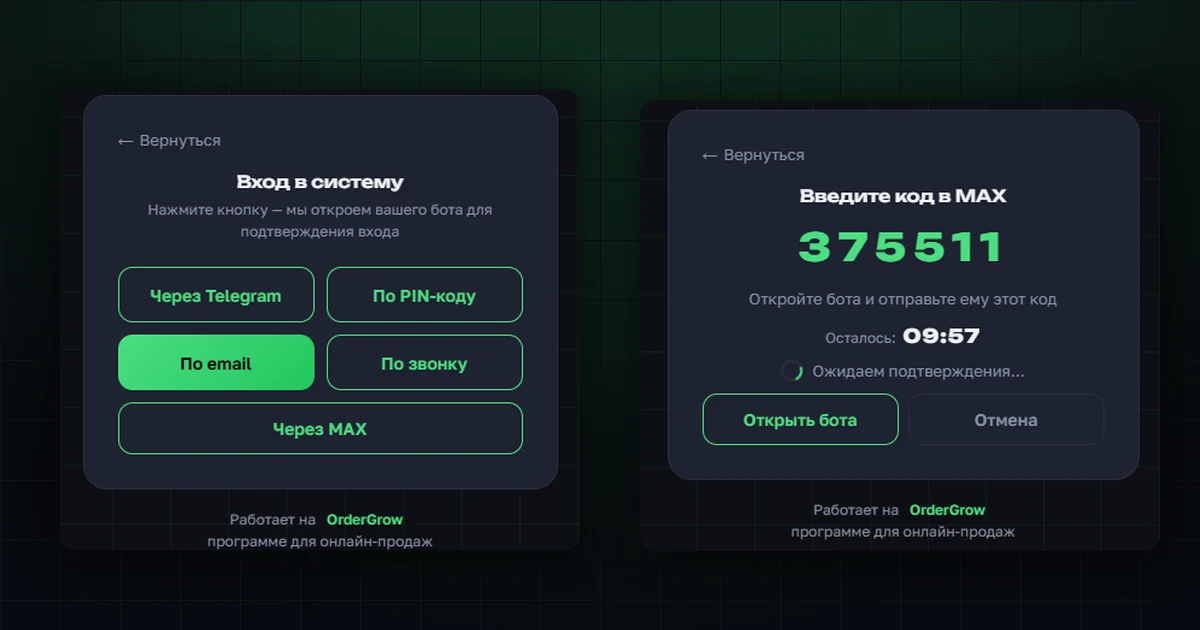
OrderGrow, an e-commerce and group-buying app, now has another way for customers to register and sign in — through the MAX messenger. It joins the methods we covered in "Sign-up and log-in: all methods": Telegram, a request with a PIN code, a phone call, and email.
It's built on an already working solution — sign-in via Telegram.
How a shop owner connects and enables MAX for customers
In the admin profile, under settings, a new "Sign in with MAX" section has appeared. It's off by default — whether to enable it at all is entirely up to the shop owner.
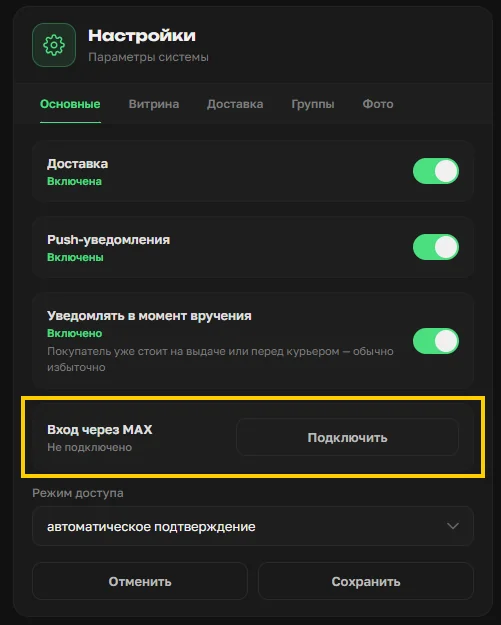
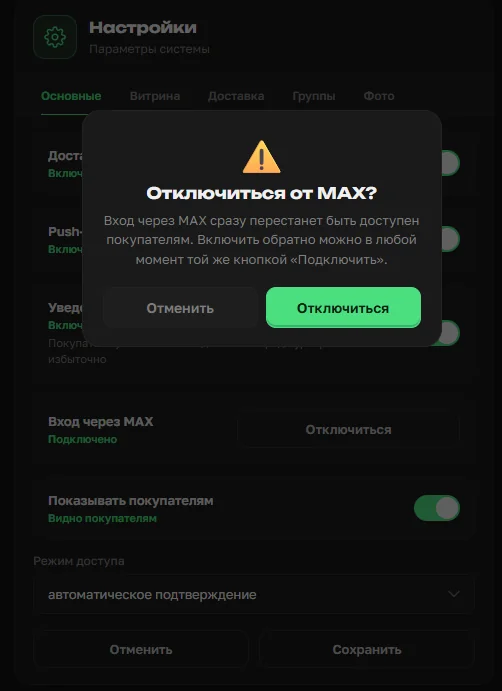
Connecting is two separate actions. First, the "Connect" button links the web app to the auth service. Then a separate "Show to customers" toggle — only after that does MAX actually appear on the customer sign-up and sign-in screens. Being connected but hidden from customers is a normal, working in-between state.


A previously enabled login method can be turned off at any time, in the same settings section.
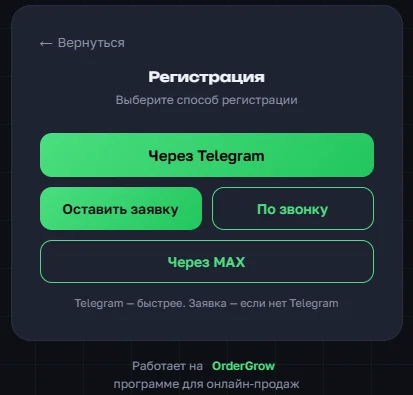
How sign-in or registration works for a customer
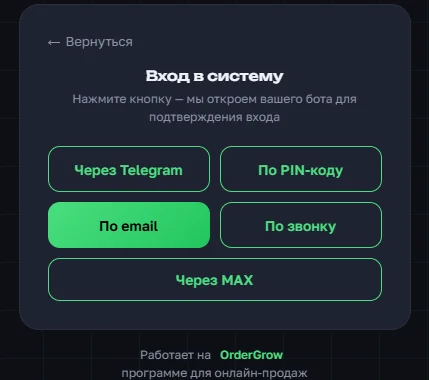
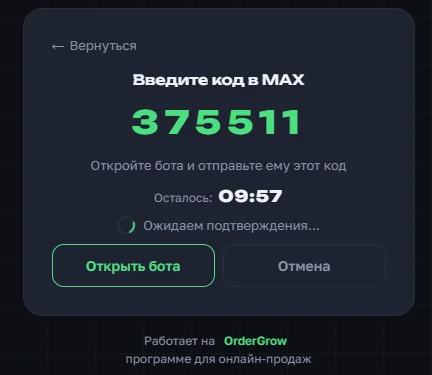
The customer taps "Via MAX" on the sign-in or sign-up screen. A window opens with a one-time code.
The customer just needs to remember the code: next is an "Open bot" button that goes straight to the Ordergrow auth bot in MAX. There, they enter the code, send it to the bot, and do whatever the bot asks next.
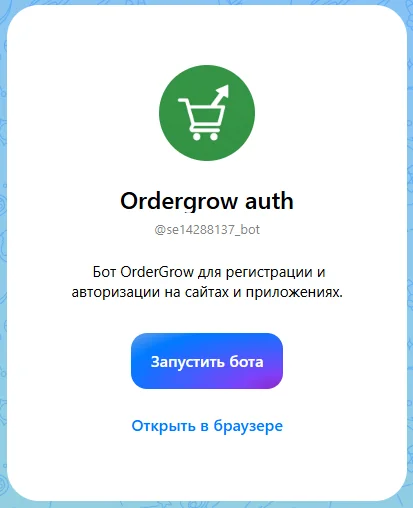
On successful authorization, the bot confirms the sign-in is complete. The customer returns to the app — already registered or already signed in, with no extra steps.
What's next
Sign-in via MAX is already available — the shop owner turns it on with one click in settings. Try the group-buying app in full, every customer sign-in method included, at OrderGrow Lab — seven days free, no card required.