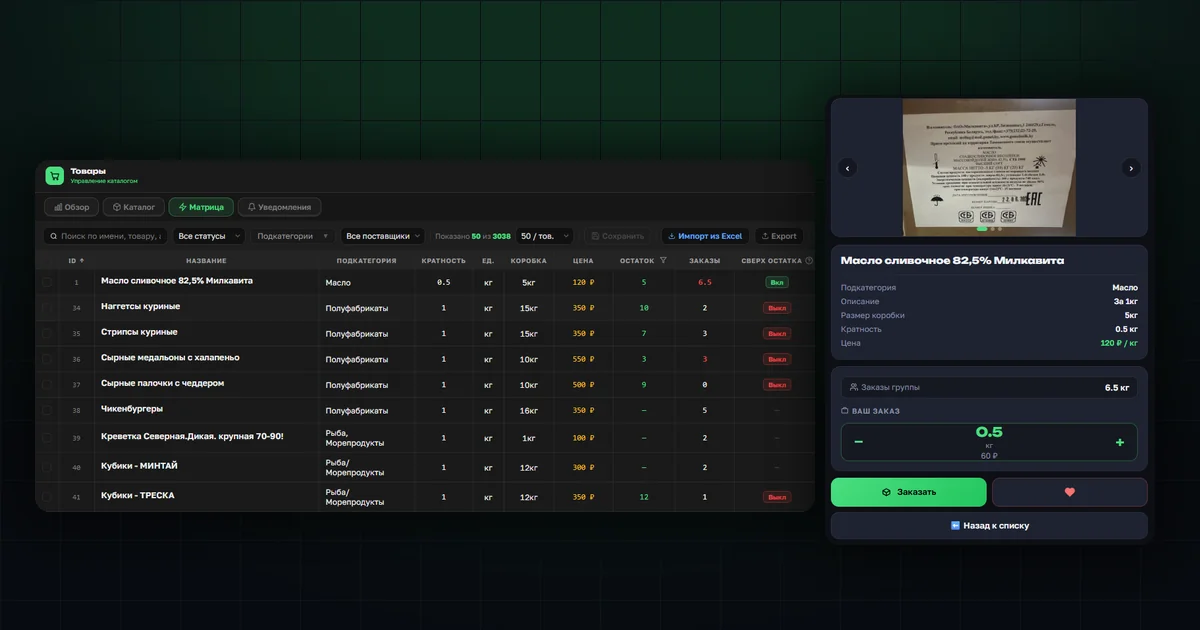
How to turn on orders beyond stock
The Products → Matrix section now has a "Overstock" column, next to "Stock" and "Orders". Toggle it per row for a single product, or select several rows and apply it in bulk from the action panel above the table.
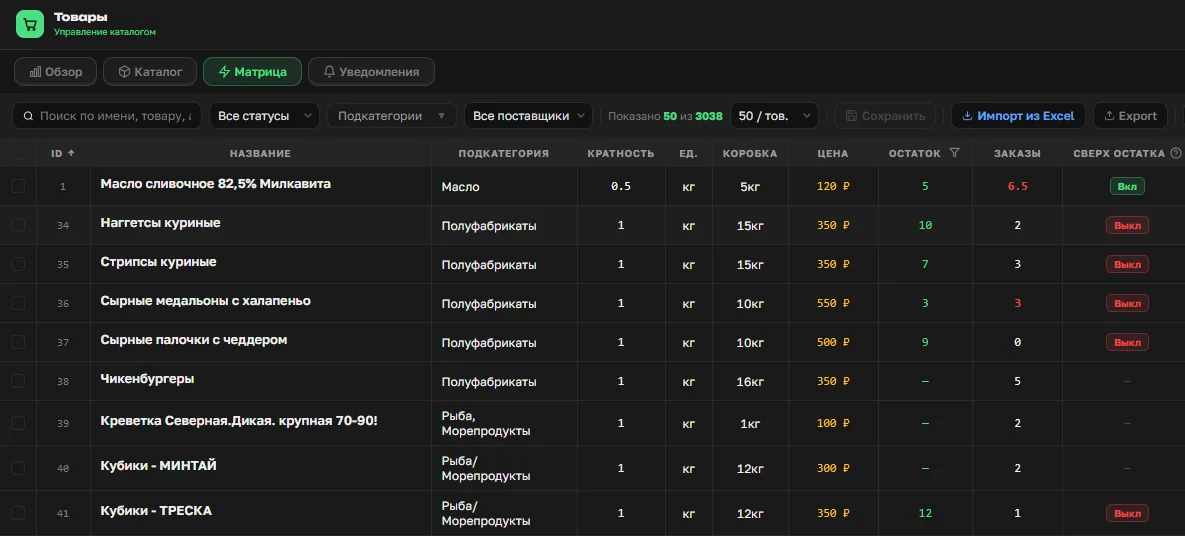
The same setting is available in the product card, next to the "Stock" field, and in Excel: a separate "Overstock" column with "Yes" / "No" values — an empty cell on import means "don't change".
Why orders are limited to stock by default
Stock tracking in OrderGrow wasn't introduced only for group buying — it also lets the platform work like a regular online store: selling what's already physically on the shelf, without a collection round and a wait for delivery. In that mode, keeping orders within stock is a safeguard, not an arbitrary limit: it guarantees that every placed order can actually be fulfilled, and prevents overselling — two customers claiming the same unit of stock.
Changing that rule by default for everyone would mean giving up the guarantee it was built for. So the solution was different: keep the safeguard, but let the organizer turn it off selectively — for one product at a time.
A partner's situation
One of our exclusive partners ran into this in practice — LIADA, a network that runs group buying in Moscow and the Moscow region and also does wholesale sales. It's not a tracking bug, just a common situation when working with stock in a mixed format: part of the assortment sells straight from the shelf, part is preorder. Stock runs low — one or two units left on the shelf. A new collection round can't be opened, and the remaining units can't be ordered either: the platform won't let you collect more orders than physically exist.
Zeroing out the stock manually to get around the limit is one way to do it, but not quite the right one: it erases the real stock data, and after that the platform simply doesn't know how much is actually left.
What the customer sees
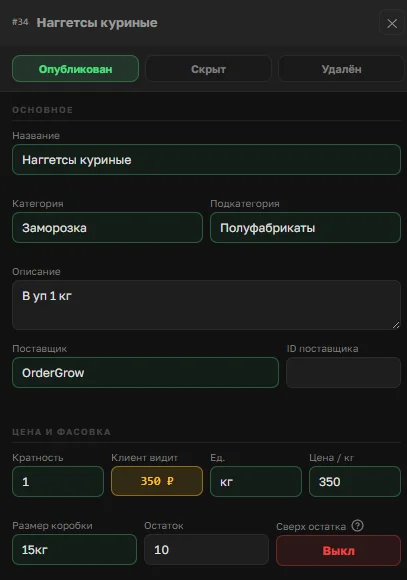
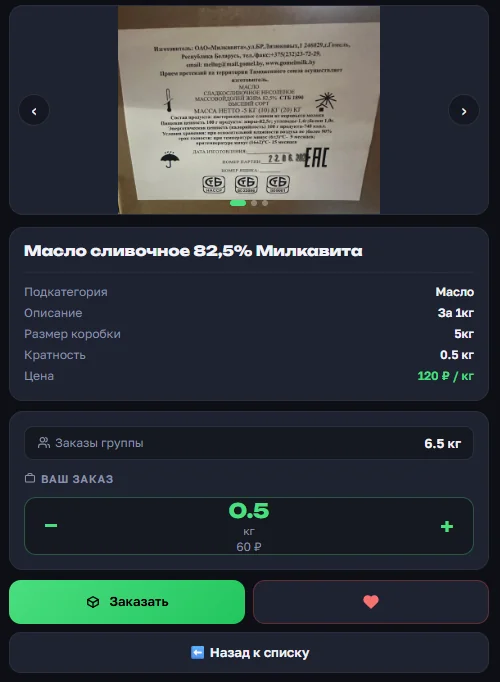
Nothing changes for the customer except one thing: if the organizer has turned the option on, the product card still allows placing an order even after the stock has been fully claimed by the group's other orders.
What this feature doesn't do
"Overstock" isn't a blanket removal of the anti-overselling safeguard — it's a targeted exception to it:
- Turned on per product — there's no single switch that lifts the limit everywhere at once.
- Doesn't affect products with no stock value set — they're already unrestricted.
- Resets automatically when the collection round closes. The option is usually needed for a short window — to pick up extra orders for a specific batch — and if it isn't switched off manually, the next round for the same product would start with it still on and forgotten. The automatic reset means the organizer doesn't have to remember.
- Doesn't change how already-confirmed orders are handled — pickup and collection-closing rules stay the same.
Where to read more
This option builds on the existing stock tracking — if you haven't used that section yet, start with "Preorder or from stock". Bulk management and spreadsheet setup are covered in the article about working with Excel.