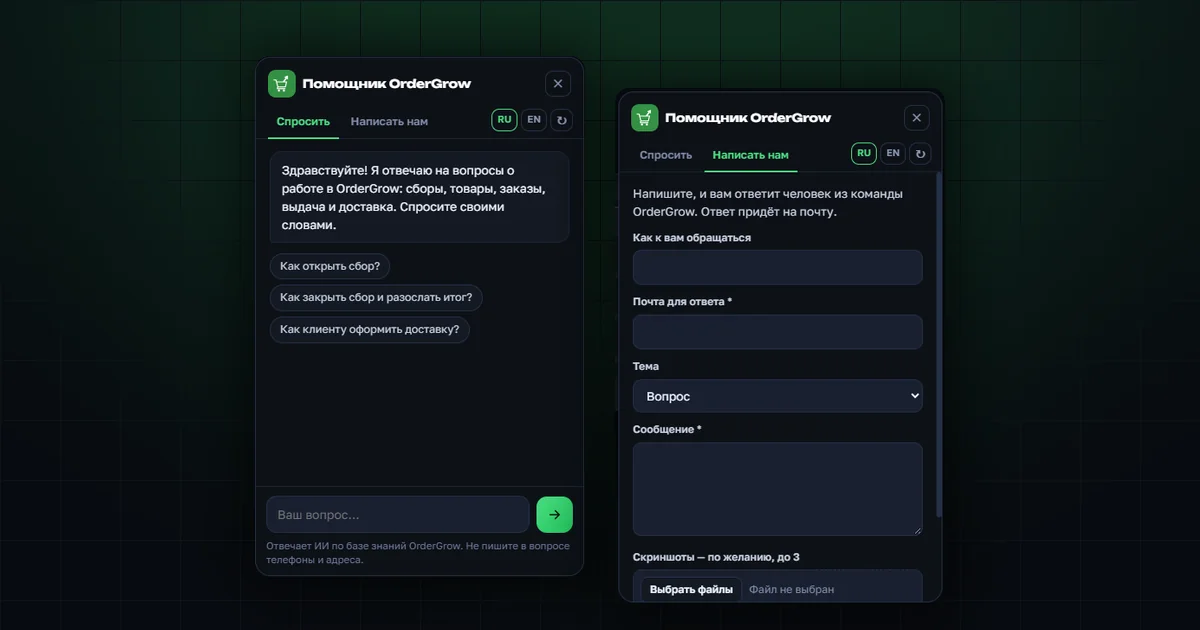
You can try OrderGrow for free — 7 days of full access. In the first days of working in the app, many simple questions come up: where to set a collection date, how to upload a catalog from Excel, how to turn on notifications, how a customer requests delivery. The answers are in our guides and FAQ, but finding them takes time — it is easier to ask.
That is why we added an AI assistant. It is the same set of guides, only as a conversation: you write a question, the assistant finds the answer.
OrderGrow is group buying software and an app for online sales, and the assistant knows it as well as our articles do:
- sign-up and login methods;
- catalog, uploading products from Excel, stock;
- collections — opening and closing, sending results;
- orders, waybills, Excel export;
- delivery and pickup points;
- public shop page, Telegram bot, notifications;
- statistics, shop profile, contact channels, themes.
How to ask the assistant a question
- Click the green button in the bottom right corner of any page on the website.
- Type your question in your own words or pick a ready one: "How do I open a collection?", "How do I close a collection?", "How does a customer request delivery?".
- The assistant answers briefly: what to click and what happens next. If the guide has a matching screen, it shows a screenshot. Click the screenshot to enlarge it.
- Below the answer there is a link to the article that covers the topic in detail, for example how to open a collection or how to close a collection.
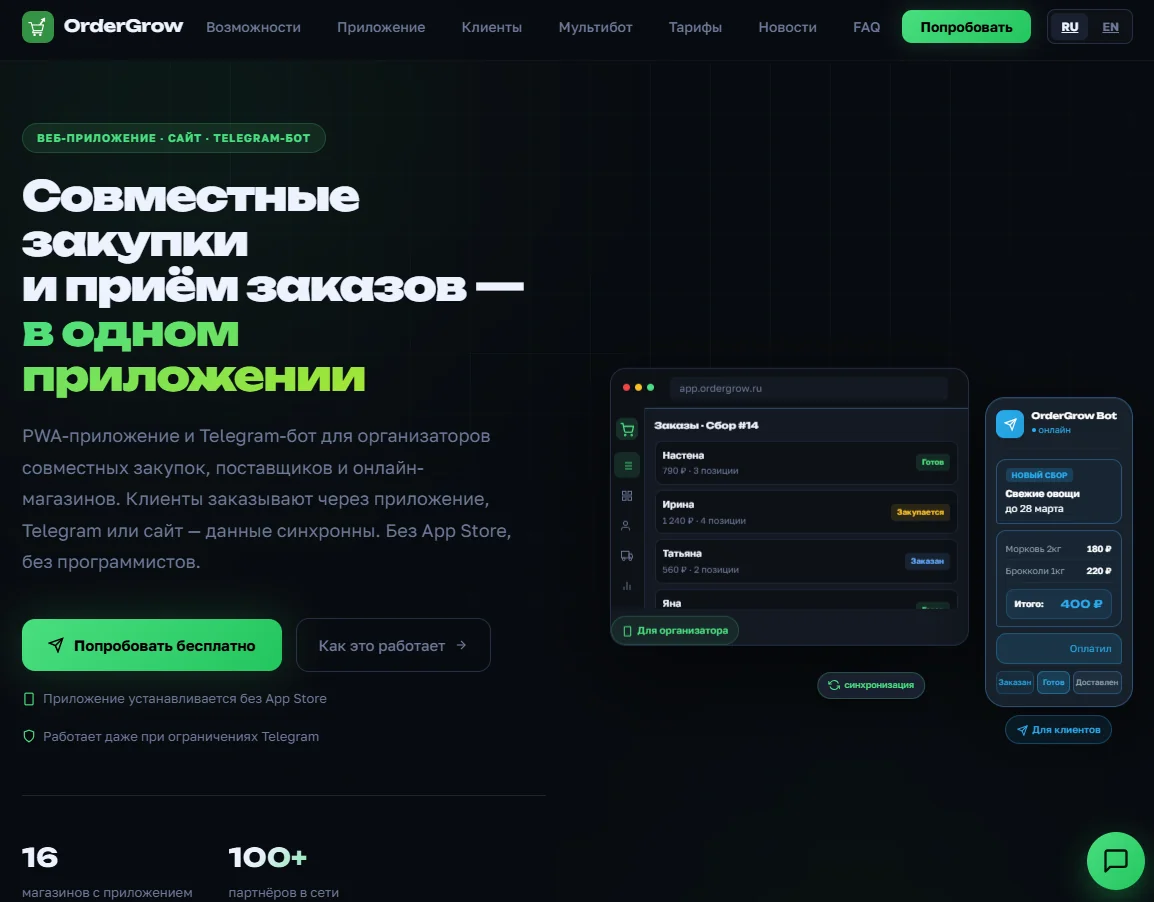
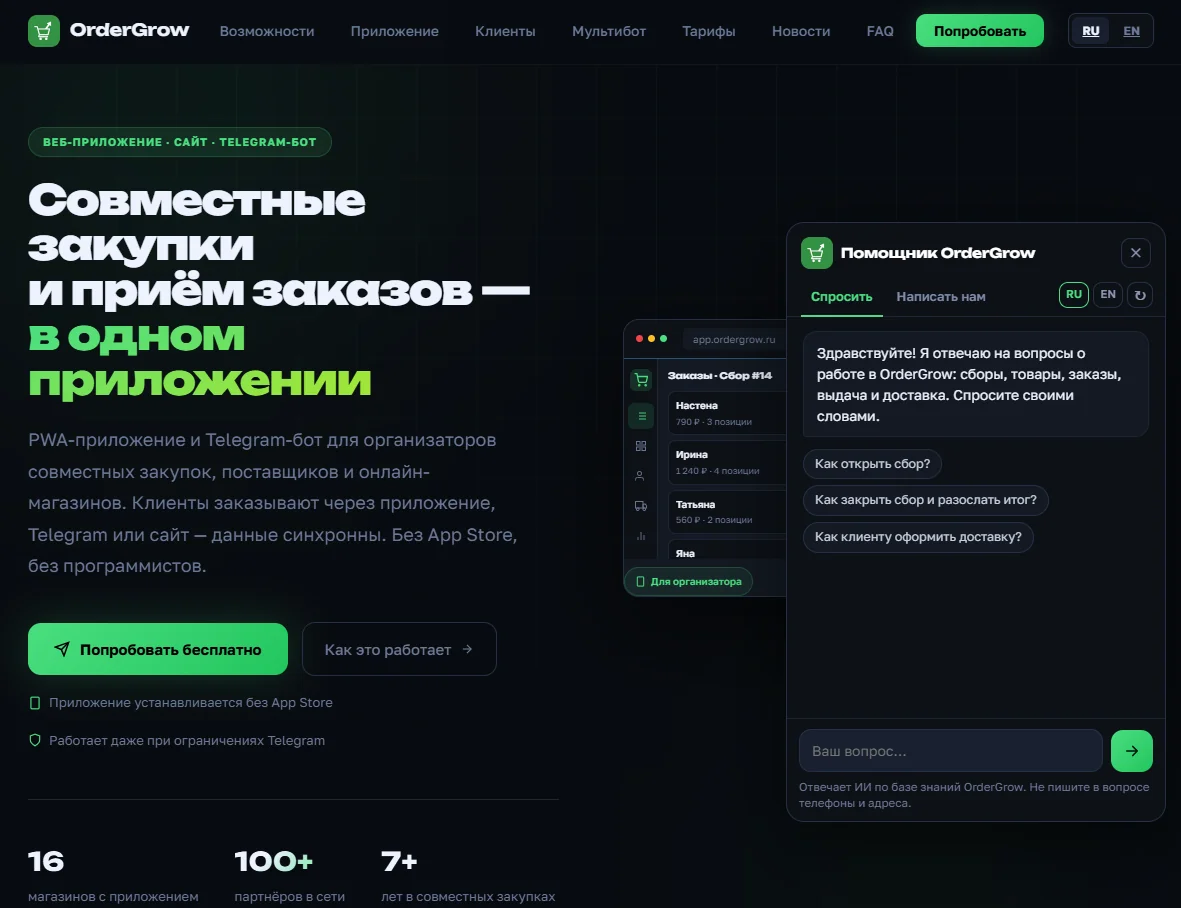
The conversation stays when you move between pages. The "New conversation" button starts it over.
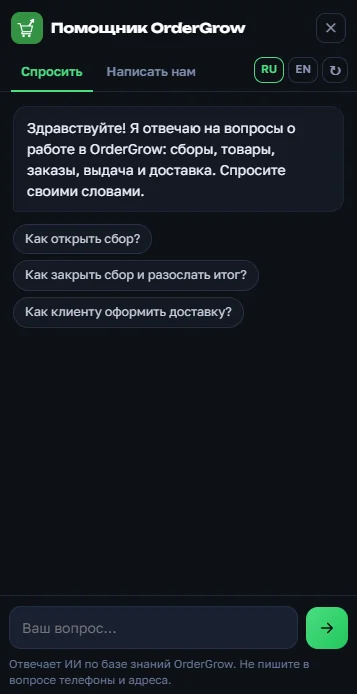
Where the assistant gets its answers
The assistant answers only from the OrderGrow knowledge base. It includes the guides and articles from this website, and our team adds to it based on the questions users ask.
If the knowledge base has no answer, the assistant says so and suggests writing to us. It will not make up features, prices or deadlines.
The assistant replies in the language of the question. Russian and English are available now; you can switch the language in the assistant window.
How to contact support and get a reply from a person
The second tab in the assistant window is "Contact us". It is a request form that a person on the OrderGrow team will answer.
- Enter your name and an email for the reply.
- Choose a topic: question, something is broken, suggestion or other.
- Describe what happened. If you asked the assistant before, you can attach the conversation with one checkbox — no need to repeat the question.
- Attach up to three screenshots if you like.
- Tick the consent to data processing and send.
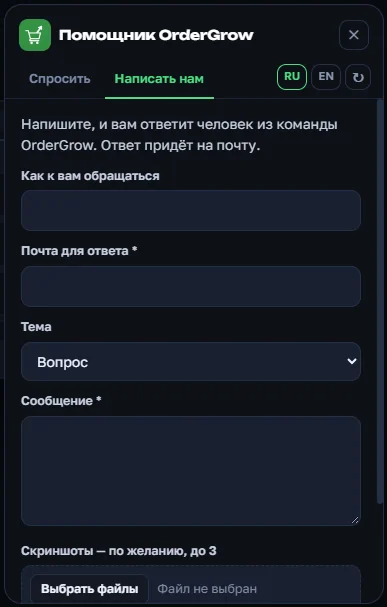
The request gets a number, and a confirmation arrives by email. If an assistant answer did not help, a "Contact us" button appears right below it.
What the assistant does not do
- It does not see your shop's data: orders, customers, balances. It knows how the group buying software works, but not what is happening in a particular shop.
- It does not perform actions in the app for you — it only tells you where to click.
- It can make mistakes. If an answer seems doubtful, open the linked article or write to us.
- It is not meant for personal data: do not include phone numbers, addresses or card numbers in a question. If they do end up in a question, the assistant receives them hidden.
How the assistant gets more accurate
Each answer has "Yes" and "No" buttons. We review by hand the questions the assistant could not answer and the answers rated "No". We add the correct answer to the knowledge base, and from then on the assistant answers from it.
That is why a "No" with a short comment is the best way to make the assistant more useful for all group buying organizers.