In short
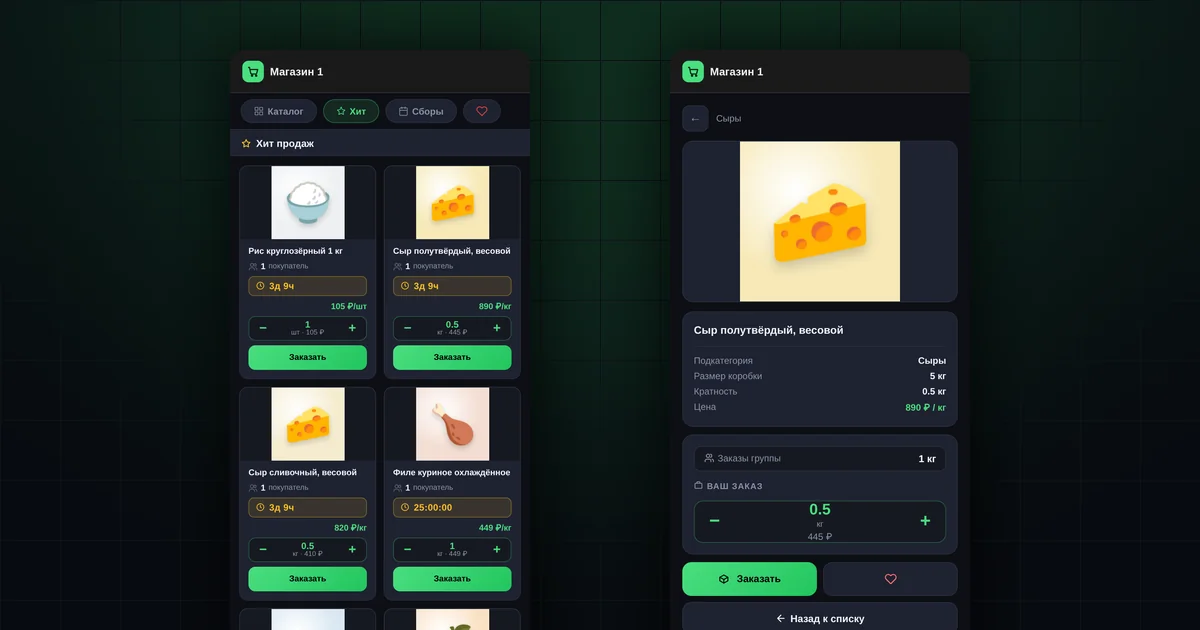
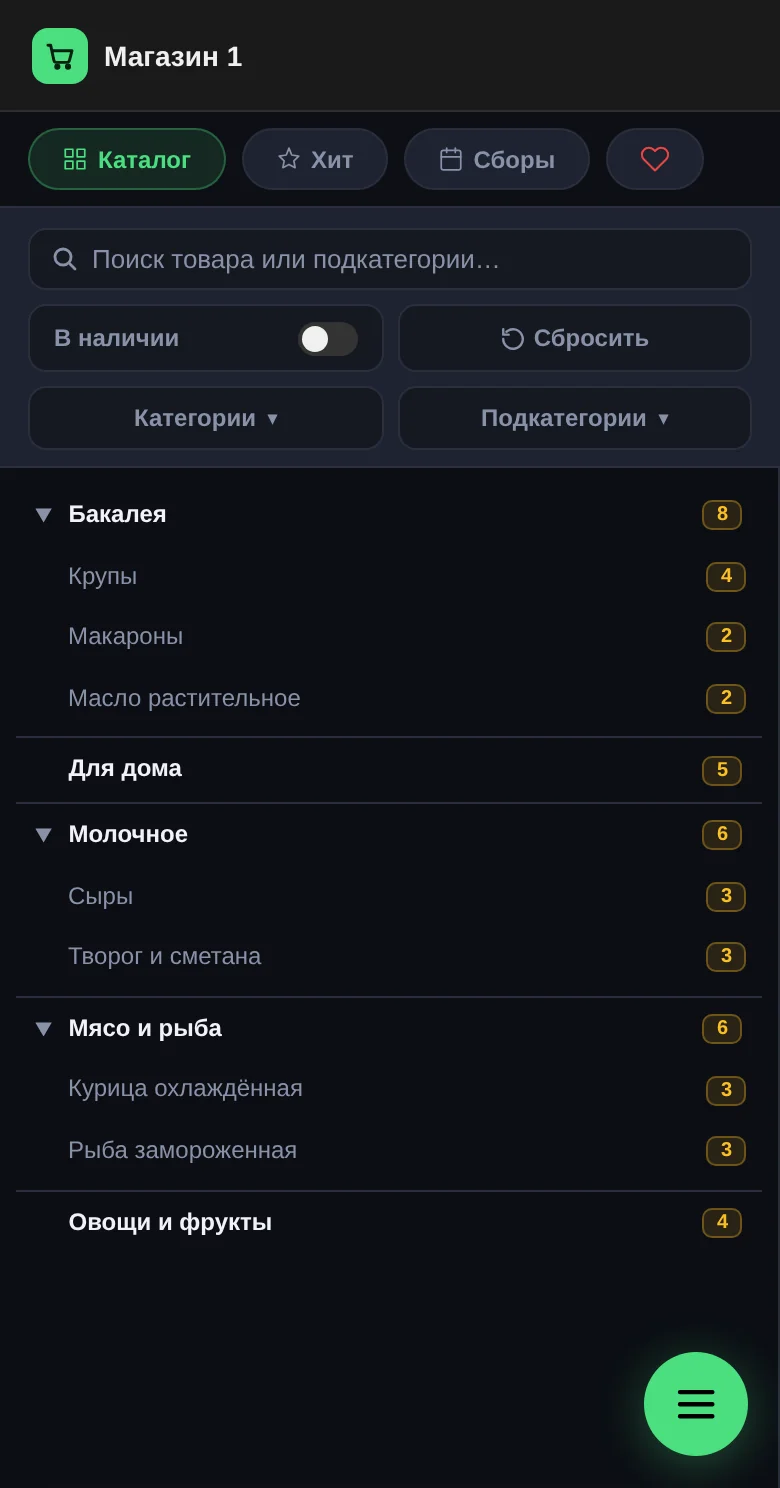
- Catalog sections: "Catalog", "Hits", "Collections", "Favorites".
- Quantity is chosen in steps equal to the "Step" value.
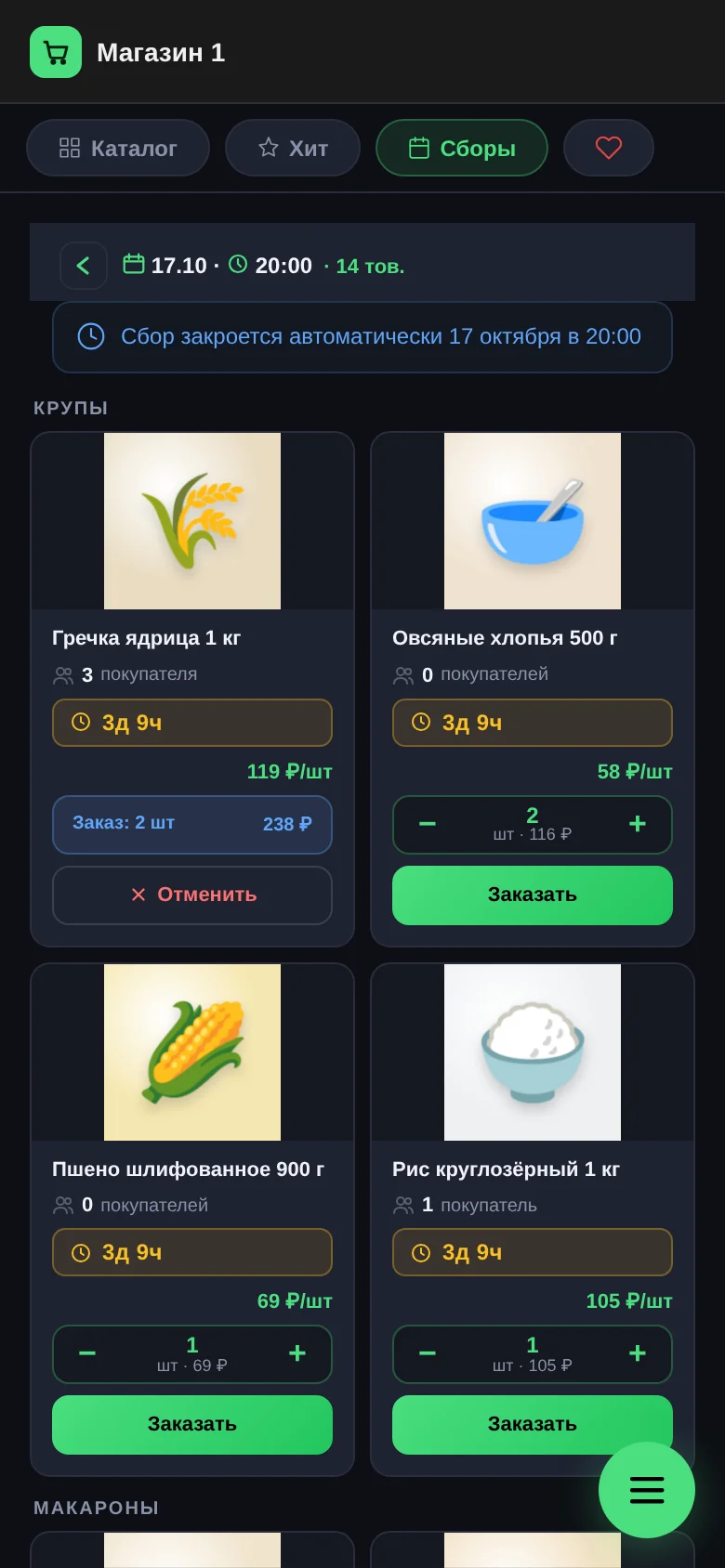
- One order per product; to change the quantity, cancel and order again.
- You can cancel while the collection is open.
- After the collection closes, the order moves to "Purchasing".
Where do you find products?
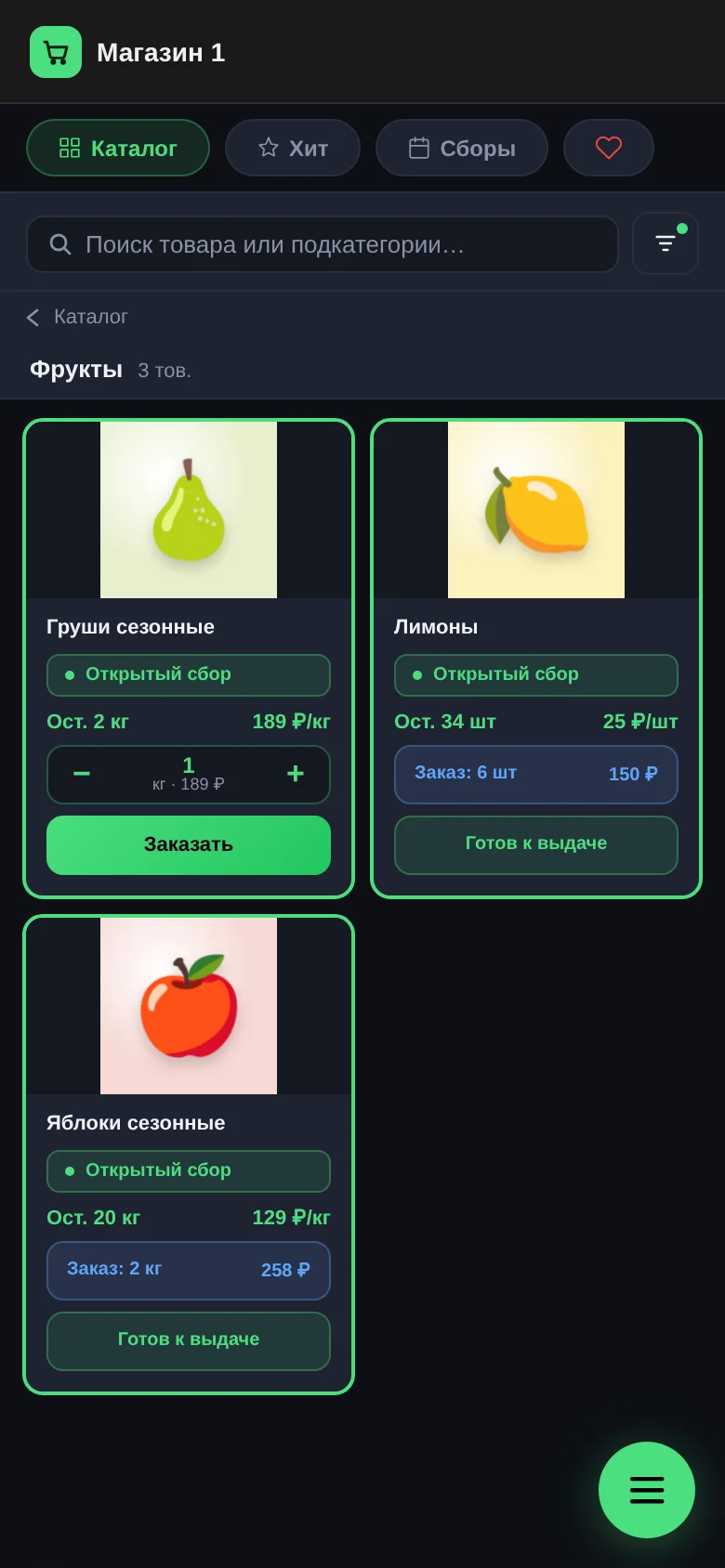
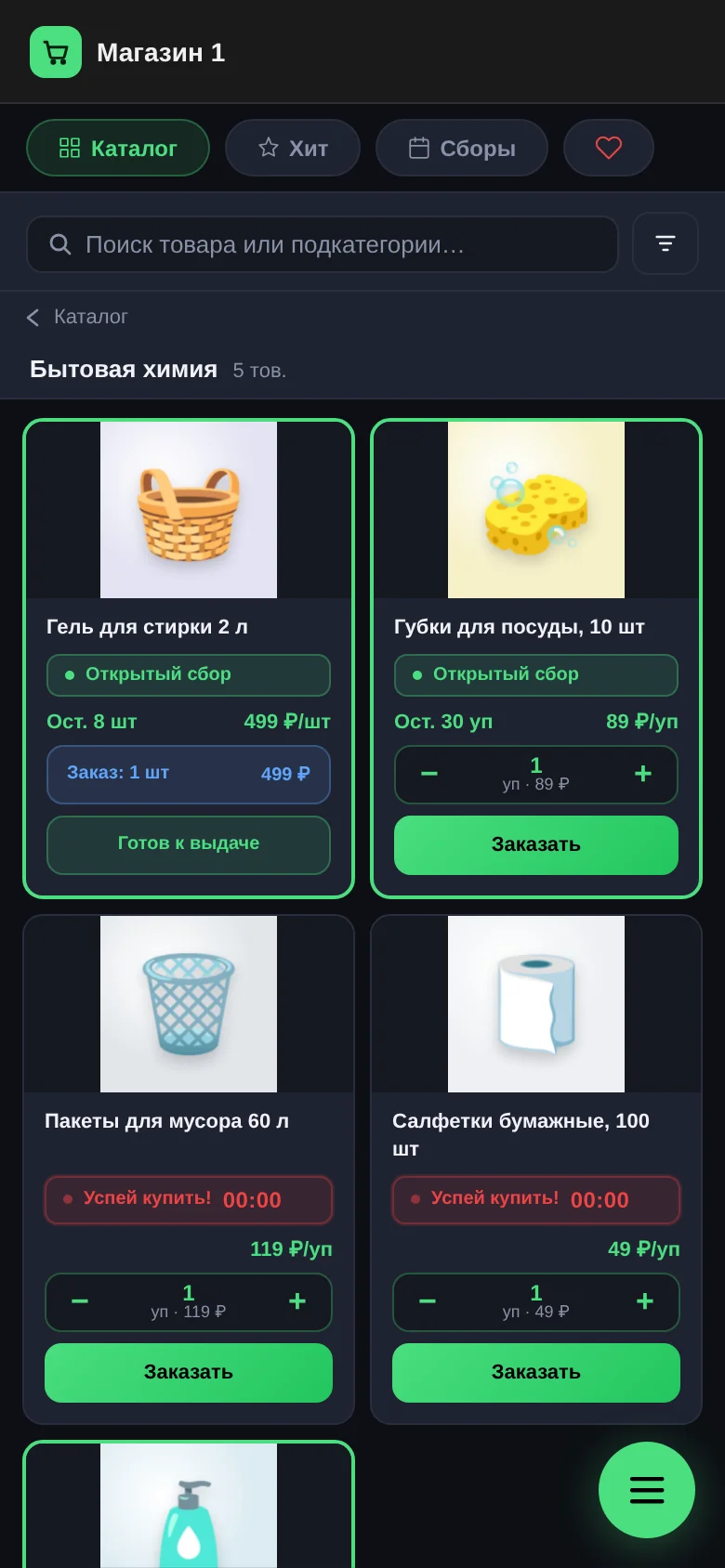
- "Catalog" has all products by category, with search by name and filters by category and subcategory.
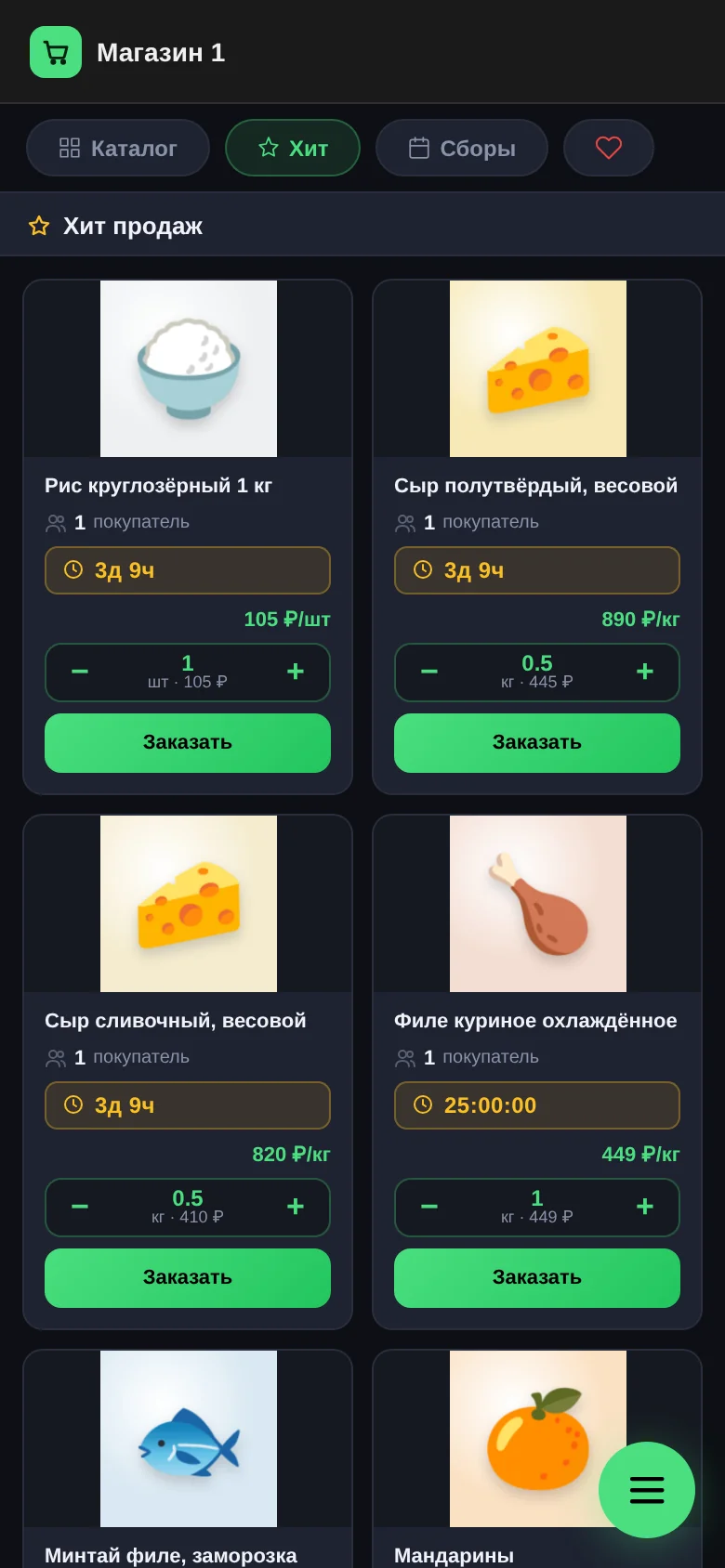
- "Hits" shows what other buyers order most often. What you've already ordered isn't shown here.
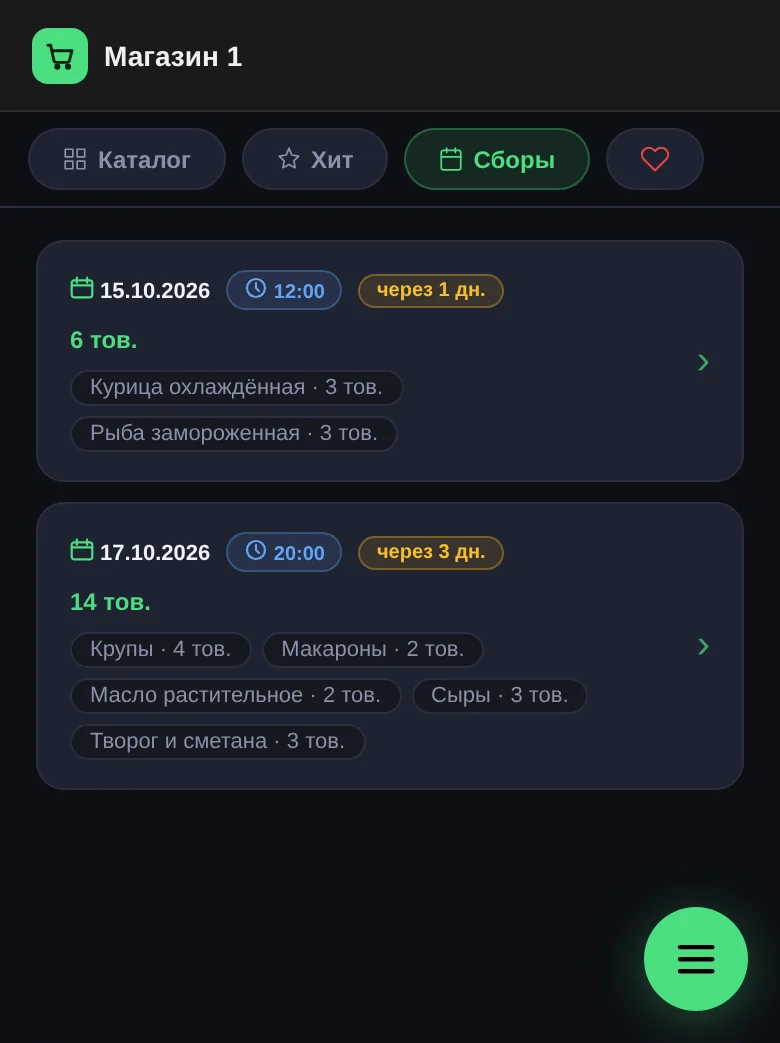
- "Collections" groups products by collection end date.
- "Favorites" holds products you've marked with a heart. When a hidden product is back on sale, you get a notification.
The "In stock" switch leaves only what is in stock right now.
What does a product card show?
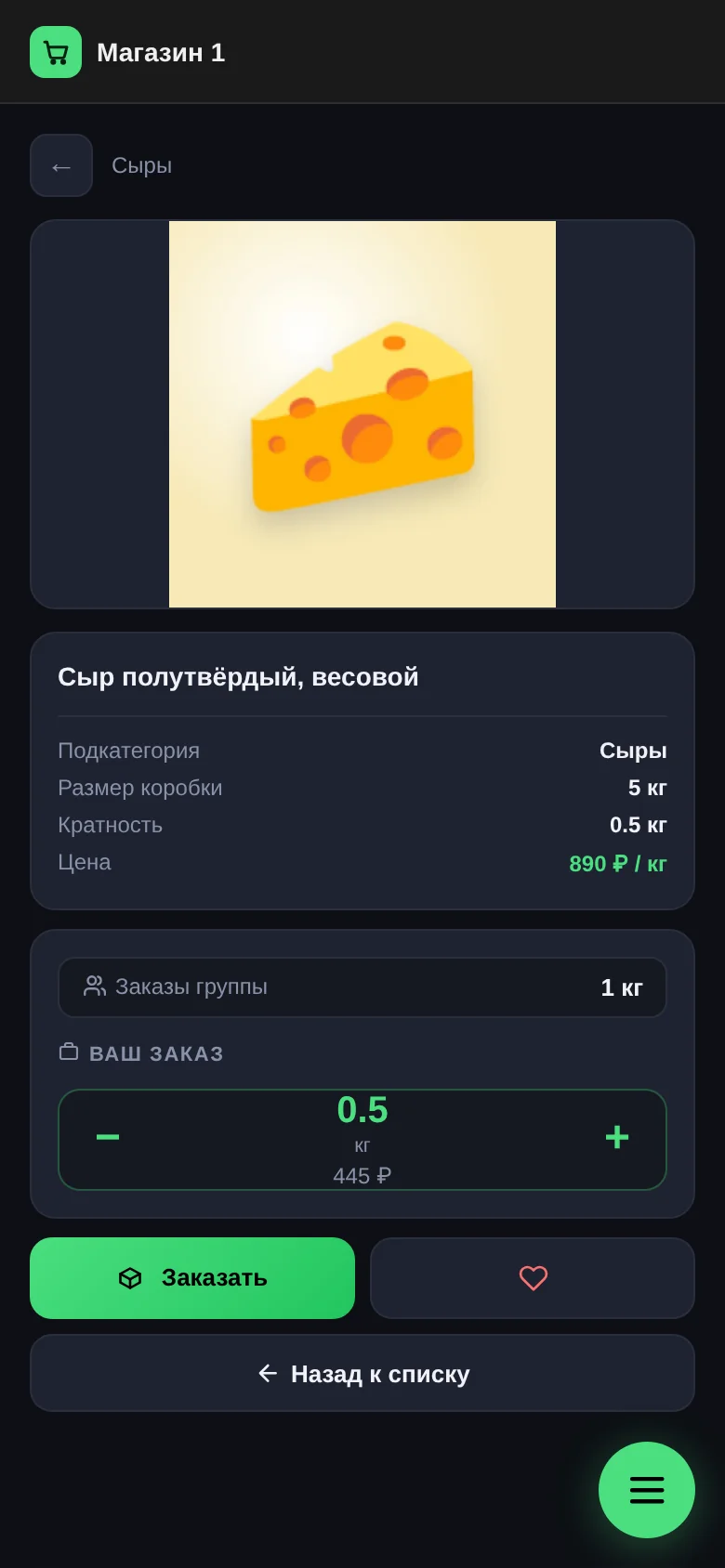
- "Price" is per unit: a kilogram, a piece, a pack.
- "Step" is the increment you can order in. For example, cheese in 0.5 kg steps: you can take 0.5, 1 or 1.5 kg, but not 0.3.
- "Box size" is how much is in the supplier's wholesale pack.
- "Group orders" is how much all buyers have already ordered. Next to the box size, it shows whether the box will be filled.
- "In stock" appears if the product is sold from stock.
How do you place an order?
- Open the product or find its tile in the list.
- Choose the quantity with "−" and "+". The cost updates immediately.
- Tap "Order". You'll see "Order placed!".
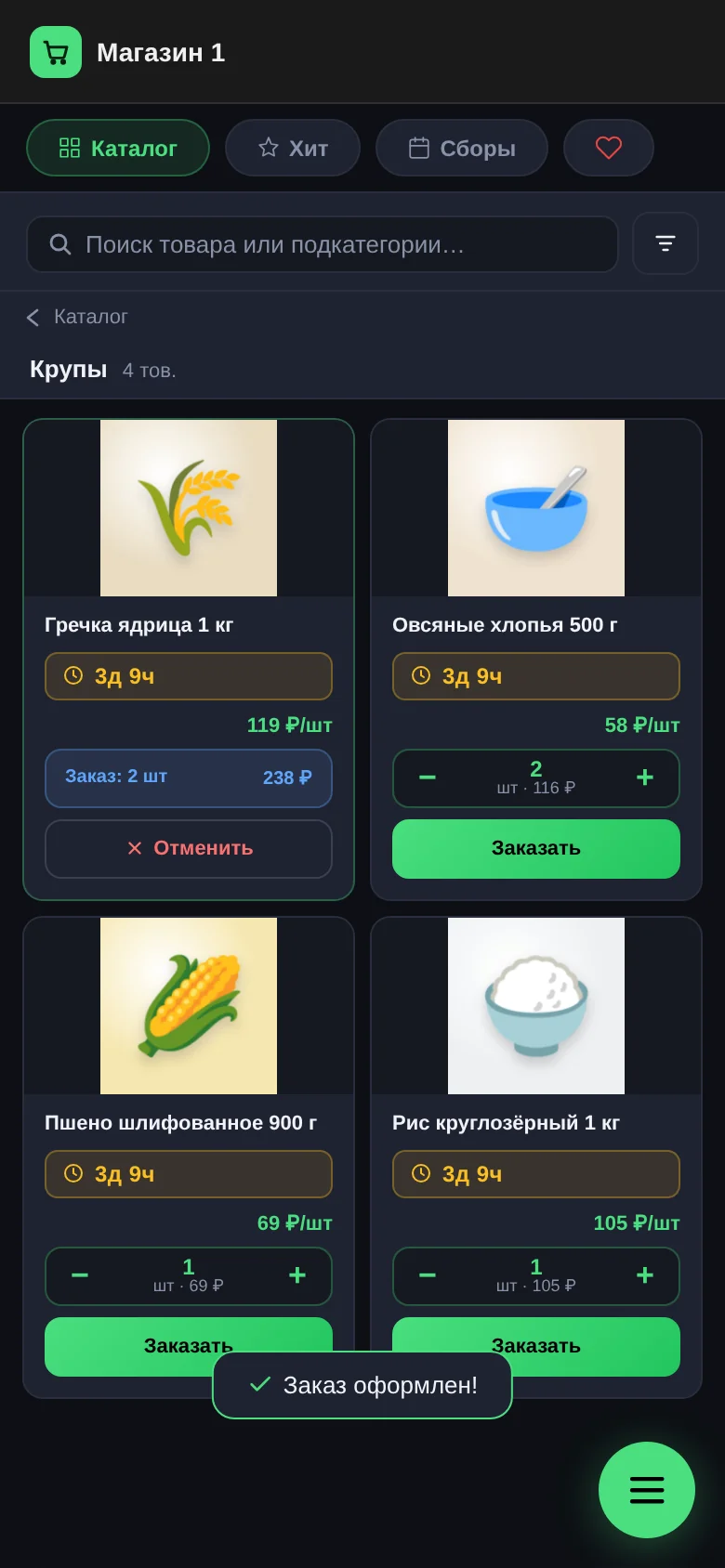
You can also order right from the tile in the list, without opening the card.
Why was the order placed for less than you wanted?
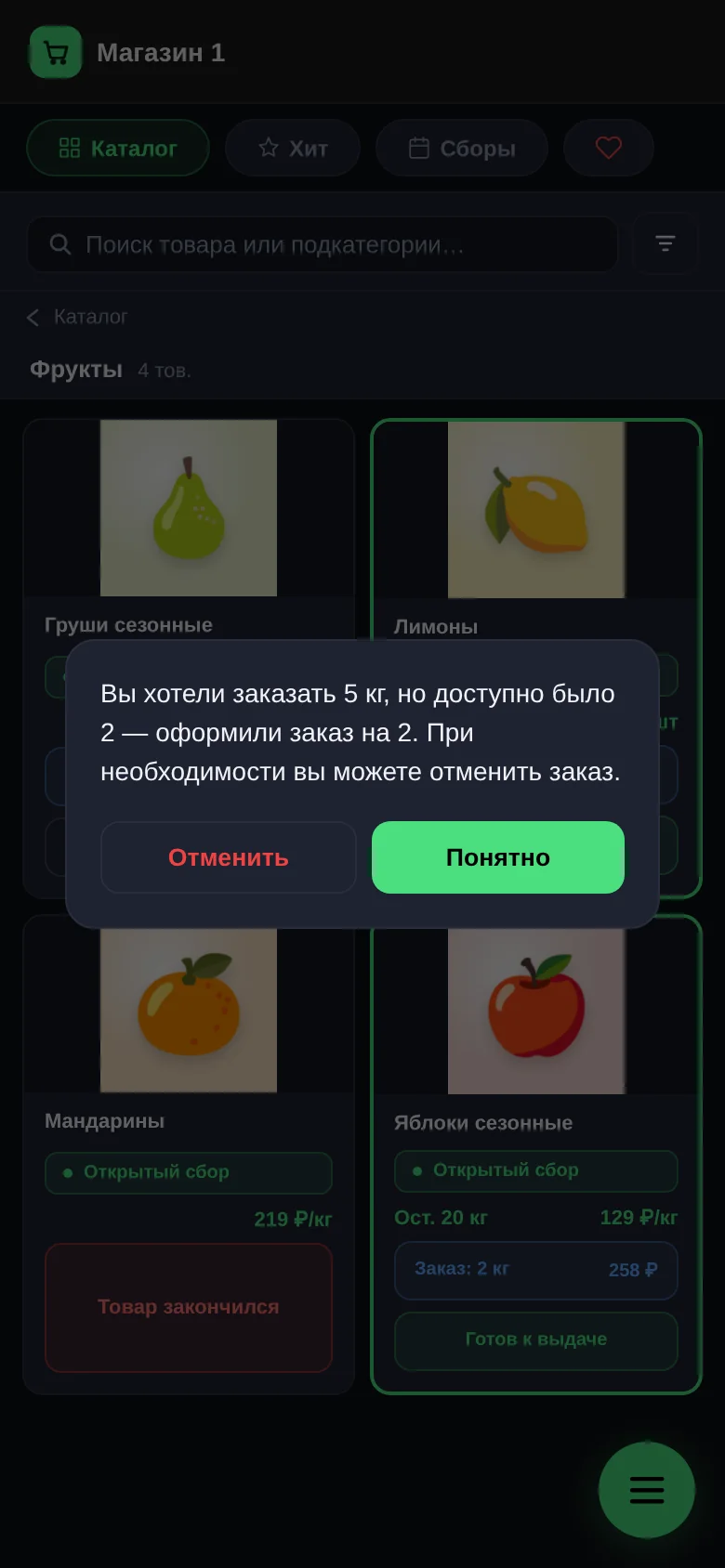
If a product is sold from stock and less is left than you wanted, the order is placed for everything available. The app immediately shows how much you wanted and how much was ordered. If that amount doesn't suit you, you can cancel the order right away.
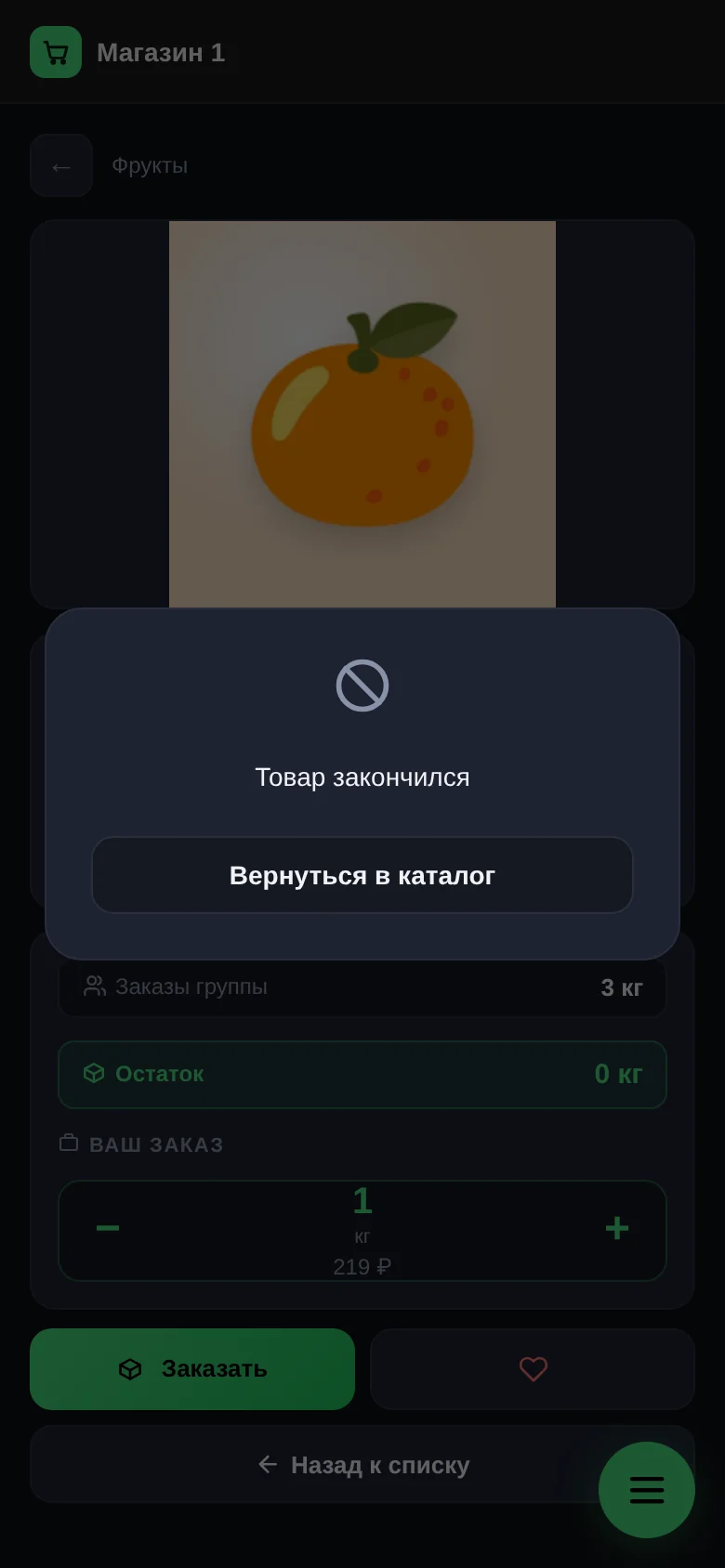
If the product has run out completely, the card says "This item is sold out". You can add it to "Favorites" and wait for a notification.
How do you change the quantity or cancel an order?
You can have only one order per product. Its quantity can't be changed: cancel the order with "Cancel" and order again with the quantity you need.
You can cancel while the order is "Ordered" and the collection is still open.
What do the timer, "Open collection" and "Hurry up!" mean?
- The timer shows how much time is left until the collection ends. In the last two days it counts down by the second.
- "Open collection" means the product has no end date and can be ordered at any time.
- "Hurry up!" means the collection time is up, but the organizer hasn't closed it yet. Orders are still accepted.
Inside a collection in "Collections" you may see "This collection will close automatically…". In that case the exact closing time is known in advance.
What happens when the collection closes?
The collection's products disappear from the catalog, your order moves to "Purchasing" and you get a notification. From then on the order can't be cancelled: the organizer is ordering the goods from the supplier. Where to follow your order next: "My orders".
Questions and answers
Why can't I order at any time?
In a group buy, goods are bought wholesale for the collected orders. While the collection is open you order; after it closes you wait for delivery.
Why might the price of a weighed product change?
The actual weight is confirmed at pickup. If it differs, the amount is recalculated at the same price per kilogram, and you get a notification.
Can other buyers see what I ordered?
No. They see only the total under "Group orders".