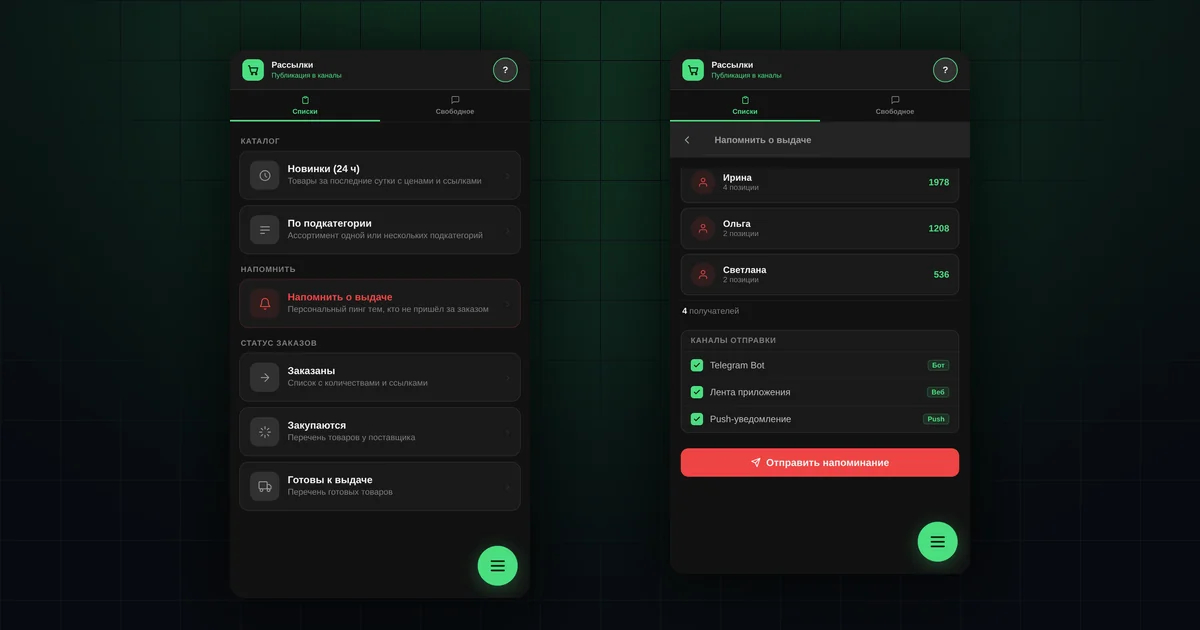
In short
- Ready-made lists: new items from the last day, subcategories, ordered, being sourced and ready for pickup.
- Any list goes to the clipboard with a single "Copy" button.
- The pickup reminder goes personally to everyone who has orders ready for pickup.
- A reminder can be sent no more than once an hour.
- A collection list can be sent to a Telegram group through the shop bot.
Which lists are ready to post?
| List | What's inside |
|---|---|
| "New (24h)" | Items from the last day, with prices and links |
| "By subcategory" | Assortment of one or several subcategories |
| "Ordered" | List with quantities and links |
| "Being sourced" | List of items at the supplier, after the collection closes |
| "Ready for pickup" | List of ready items |
Open the list you need, check the text in "Preview" and tap "Copy". You can paste the text into any group: in MAX, VK or Telegram.
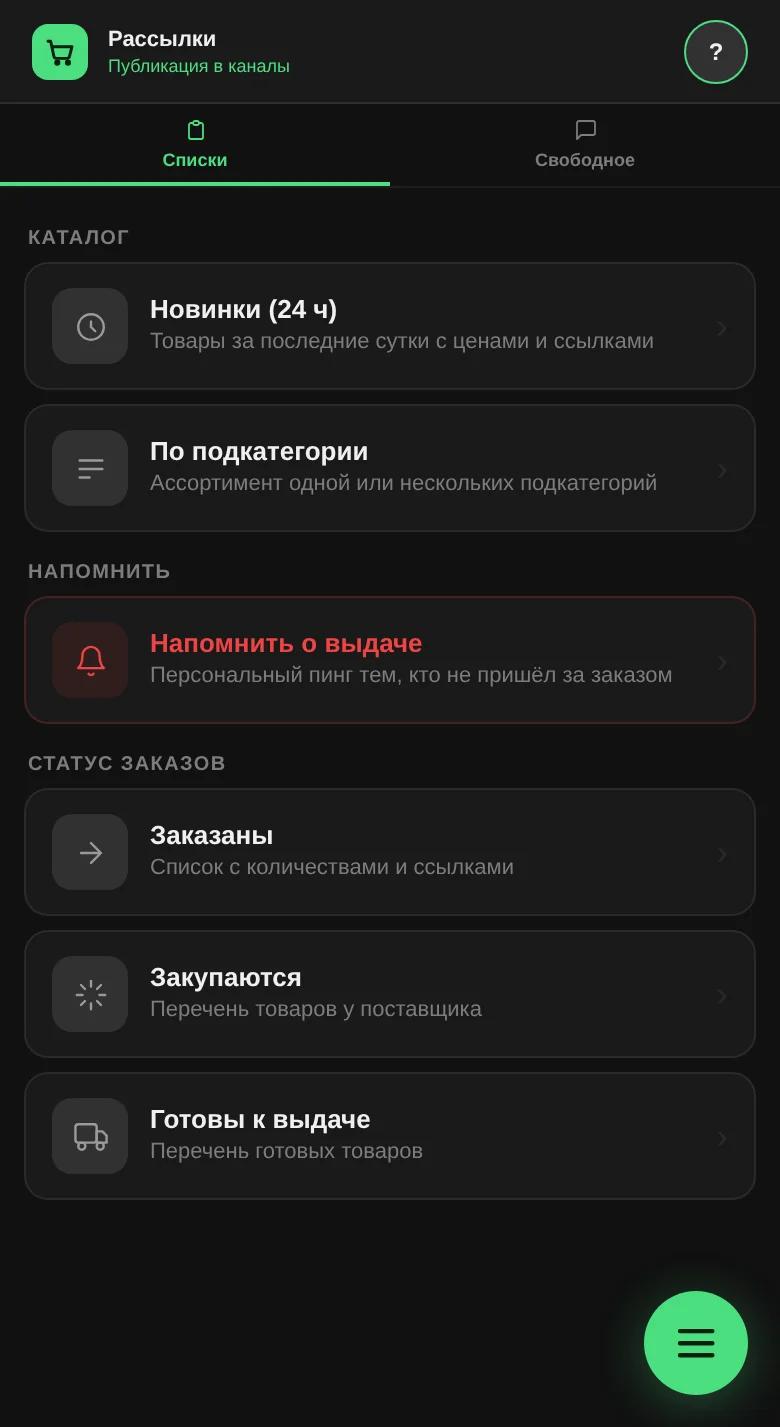
How do you remind those who haven't collected their order?
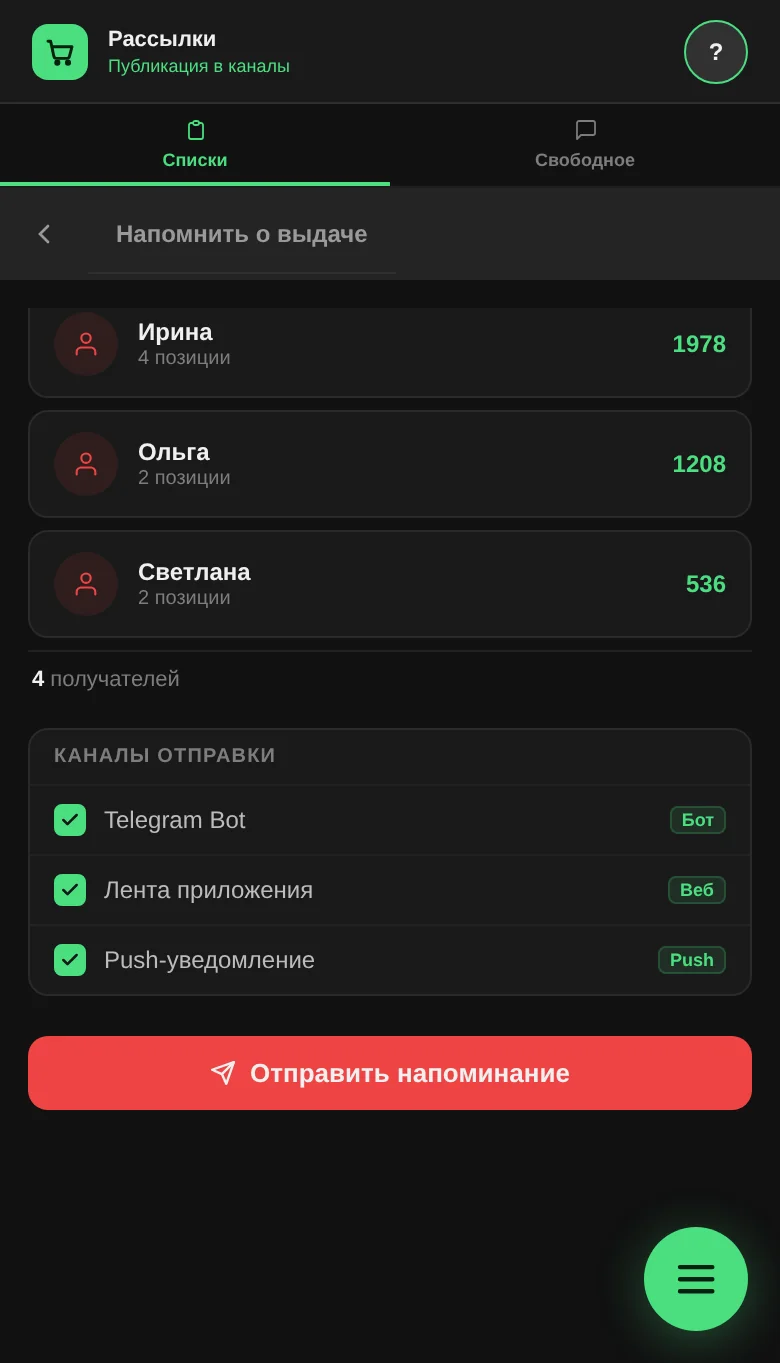
- Open "Remind about pickup". The software shows the recipients, everyone with orders "Ready for pickup", and how many items are waiting for each of them.
- Choose the channels: "App feed", "Push notification" and, if the buyer came through the bot, a Telegram message.
- Tap "Send reminder".
After sending, you see the "Broadcast results": the total, how many were sent and how many had errors, for each channel.
Why can you send a reminder only once an hour?
So that buyers don't get several identical reminders in a row if two staff members send the broadcast or someone taps the button twice. If a reminder went out recently, the software shows when the next one can be sent.
Where can you see what has already been sent?
On "Home", the "Activity" feed has a "Broadcast" filter. Tap an entry to open the details: when, to whom and through which channels.
How do you send a collection list to a Telegram group?
If your app has a Telegram bot and it has been added to the group as an admin, the collection list is sent right from the "Collections" section: collection card → "Broadcast" → select the group → "Send broadcast". The list includes published products with prices and links to their cards.
How to connect the bot to a group is covered in "What to prepare for launch"; connected groups are listed in "Profile" → "Settings". If there is no bot, the "Copy" button in the collection card gives you the same list.
What broadcasts don't do
- Bot messages use standard texts that cannot be edited. You can add to a copied list before posting it.
- Broadcasts don't post on a schedule by themselves: a list is sent when you tap the button.
Questions and answers
Does a buyer need the app to get a reminder?
The reminder arrives in the app feed and as a phone notification if notifications are on. If notifications won't turn on.
Can you choose who gets the reminder?
The reminder goes to everyone with orders "Ready for pickup".
Are hidden products included in the lists?
No, the lists include only published products.