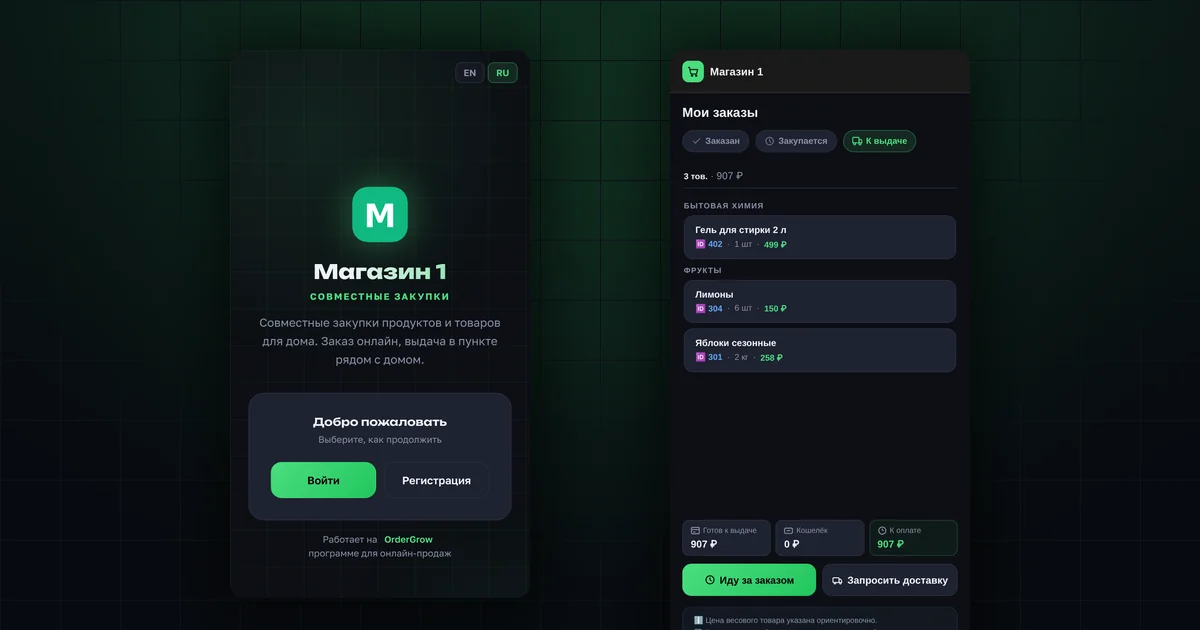
In short
- Sign up via MAX, or with a request and a PIN code.
- The app icon is added to your phone's home screen from the browser.
- An order is placed with one "Order" button.
- You get a notification when your order is ready.
- The amount to pay is shown in the app before you go to collect it.
Step 1. How do you sign up?
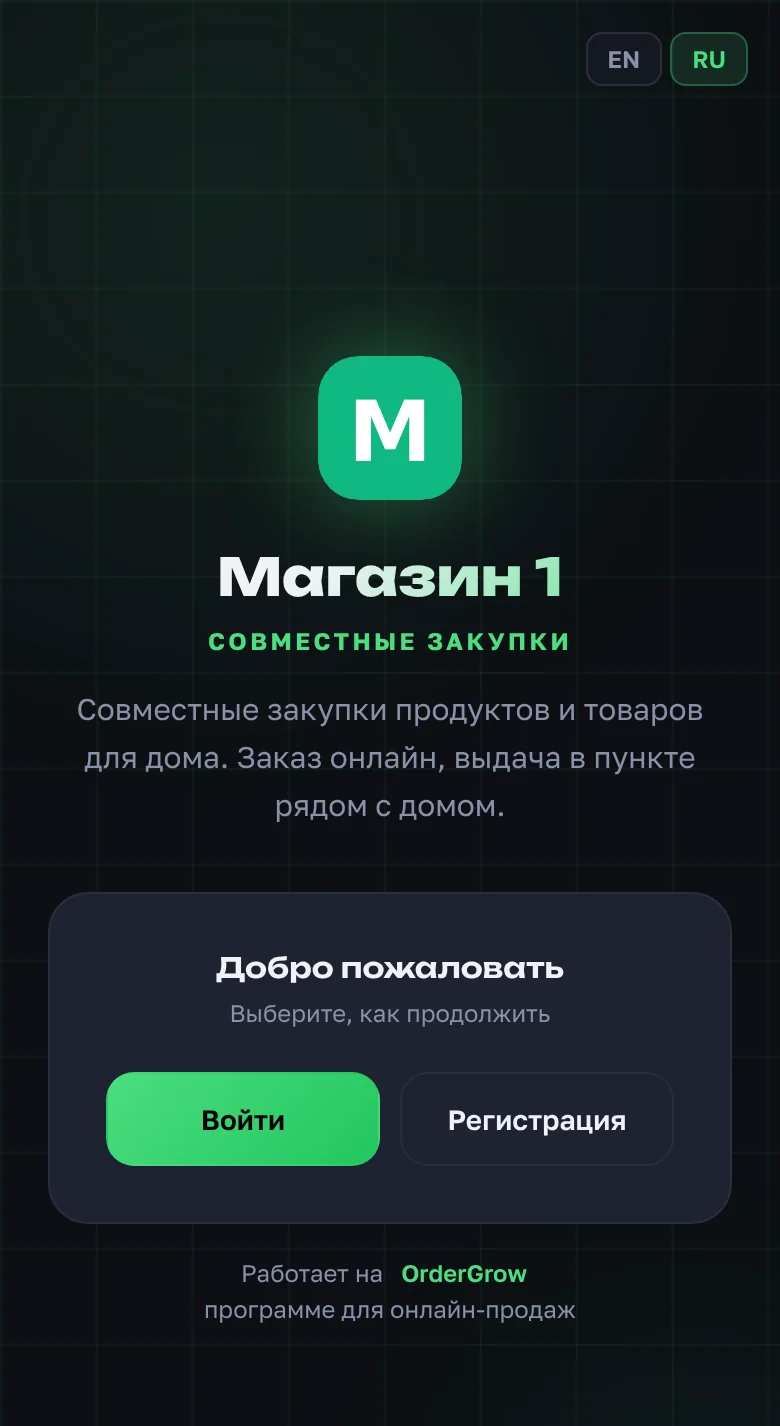
Open the app link your organizer sent you and tap "Sign up". If there is a "Via MAX" button, it is the fastest way: send the bot the code from the screen, and there is no need to wait for a PIN. If there is no such button, submit a request with your phone number and name, and the organizer will send you a PIN code. More: "How to sign up".
Step 2. How do you add the icon and turn on notifications?
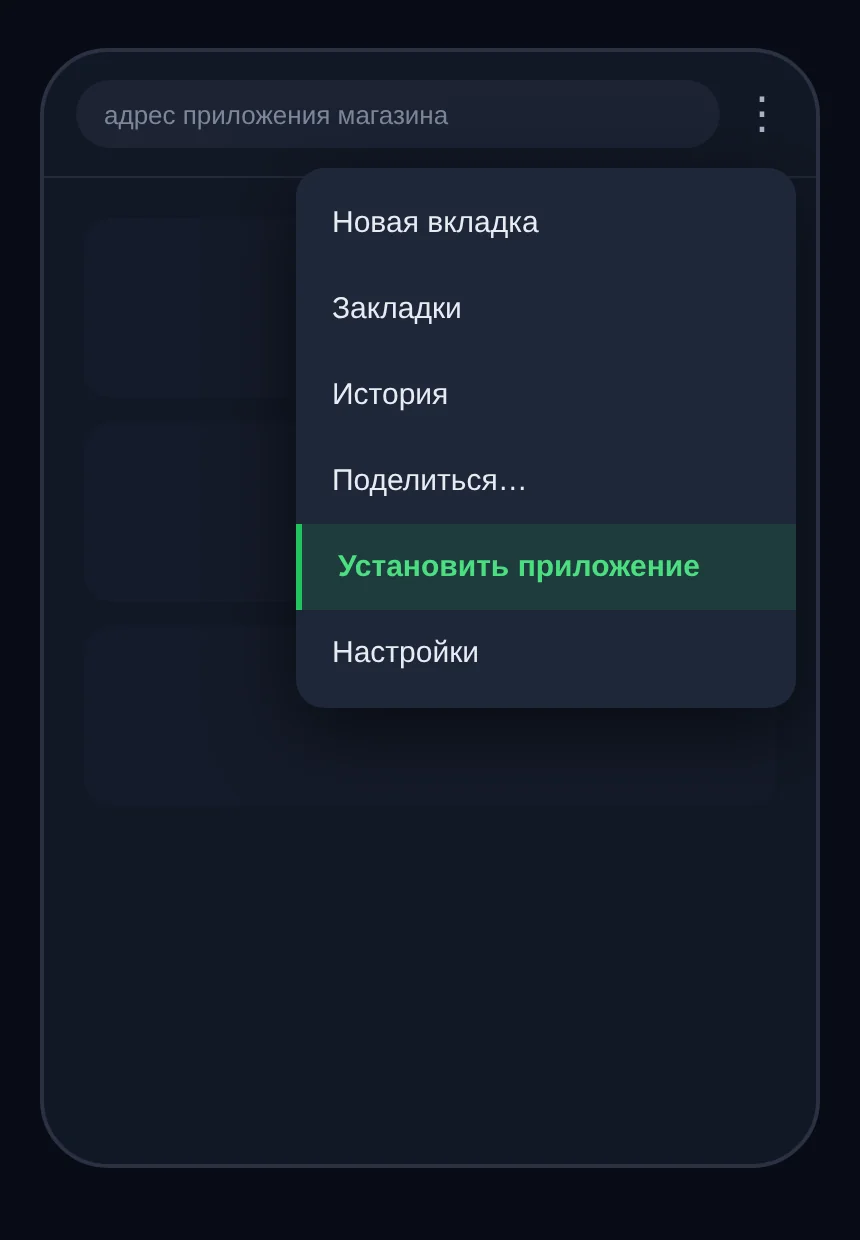
Add the app to your home screen: in Chrome or Yandex Browser, through the browser menu; in Safari, through "Share" → "Add to Home Screen". More: "How to add the app to your home screen".
Then turn on "Notifications" in "Profile". If they won't turn on: "Why notifications won't turn on".
Step 3. How do you place an order?
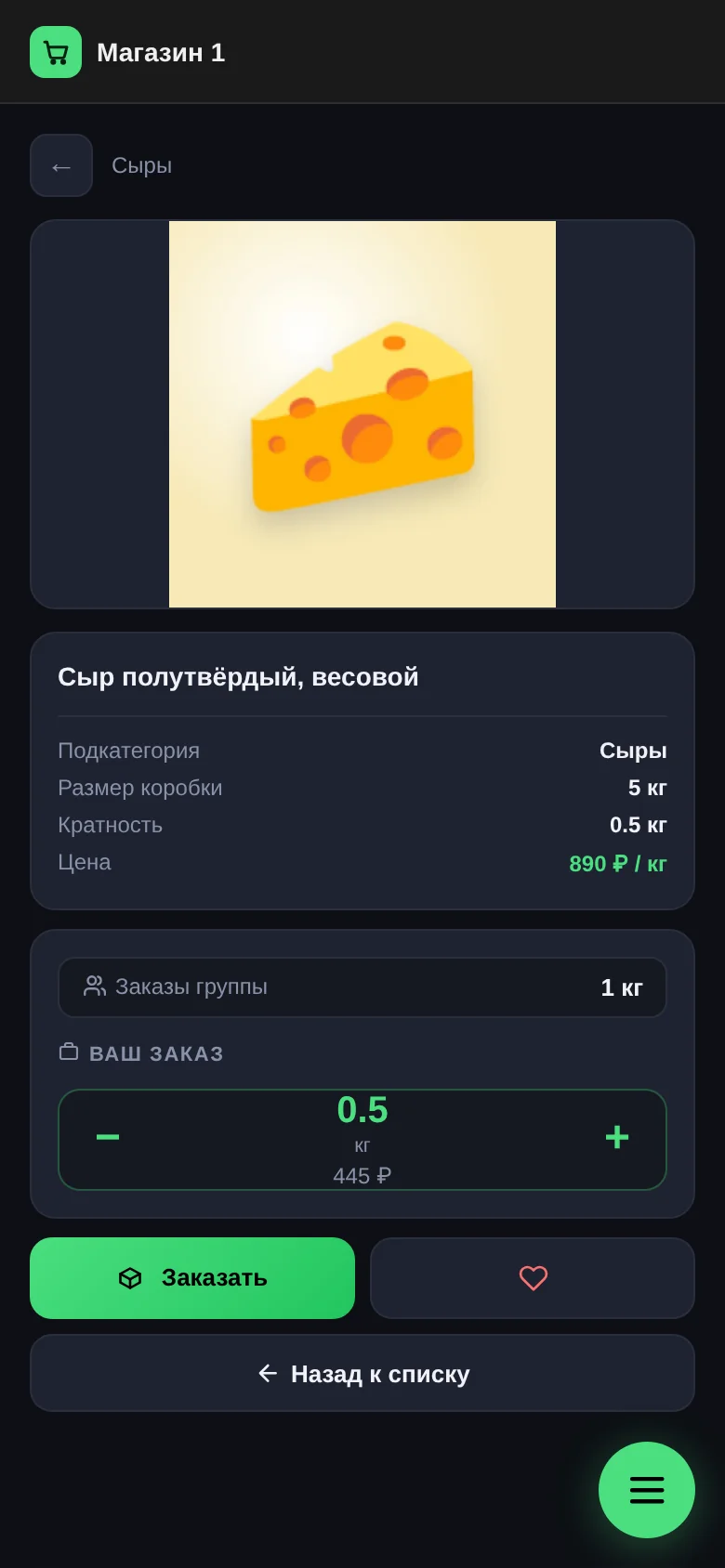
Find a product in "Catalog", "Hits" or "Collections", choose the quantity and tap "Order". You can cancel while the collection is still open. A product in "Favorites" will notify you when it is back. More: "How to order".
Step 4. How do you know your order is ready?
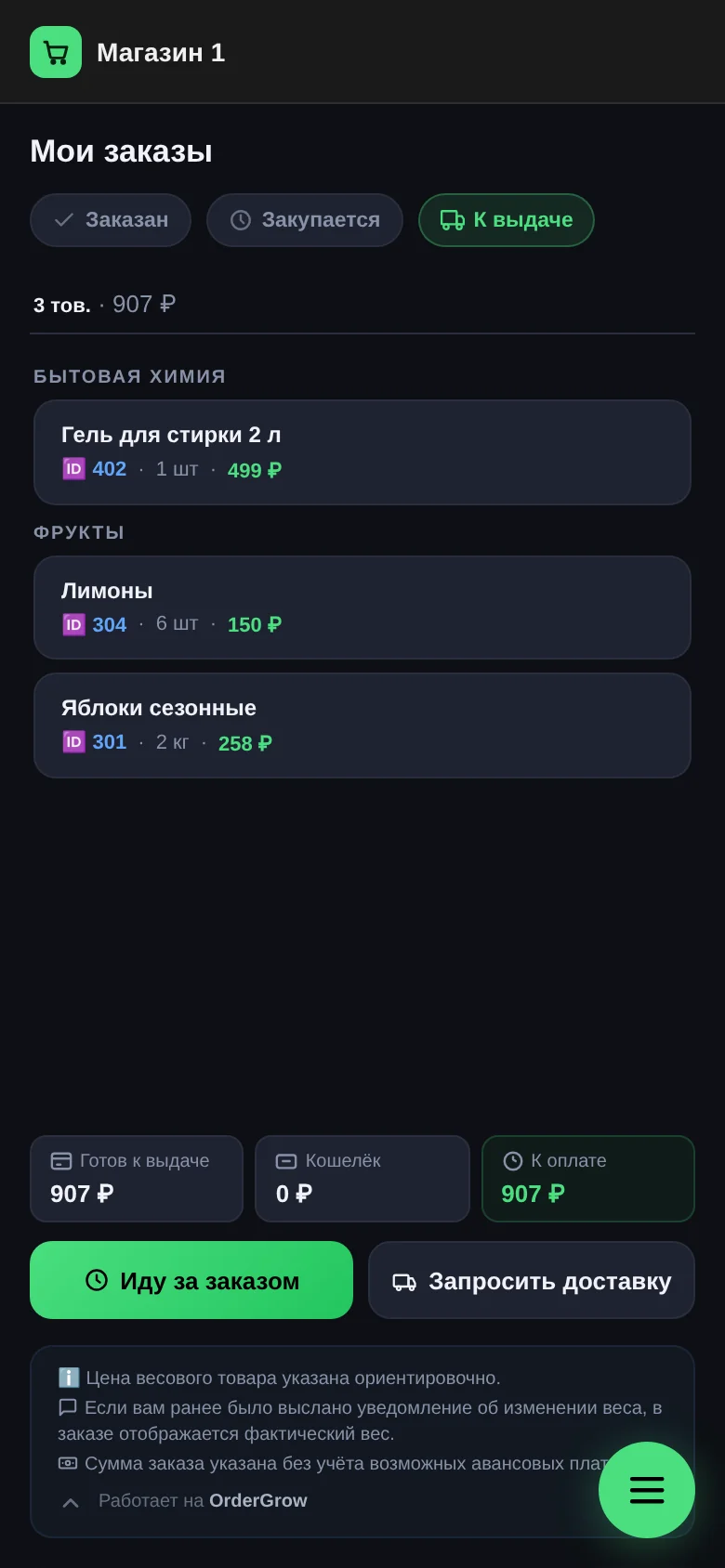
After the collection closes, your order moves to "Purchasing", and when the goods arrive, to "Ready for pickup". You get a notification, and the order appears on the "Ready" tab. More: "My orders".
Step 5. How do you collect your order?
- The "Ready" tab shows the "To pay" amount.
- The "Pick up order" button lets the organizer know when you'll come.
- The pickup point address and hours are in "Profile".
- If the shop delivers, there is also a "Request delivery" button.
Questions and answers
Where do I find the organizer's contacts?
In the app: "Profile" → "Get in touch".
Do I need Telegram?
No. Everything works in the app itself.
Do I pay in the app?
No, the app has no payments. It shows the amount; your organizer will tell you how to pay.