In short
- Notifications cover order statuses, quantity and price changes, pickup, delivery, the wallet and new collections.
- Buyers see them in two places: "Notifications" and "News". Push repeats the important ones on the phone screen.
- Push is turned on by the shop in its settings, and then by each buyer on their own device.
- To miss nothing, it is enough to open "News" once a day.
Which events trigger notifications?
| Event | "Notifications" | "News" | Push |
|---|---|---|---|
| Collection closed, order "Purchasing" | ✓ | ✓ | ✓ |
| Order "Ready for pickup" | ✓ | ✓ | ✓ |
| The organizer changed the quantity or price | ✓ | ✓ | ✓ |
| An item was cancelled by the organizer | ✓ | ✓ | ✓ |
| Order issued in full or in part | ✓ | ✓ | depends on shop setting |
| Delivery stages | ✓ | ✓ | ✓ |
| Wallet top-up or deduction | ✓ | ✓ | ✓ |
| A "Pick up order" visit confirmed or declined | ✓ | — | ✓ |
| An item from favorites is back on sale | ✓ | ✓ | ✓ |
| A new collection is open | ✓ | ✓ | — |
| Pickup reminder | organizer's choice | organizer's choice | organizer's choice |
| The buyer placed or cancelled an order themselves | ✓ | — | — |
The organizer sends pickup reminders manually and chooses the channels: "App feed" and "Push notification". How to do it is covered in the article on broadcasts.
Where do buyers see notifications?
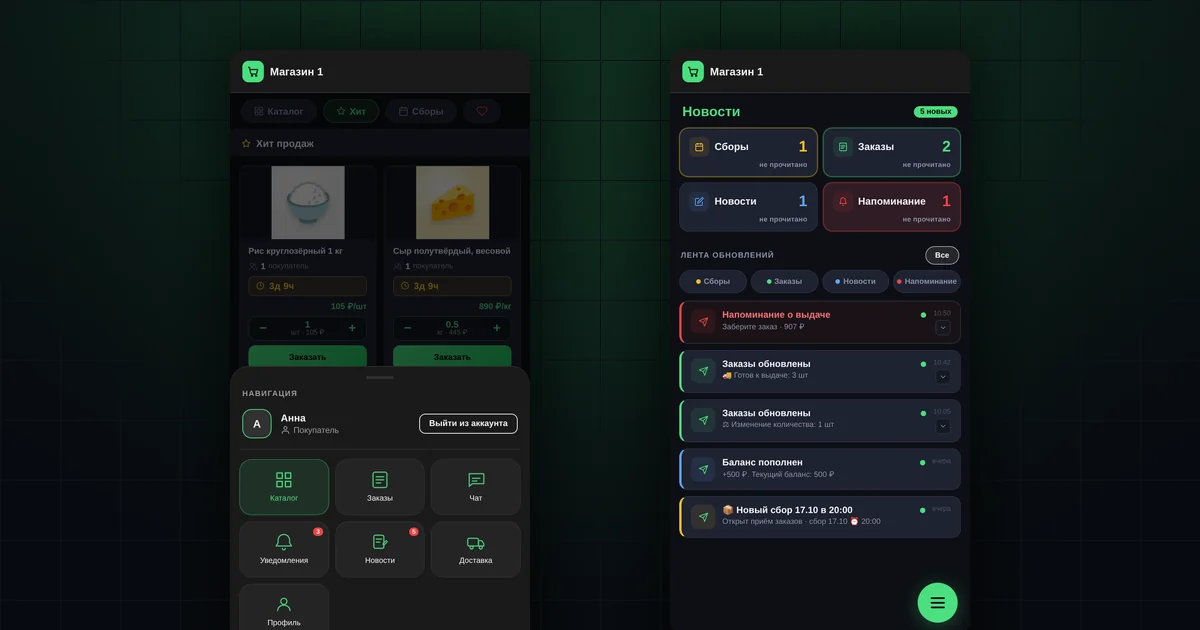
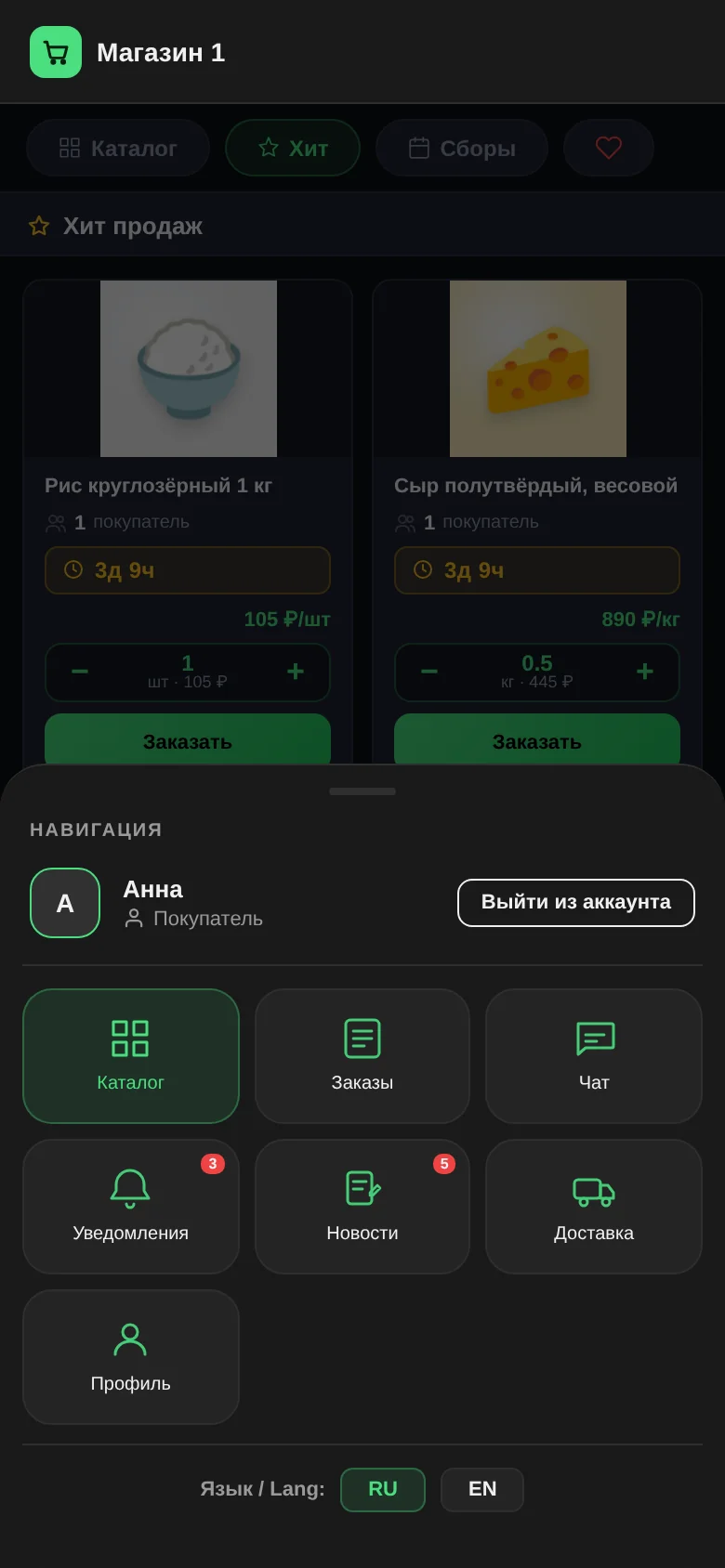
"Notifications". The tile with a bell in the app menu. The red number on it is how many are unread. If the app is added to the home screen, the same number appears on its icon. Inside are the last 100 notifications, with unread ones highlighted. Tapping a notification marks it as read; the "Mark all as read" button marks them all at once.
"News". The shop's event feed: general news about collections and personal messages about orders, the wallet and pickup. This is the main channel: every buyer sees it, regardless of their phone and settings.
Push. It pops up on the phone or computer screen even when the app is closed. Tapping a push opens the relevant section.
How are the tiles in "News" different from the feed?
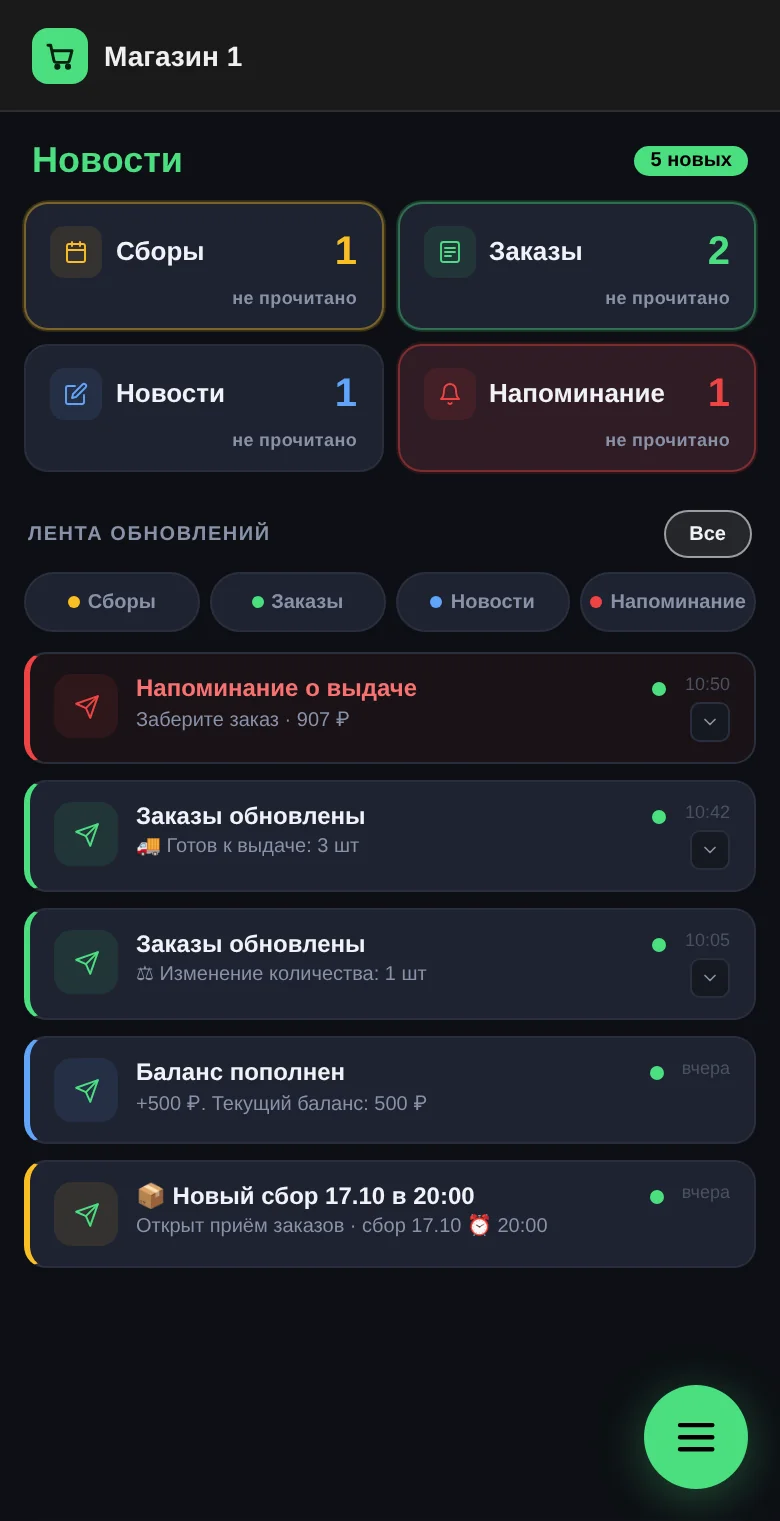
At the top of "News" there are four large tiles: "Collections", "Orders", "News", "Reminder". Each shows the number of unread items. Tapping a tile shows only the unread items in that category.
Below is the "Updates feed" with buttons for the same categories. They show all messages in the category, including read ones. The "All" button clears the filter.
The tiles are for seeing quickly what's new. The feed is for finding a message you have already read.
How does a shop turn on push?
- The organizer: "Settings" → "General" → "Push notifications" → "Enabled". Push is off by default. While it is off, buyers don't have a notifications switch in their profile at all.
- The buyer: "Profile" → "Notifications", in the same section where the light or dark theme is switched. The browser will ask for permission; the buyer needs to allow it.
Push is turned on separately on each device: a phone and a computer are two devices.
If the switch is grey, the reason is shown next to it: notifications are blocked in the browser, the app hasn't been added to the Home Screen on an iPhone, or the browser doesn't support them. What to do in each case is in the guide why notifications won't turn on.
Help the buyer at pickup. While they wait for their order, check together that the app is on the home screen and notifications are on. See the pickup checklist.
What is "Notify at the moment of handover"?
It is the second setting in the same "General" tab, and it appears once push is on. It controls the "Order issued" and "Delivery completed" pushes. It is off by default.
The logic is simple: at that moment the buyer is standing in front of you or the courier and can see they have their order. They don't need a push. An entry in "Notifications" and "News" appears either way, so the buyer can later check what they collected and when.
What does the organizer receive?
- a "New sign-in request" push: someone is waiting for a PIN code (more in the article on shop members);
- a "Visit request" push: a buyer pressed "Pick up order" (more in the article on order pickup);
- the "Activity" panel: visits, orders, cancellations, delivery and broadcasts over the last 24 hours; it updates by itself.
If the shop has a bot connected, collection summaries and new order messages also go to admins in Telegram.
What notifications don't do
- They can't be set up by category. A buyer turns push on or off as a whole; individual events can't be switched off.
- They don't cover chat messages. Buyers need to open the chat themselves.
- They don't warn that a collection is about to close. The organizer announces that in the group.
- They don't arrive if push is turned off in the browser. That is why "News" is the channel you can always rely on.
Questions and answers
A buyer says they get no notifications.
Check three things: push is on in the shop settings, the buyer has "Notifications" turned on in their profile, and the browser isn't blocking them.
Does push arrive if the app is closed?
Yes. If the app is open, the push arrives silently and the counter updates right away.
Do buyers who use the bot get anything extra?
Yes, they also receive messages in Telegram.